AI Services Market › スキルファクトリー › 動画 › Copy Card Correction
$4.99 · サインイン不要v1.0.0– 回表示
Copy Card Correction
弱いコピーが、編集のたびに直っていく様子を見せます。
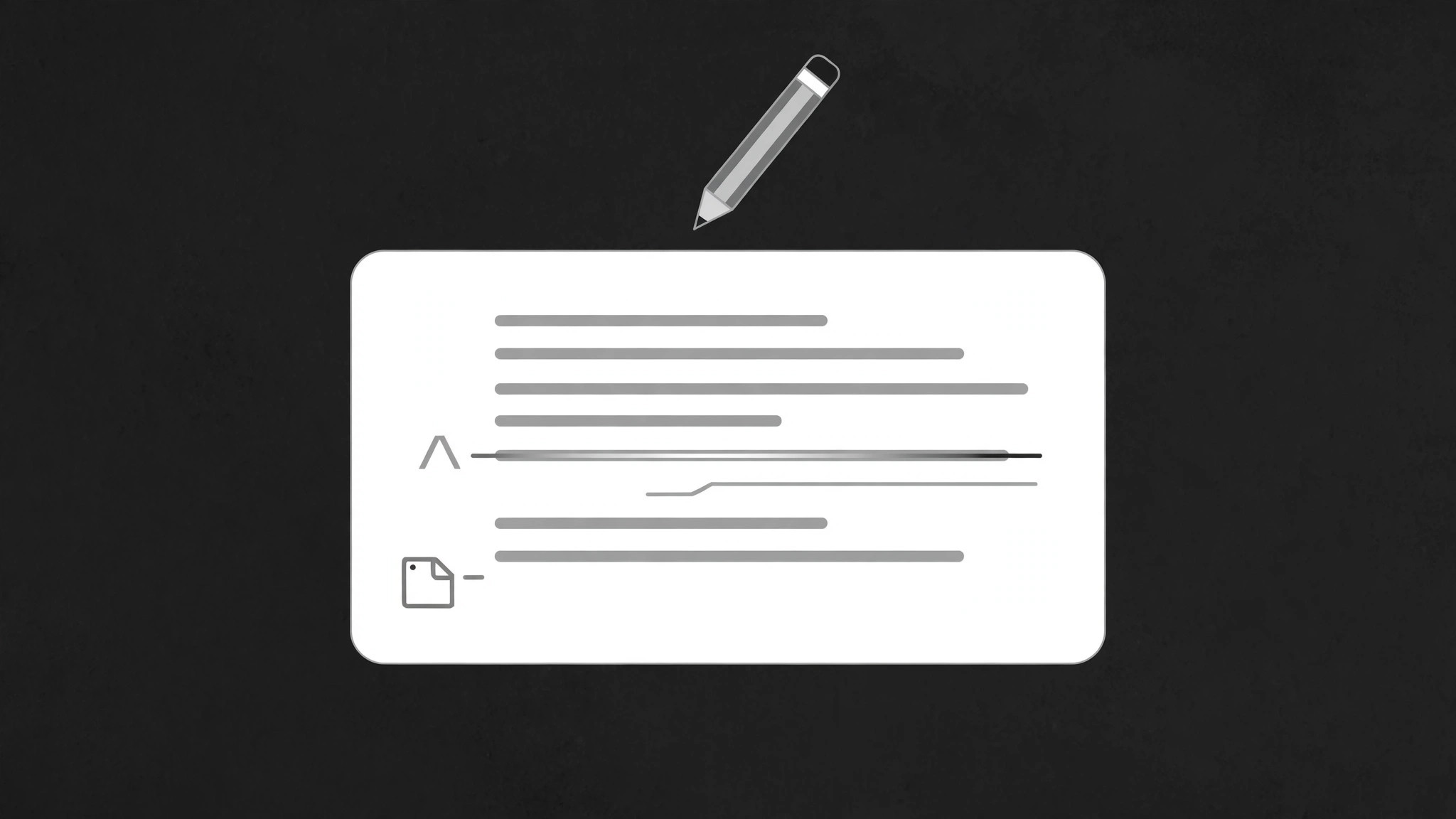
誤りのあるコピーカードが画面上でリアルタイムに修正されます。間違った語に取り消し線が入り、置き換えが滑り込み、余白の注釈が何がなぜ変わったかを正確に示します——編集を見えるレッスンにします。
こんな方におすすめ
画面上で編集や校正を実演するライティング教師、コピーライター、編集者の方
所要時間
最初の修正カードまで約25分
レベル
初心者向け
3ステップでインストール
登録不要。CLIツールも不要です。お使いのAIを選んで、1行コピーして貼るだけです。
ご自分で入れたい場合は、スキルを購入($4.99)し、購入完了画面からZIPをダウンロードして、上のディレクトリに展開し、AIのセッションを再起動してください。結果は同じです。すでに購入済みの場合は、AIアシスタントにダウンロードしてもらうこともできます。
パックの内容
SKILL.md(手順書)1点とスターターテンプレート1点が入っています。プレビューはこちらです:
Copy Card Correction
When to use
- A writing or editing lesson needs to show a draft becoming a better draft, live
- A copywriting video must prove that small word changes change the meaning
- A proofreading demo needs to show what an editor actually notices and fixes
- A before-and-after needs the audience to see each individual fix, not just the finished version
- A brand or style-guide video must demonstrate a rule by correcting a violation on screen
- You have one card of copy with 3–6 fixable problems and want the audience to learn the pattern behind the fixes
Workflow
- Write the flawed card (input: your draft copy → output: flawed card)
Start with the card as it would appear uncorrected: headline, 2–4 lines of body copy, maybe a call to action. Plant or keep 3–6 genuine problems — a vague word, a passive construction, a wrong number, a spelling slip, a jargon pile-up. Each problem must be a real fix, not a staged typo: the audience learns from the reasoning, and a fake error teaches nothing. Mark each problem's span (the exact words to be replaced) and write the replacement plus a 3–6 word reason ("specific beats vague", "active voice"). - Design the card layout (input: flawed card → output: layout)
The card sits centre-screen, generous padding, body text at a size readable on a phone (at least 5% of frame height per line). Leave a margin on the right or below for annotation marks — the correction notes must not overlap the copy. Problem spans get a subtle underline or highlight in a warm accent at rest (before correction), so the audience can sense "something is off here" without being told. The replacement text and the annotation marks stay hidden until their turn. - Choreograph the correction sequence (input: layout → output: timing map)
Total duration 5–8 seconds for 3–6 fixes. Fix one problem at a time, in reading order (top to bottom), 900ms–1.3s per fix, with a 200ms pause between fixes so each one registers. Never correct two spans at once — the audience must be able to say "that word changed because of that reason" for every fix. Order matters: fix the headline problem first if there is one (it frames the rest), otherwise follow reading order strictly. - Set keyframes for strike, replace, annotate (input: timing map → output: keyframe spec)
Each fix plays in three beats. Beat 1 — strike: a line draws through the old span left to right over 250ms (ease-out), and the old words fade to 45% opacity. Beat 2 — replace: the new words slide up 6px and fade in (opacity 0 → 1 over 300ms, ease-out) directly above or in place of the struck span, while the old words shrink to 90% and grey out. Beat 3 — annotate: a small mark (a caret, an asterisk, or a numbered dot) pops in at the margin (scale 0 → 1.2 → 1.0 over 200ms, ease-out back) with the 3–6 word reason fading in beside it. The corrected span gets a brief green or accent flash (background opacity 0.25 → 0 over 400ms) to confirm "this one is done". - Land the clean card (input: keyframe spec → output: finished motion)
After the last fix, pause 400ms, then the struck-through old words and the annotation marks fade out together over 400ms, leaving only the clean corrected card. Hold the clean card at least 1.2 seconds — the audience needs to read the finished version as a whole. Optional: a final line beneath the card summarises the lesson ("Specific verbs. Active voice. No jargon.") fading in over 300ms. If the video continues to another example, the card slides out left over 350ms and the next flawed card slides in from the right. - Check the lesson reads at full speed (input: finished motion → output: verified animation)
Watch at real speed: can you read every old span, every replacement, and every reason without pausing? If a fix flashes past, slow that fix's beats or shorten its text. Check the final clean card alone: does it read as good copy with no leftover marks? Any lingering strikethrough or annotation means the cleanup fade was skipped. Check that the reasons are genuinely explanatory — a reason of "better" explains nothing and must be rewritten.
テンプレートのプレビュー
Copy Card Correction — Starter Template
Fill in every {placeholder}. One fix at a time, in reading order. Reasons must be real rules, not "better".
Flawed card
- Headline: {flawed headline}
- Body:
{line 1}
{line 2}
{line 3}
{line 4 (optional)} - Call to action (optional): {flawed CTA}
Fix list (3–6, reading order)
- Headline fix first if one exists: [ ] yes / [ ] n/a
Layout
- Card: {centre-screen, padding} · Body text size: {≥5% of frame height per line}
- Annotation margin: {right / below} · Pre-highlight on problem spans: {subtle warm underline}
- Replacements + annotations hidden until their turn: [ ]
Timing map
スキルパック本体(SKILL.md とテンプレート)は英語で書かれています。


