AI Services Market › スキルファクトリー › Web › Contact Bar Hero
$4.99 · サインイン不要v1.0.0– 回表示
Contact Bar Hero
すべての訪問者が見る場所——ヒーローに電話番号を置きます。
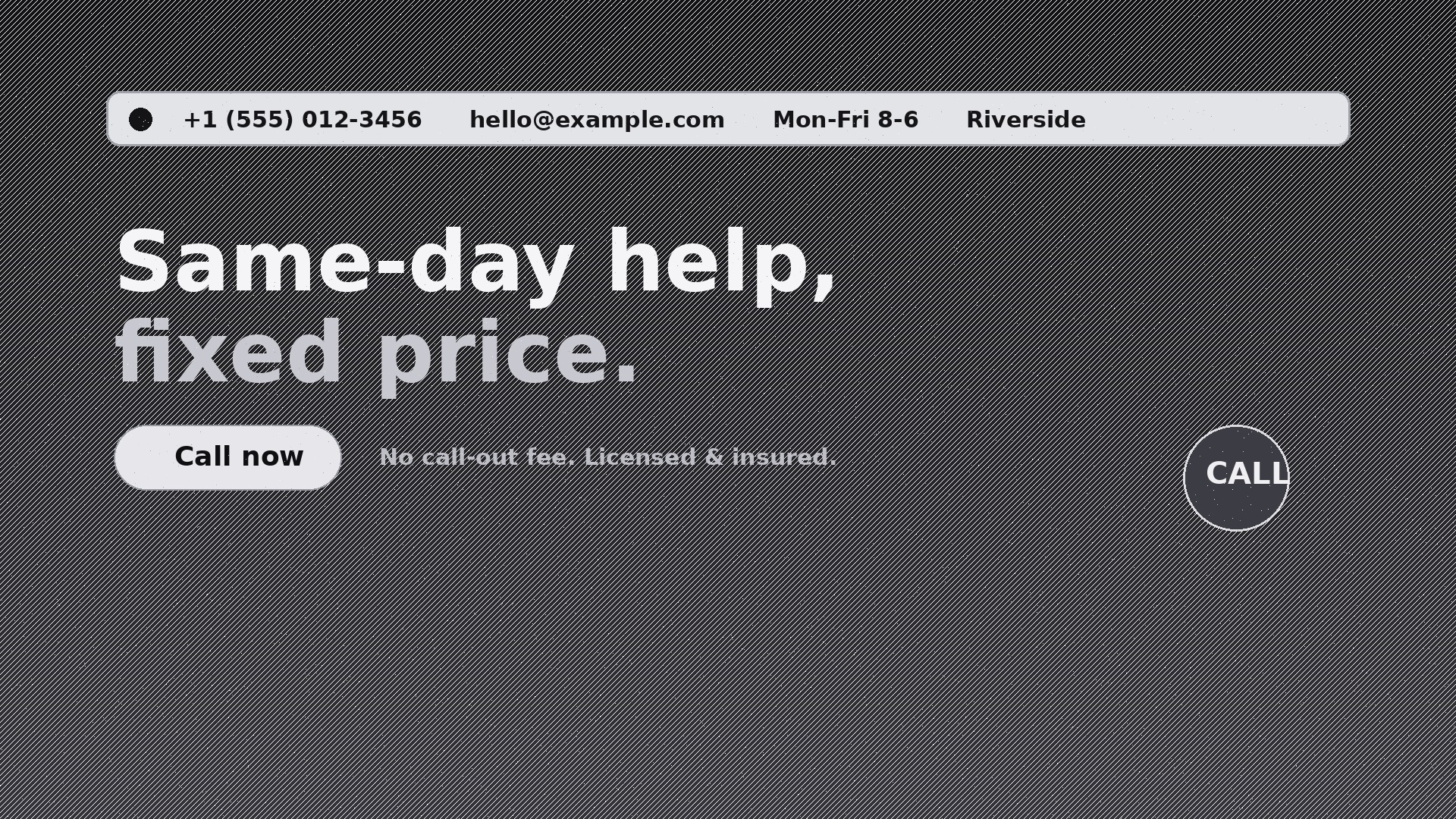
上部に細いタップ可能な連絡先バーを組み込んだホームページのヒーローをデザインします。電話、メール、営業時間、所在地を一目で分かる1行にまとめ、訪問者は連絡先ページを探さずにあなたへ連絡できます。
こんな方におすすめ
成約が電話やメールから始まる地域サービス事業者、クリニック、事務所、レストランの方
所要時間
初稿まで約20分
レベル
初心者向け
3ステップでインストール
登録不要。CLIツールも不要です。お使いのAIを選んで、1行コピーして貼るだけです。
ご自分で入れたい場合は、スキルを購入($4.99)し、購入完了画面からZIPをダウンロードして、上のディレクトリに展開し、AIのセッションを再起動してください。結果は同じです。すでに購入済みの場合は、AIアシスタントにダウンロードしてもらうこともできます。
パックの内容
SKILL.md(手順書)1点とスターターテンプレート1点が入っています。プレビューはこちらです:
Contact Bar Hero
When to use
- Your homepage hero looks great but visitors bounce because they can't find your phone number
- You run a local service business (plumber, dentist, law firm, restaurant) and most conversions start with a call
- Your site's contact page gets traffic but your hero gets ten times more — the contact details belong where the eyes are
- You need a hero that works on mobile, where the phone number must be one tap away
- You're rebuilding a homepage and want the top strip to carry hours, location, and contact in one glanceable line
- Your ads land on the homepage and you need the click-to-call path to be obvious within two seconds
Workflow
- Collect the contact facts (input: your business details → output: verified contact block)
Gather the exact phone number (with country code), the email address that actually gets answered, opening hours, street address or service area, and one preferred contact method. Verify every character — a wrong digit in a hero is worse than no number at all. Decide which channel is primary: if you answer the phone, the phone number leads; if you live in email, the email leads. One primary, the rest secondary. - Choose the bar layout (input: contact block + page width → output: bar layout spec)
Pick one of three layouts: full-width strip above the nav (best for desktop-heavy sites), a compact bar inside the hero's top edge (best when the nav must stay clean), or a split bar with contact on the left and hours/location on the right. On mobile the bar collapses to two tappable chips: Call and Email. Never stack four lines of contact text on a phone screen — two chips, nothing more. - Write the hero copy (input: your offer + audience → output: hero headline, subline, CTA)
One headline that names the outcome ("Same-day plumbing, fixed price"), one subline that removes the biggest fear ("No call-out fee. Licensed & insured."), and one primary CTA that matches the bar ("Call now" if phone is primary). The hero copy and the contact bar must agree: if the CTA says "Call now" but the bar buries the number, the design has failed. - Design the bar styling (input: layout spec + brand styles → output: styled bar mock)
The bar is quiet, not loud: high-contrast text on a dark or neutral strip, 13–15px type, icons for phone/mail/clock/pin, generous letter-spacing on the phone number so it scans in chunks. The phone number is atel:link, the email amailto:link, the address a maps link. Test contrast at small sizes — a grey-on-grey bar is a decoration, not a contact method. - Wire the interactions (input: styled mock → output: interaction spec)
Define what each element does: tapping the phone number dials, tapping email opens a pre-addressed compose window, tapping hours expands a small popover with the full weekly schedule, tapping the address opens maps. On desktop, hovering the phone number shows a "Click to call" hint. Add copy-to-clipboard on the email address for desktop users who prefer to paste. Every element must do something — dead contact text is a broken promise. - Check responsiveness and accessibility (input: interaction spec → output: QA-passed hero)
Test at 360px, 768px, and 1440px widths. The bar must never wrap into three ragged lines, never overlap the headline, and never push the CTA below the fold on a phone. Screen-reader check: the phone link announces as "Call us at…", icons have text alternatives, and colour is never the only way the bar is distinguished. Keyboard users can tab to every link in the bar in a sensible order.
テンプレートのプレビュー
Contact Bar Hero — Starter Template
Fill in every {placeholder}, then hand the result to your designer or page builder.
Contact block (verify every character)
- Phone: {phone_with_country_code} — primary channel: {phone_or_email}
- Email: {contact_email}
- Hours: {opening_hours, e.g. Mon–Fri 8:00–18:00}
- Address / service area: {address_or_service_area}
- Secondary channels: {secondary_channels, e.g. WhatsApp, contact form}
Bar layout (pick one)
- Layout: {full_width_strip | inside_hero_top | split_left_right}
- Desktop: {one-line bar contents, left to right}
- Mobile: two chips only — [Call] [Email]
Hero copy
- Headline (≤10 words): {headline_outcome}
スキルパック本体(SKILL.md とテンプレート)は英語で書かれています。


