AI Services Market › スキルファクトリー › 動画 › Complete Motion Effects Library
$4.99 · サインイン不要v1.0.0– 回表示
Complete Motion Effects Library
動画に必要なすべてのモーションを、カタログ化して選べる状態にします。
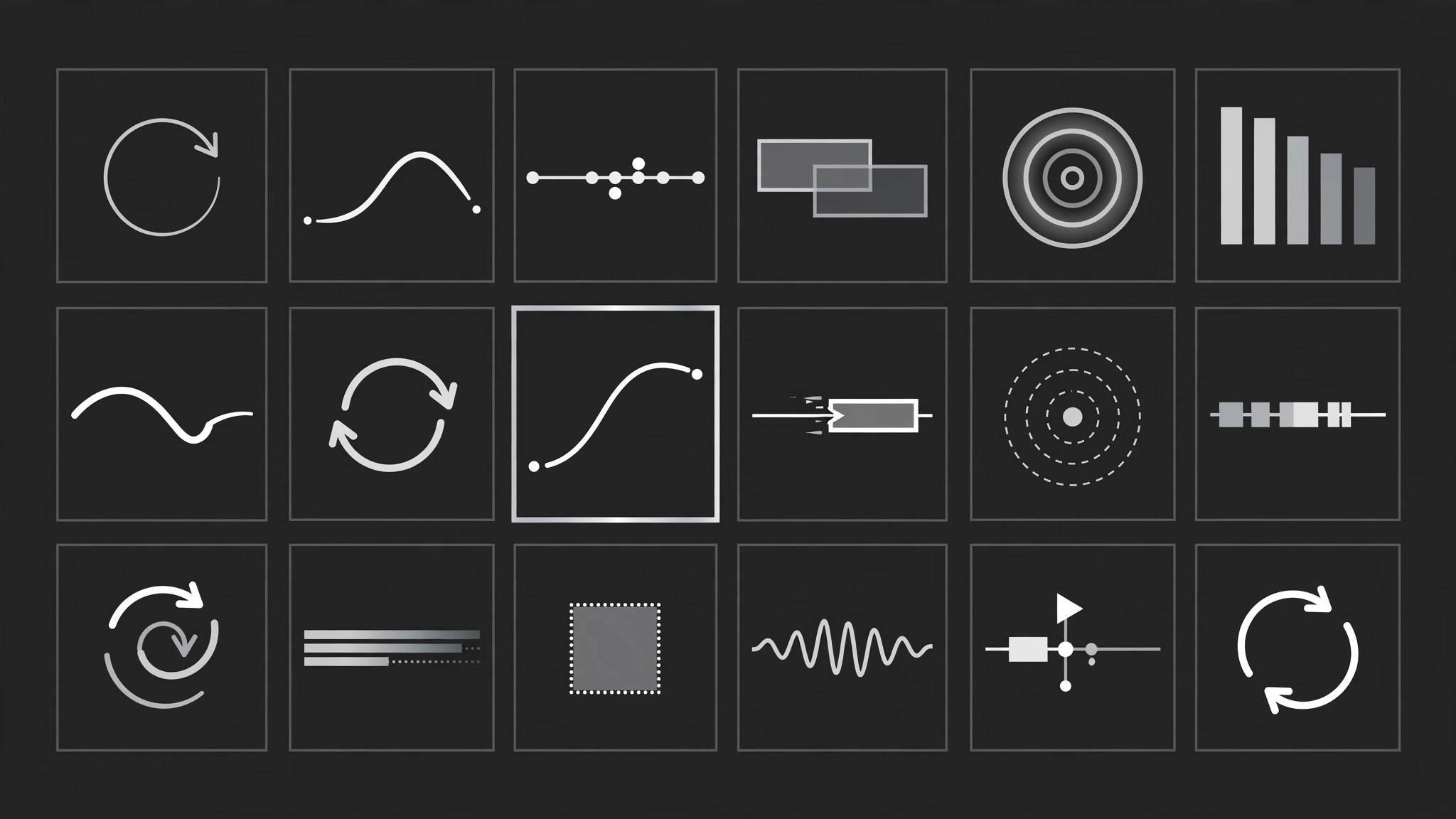
動画や資料のための完全で閲覧可能なモーションエフェクトライブラリを構築します。5つのファミリー、1つのタイミングシステム、エフェクトごとに仕様カードを備え、台本の各瞬間に合ったエフェクトを選ぶセレクターも付きます。
こんな方におすすめ
定期的にアニメーションを作り、毎回白紙のタイムラインから始めるのではなく一貫したモーションが欲しい動画編集者、モーションデザイナー、チームの方
所要時間
最初のライブラリ構築まで約45分
レベル
中級
3ステップでインストール
登録不要。CLIツールも不要です。お使いのAIを選んで、1行コピーして貼るだけです。
ご自分で入れたい場合は、スキルを購入($4.99)し、購入完了画面からZIPをダウンロードして、上のディレクトリに展開し、AIのセッションを再起動してください。結果は同じです。すでに購入済みの場合は、AIアシスタントにダウンロードしてもらうこともできます。
パックの内容
SKILL.md(手順書)1点とスターターテンプレート1点が入っています。プレビューはこちらです:
Complete Motion Effects Library
When to use
- You make videos or animated decks regularly and every project starts from a blank timeline
- Different editors on the same team animate the same kind of moment five different ways
- A script has a dozen moments that each need motion, and you want a deliberate pick for each instead of defaulting to the same transition
- You are building a template pack or brand kit and need the motion side documented like the colour and type side
- A client keeps asking "can it move like that other video" and you need a shared vocabulary to answer precisely
- You want to audit an existing video and name exactly which effects it uses and where the timing goes inconsistent
Workflow
- Inventory the moments (input: your script or finished video → output: moment list)
Go through the script or timeline and list every moment that moves or should move: entrances, emphasis beats, transitions between sections, data reveals, exits. One line per moment: timestamp, what is on screen, what the motion must accomplish (reveal, compare, emphasise, connect). Do not pick effects yet — a good library starts from needs, not from a catalogue of flashy moves. - Sort moments into five families (input: moment list → output: family map)
Assign every moment to exactly one family: Entrance (something arrives), Emphasis (something already on screen gets attention), Transition (the viewer moves from one idea to the next), Data (a number, chart, or comparison changes), Exit (something leaves). If a moment fits two families, split it into two beats — one effect per beat keeps the library clean and the timeline readable. Count per family; a library with 14 transitions and 1 data effect is telling you where your gaps are. - Define the house timing system (input: family map → output: timing rules)
Set one timing system the whole library obeys: a base unit (e.g. 200ms), three speeds (quick = 1 unit, standard = 2 units, slow = 3–4 units), and one easing family (e.g. ease-out cubic cubic-bezier(0.22, 1, 0.36, 1) for entrances, ease-in-out for transitions). Cap simultaneous moving elements at three — more than that reads as chaos, not energy. Write the rules down; the library is only a library if every entry follows them. - Write one spec card per effect (input: timing rules → output: spec cards)
Every effect gets the same spec card: name, family, purpose in one line, what it moves (element + property: position, scale, opacity, rotation, mask), keyframes with percentages, duration in timing units, easing, sound cue if any, and a "use when / never when" line. Aim for 4–8 effects per family — enough to choose from, few enough to remember. Include at least one restrained option per family (a simple fade, a plain cut, a static hold), because the library must let you choose restraint, not just spectacle. - Run the chooser (input: moment list + spec cards → output: effect assignments)
For each moment, ask in order: what must the viewer understand here? Which family answers that? Which effect in that family fits the tone (playful, serious, urgent)? Is this moment more or less important than its neighbours — save the biggest motion for the biggest beat. Record the pick next to the moment with its duration. If two neighbouring moments pick the same effect, change one — repetition back-to-back is the fastest way to make motion feel cheap. - Assemble the library document and preview (input: effect assignments + spec cards → output: finished library)
Assemble the library as a single document: timing rules first, then spec cards grouped by family, then the chooser decision flow, then a worked example (a 60-second script fully assigned). Add a preview: a short reel or storyboard where each effect plays once, in family order, labelled with its name and duration. Review the preview at full speed — if any two effects look identical in motion, merge them; if any effect breaks the timing rules, fix the spec.
テンプレートのプレビュー
Complete Motion Effects Library — Starter Template
Fill in every {placeholder}. One effect per beat; no identical neighbours.
Moment list
(Add rows to cover every moving moment.)
Family map
- Entrance: {moment #s} — count: {n}
- Emphasis: {moment #s} — count: {n}
- Transition: {moment #s} — count: {n}
- Data: {moment #s} — count: {n}
- Exit: {moment #s} — count: {n}
- Gap check: {family with fewest effects} needs more options.
Timing rules
- Base unit: {200ms}
- Quick: {1 unit} · Standard: {2 units} · Slow: {3–4 units}
- Easing family: {e.g. ease-out cubic cubic-bezier(0.22, 1, 0.36, 1)}
- Max simultaneous movers: {3}
Spec card (copy one per effect)
スキルパック本体(SKILL.md とテンプレート)は英語で書かれています。


