AI Services Market › スキルファクトリー › 動画 › Column Annotations
$4.99 · サインイン不要v1.0.0– 回表示
Column Annotations
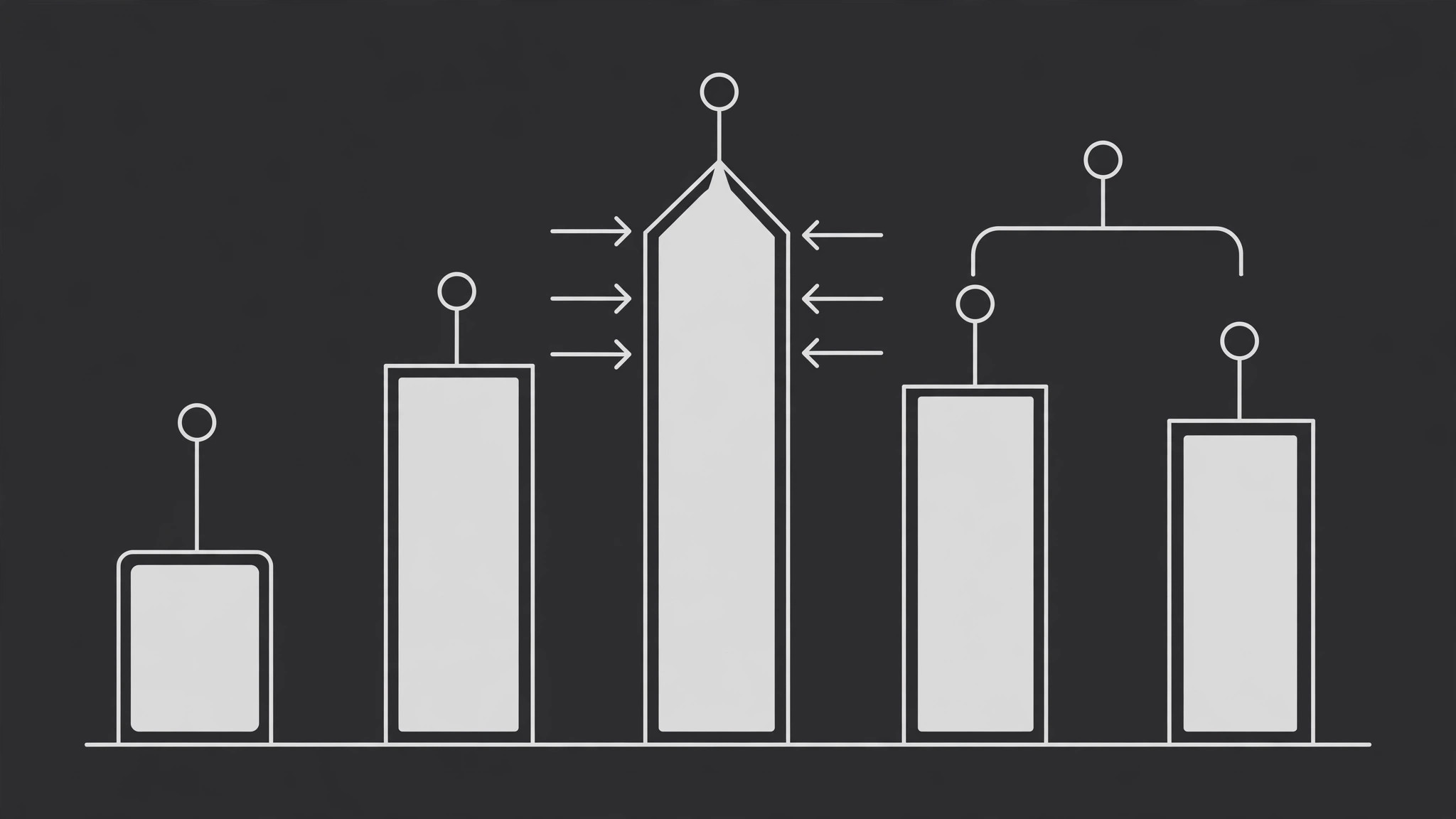
ラベルは上に浮かぶのではなく、列に乗って動きます。
値ラベル、コールアウト、ブラケットを棒グラフの列に直接固定し、ナレーションの順序で列の頂点から立ち上がらせ、データが議論されている間静止させます。注釈を付けるのは列の最大で半分までです。
こんな方におすすめ
棒グラフを1本ずつ視聴者に説明する制作者の方
所要時間
チャートごとに25分
レベル
初級
3ステップでインストール
登録不要。CLIツールも不要です。お使いのAIを選んで、1行コピーして貼るだけです。
ご自分で入れたい場合は、スキルを購入($4.99)し、購入完了画面からZIPをダウンロードして、上のディレクトリに展開し、AIのセッションを再起動してください。結果は同じです。すでに購入済みの場合は、AIアシスタントにダウンロードしてもらうこともできます。
パックの内容
SKILL.md(手順書)1点とスターターテンプレート1点が入っています。プレビューはこちらです:
Column Annotations
When to use
- A bar chart has 4–12 columns and the viewer needs to know which bars matter and why, not just that bars exist
- A column's value needs a label that sits on the column itself rather than in a legend or a caption below the chart
- Two or three columns deserve a bracket or grouping ("pre-launch vs post-launch") that the bare chart does not show
- A ranking or comparison chart needs callouts on the winner, the loser, and the surprise — without turning the chart into a wall of text
- A chart will be discussed bar-by-bar in narration, and each annotation should arrive with its bar's turn
Workflow
- Pick the annotated columns (input: chart → output: annotated column list)
Annotate at most half the columns — a chart where every bar carries a label is a spreadsheet with extra steps. Choose the columns the narration actually names: the max, the min, the turning point, the one that breaks the pattern. For each, write the annotation in ≤6 words. If an annotation needs a full sentence, it belongs in narration, not on the chart. - Choose the annotation type per column (input: annotated columns → output: type assignment)
Three types, each with one job: value label (the number, sitting just above the column top), callout (a short line of text + a thin leader line pointing at a specific part of the column), bracket (a horizontal bracket spanning 2+ adjacent columns with a group label above it). Value labels answer "how much"; callouts answer "why this one"; brackets answer "these belong together." Do not use two types on the same column — a labeled, called-out, bracketed column is visual shouting. - Anchor each annotation to its column (input: chart + annotations → output: anchor positions)
Every annotation is anchored to a fixed point on its column: value labels to the column top-center, callouts to the exact data point they describe (top, midpoint, or a segment inside a stacked column), brackets to the outer edges of the first and last columns in the group. Anchors move with the chart: if the chart rescales or a column grows during an animated reveal, the annotation rides its anchor point. An annotation that floats free of its column is decoration; an anchored one is information. - Animate the rise (input: anchored annotations → output: entrance keyframes)
Annotations rise from their column tops, not in from the sides: each annotation starts at 0% opacity, positioned ~16 px below its final spot, and moves up into place over 0.3–0.4 s (ease-out). They arrive in stagger, 120–180 ms apart, in the order the narration will discuss them — not left-to-right by default. The leader line of a callout draws on after the text lands (0.2 s, from text toward column). Brackets draw last: the horizontal line extends outward from the center to both ends over 0.3 s, then the group label fades in above it. - Hold and clear (input: annotated chart → output: hold + exit)
Once all annotations are in, hold the fully annotated chart still for the whole discussion of those columns (≥2 s minimum). When the narration moves to a different point, clear annotations in one of two ways: fade all annotations out together (0.3 s) before the next set arrives, or dim the old set to 30% opacity while a new set rises. Never leave three generations of annotations stacked on one chart — the chart ends up wearing its own history.
テンプレートのプレビュー
Column Annotations — Production Template
One chart, one generation of annotations at a time. Fill in per annotation set.
Chart: {chart title / file} — Columns: {n} — Annotated: {≤ half}
Accent color (distinct from all column colors): {color} | Annotation type size: {axis label size + 2 px}
Annotations (in narration order, not left-to-right)
Bracket groups: "{group label}" spans columns {first} → {last}
Entrance
- Rise: from {~16 px} below, {0.3–0.4 s} ease-out, stagger {120–180 ms} in narration order
- Callout leader line: draws {0.2 s} after text lands, from text toward column
- Bracket: extends from center outward {0.3 s}, then group label fades in
スキルパック本体(SKILL.md とテンプレート)は英語で書かれています。


