AI Services Market › スキルファクトリー › 画像 › Clean SaaS OG Image
$4.99 · サインイン不要v1.0.0– 回表示
Clean SaaS OG Image
サムネイルサイズでもピッチが伝わるリンクプレビューを
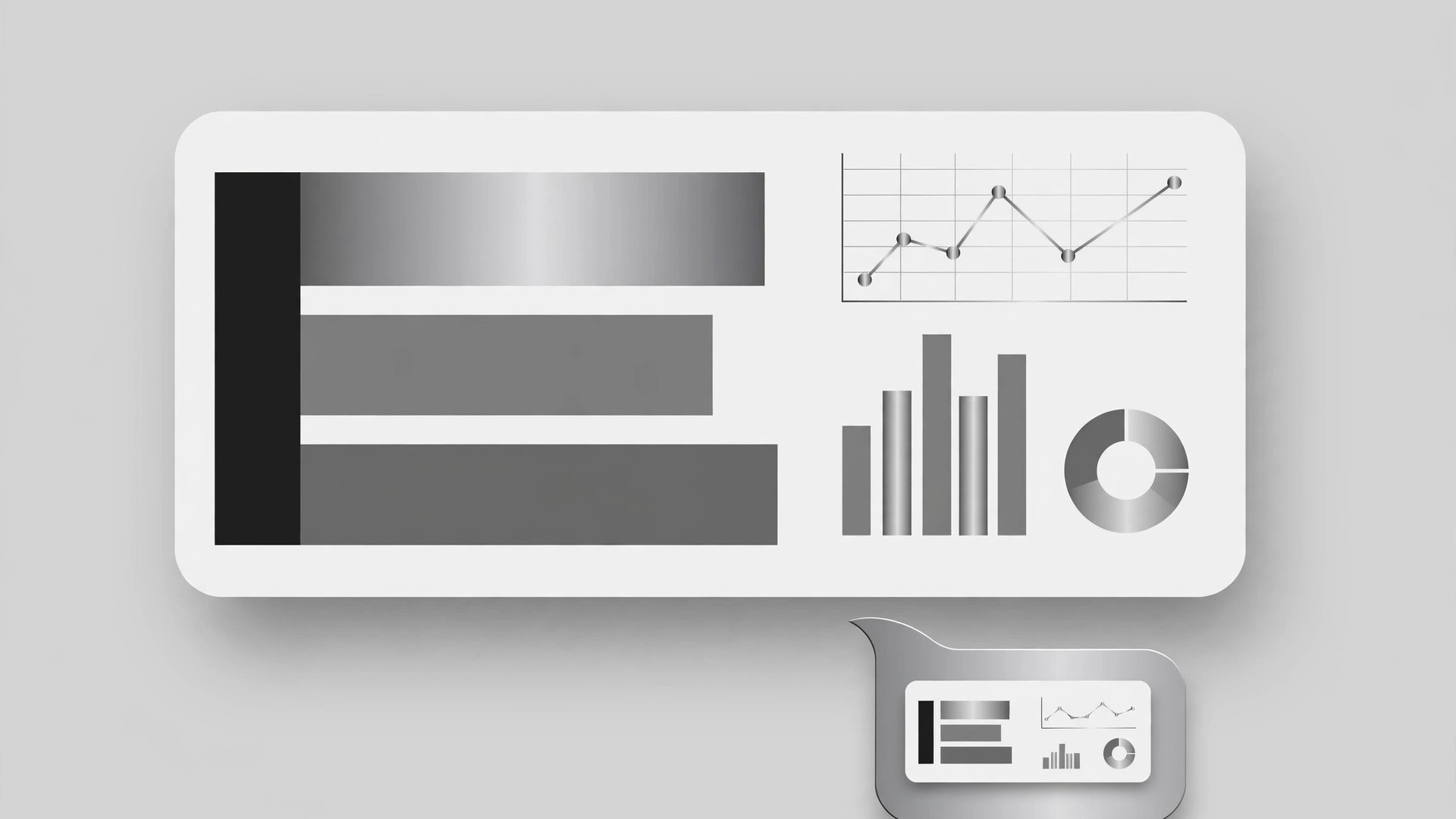
SaaSプロダクト向けのクリーンなSNSプレビュー(OG)画像をデザインします。落ち着いた色使い、プロダクトUIの気配、そしてサムネイルサイズで読める見出しを備えます。
こんな方におすすめ
共有リンクでピッチを伝える必要があるSaaSの創業者とマーケター
所要時間
初稿まで約15分
レベル
初心者向け
3ステップでインストール
登録不要。CLIツールも不要です。お使いのAIを選んで、1行コピーして貼るだけです。
ご自分で入れたい場合は、スキルを購入($4.99)し、購入完了画面からZIPをダウンロードして、上のディレクトリに展開し、AIのセッションを再起動してください。結果は同じです。すでに購入済みの場合は、AIアシスタントにダウンロードしてもらうこともできます。
パックの内容
SKILL.md(手順書)1点とスターターテンプレート1点が入っています。プレビューはこちらです:
Clean SaaS OG Image
When to use
- Your SaaS product's links look blank or messy when shared on social media, chat apps, or in docs
- You are launching a product, feature, or pricing page and want the shared link to carry the pitch
- A landing page needs a preview image that matches its design instead of an auto-cropped screenshot
- You are refreshing a product's brand and the old preview image no longer matches
- You need one preview image that works across link unfurls, not a different graphic per platform
Workflow
- Define the one message (input: page + product → output: message line)
Decide the single thing the image must say: the product name plus a short value line (under 8 words) or the page's core promise. An OG image is seen at thumbnail size in a fast-scrolling feed — it gets one message, not a feature list. If you cannot state it in one line, the page's message needs clarifying before the image gets designed. - Choose the layout (input: message line → output: layout sketch)
Pick one of the proven clean layouts: left-aligned headline with a small product UI panel on the right, centered headline over a calm background with a small UI strip below, or headline plus logo lockup with a large soft color field. Keep generous margins — link previews crop unpredictably, so nothing important sits within 10% of any edge. Sketch the layout as boxes before adding any color or detail. - Set the calm palette (input: layout sketch → output: color system)
Use the product's own colors, restrained: a light neutral or soft brand-tinted background, one brand color for the headline accent or UI hint, and dark neutral text. Calm means low contrast between background elements and high contrast for the words — the headline must read instantly at 200 pixels wide. Avoid gradients, stock-photo backgrounds, and more than two accent colors; they turn muddy at thumbnail size. - Build the UI hint (input: color system → output: composed image)
Show a hint of the product UI, not a full screenshot: a simplified card, a dashboard panel with abstract shapes for charts, or a single recognizable screen element, rendered in the product's style with placeholder shapes instead of real data. The UI hint proves "this is a real product" at a glance; a full screenshot proves nothing because nobody can read it at thumbnail size. Keep the UI hint to one-third of the canvas at most — the headline is the star. - Test at thumbnail size (input: composed image → output: final OG image)
Export at 1200×630 and check it three ways: at full size, at roughly 240×126 (a typical chat unfurl), and on a dark background (some clients show previews on dark surfaces). The product name and headline must be readable in all three; the UI hint should still read as "a product screen". Fix any text that blurs, any element that vanishes, or any crop that clips a word — then export the final file and confirm the page points to it.
テンプレートのプレビュー
Clean SaaS OG Image — Build Template
One page = one OG image. One message, one accent, thumbnail-readable.
Page: {page title} — {URL}
Product: {name} One message (product name + value line, under 8 words): {e.g., "Acme — Invoicing without the busywork"} Audience seeing this link: {who shares / clicks it}
Layout (pick one, sketch as boxes first)
- [ ] Left headline + small UI panel on the right
- [ ] Centered headline + small UI strip below
- [ ] Headline + logo lockup + large soft color field
Safe margins: nothing important within 10% of any edge — checked: [ ]
Color system (product's own colors, restrained)
スキルパック本体(SKILL.md とテンプレート)は英語で書かれています。


