AI Services Market › スキルファクトリー › スライド › Citrus Loop Deck
$4.99 · サインイン不要v1.0.0– 回表示
Citrus Loop Deck
開いて、展開し、一文に戻る——ループが閉じる鮮やかな資料です。
円環状の論理を軸にした、柑橘のように爽やかなプレゼン資料を作成します。一文のループ文で始まり、証拠がループの実際の順序に沿って進み、最後のスライドで冒頭の一文を一言一句そのまま再提示します。今度は説得力を伴って。
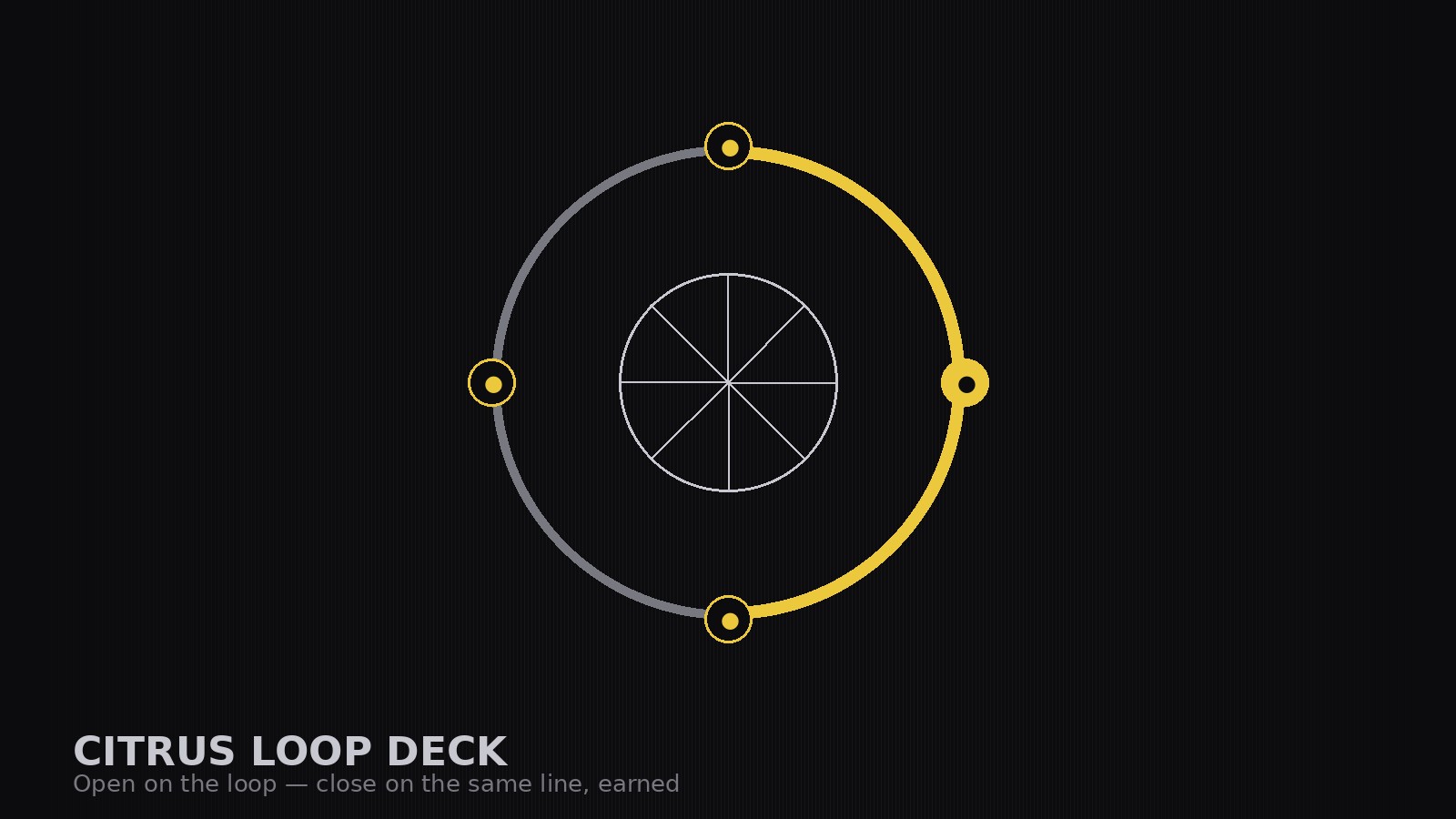
こんな方におすすめ
循環するストーリーで製品やキャンペーンを立ち上げる創業者、マーケター、ブランドチームの方
所要時間
初稿まで約30分
レベル
初心者向け
3ステップでインストール
登録不要。CLIツールも不要です。お使いのAIを選んで、1行コピーして貼るだけです。
ご自分で入れたい場合は、スキルを購入($4.99)し、購入完了画面からZIPをダウンロードして、上のディレクトリに展開し、AIのセッションを再起動してください。結果は同じです。すでに購入済みの場合は、AIアシスタントにダウンロードしてもらうこともできます。
パックの内容
SKILL.md(手順書)1点とスターターテンプレート1点が入っています。プレビューはこちらです:
Citrus Loop Deck
When to use
- You are launching a product, campaign, or brand and want the deck to feel fresh, energetic, and memorable rather than corporate
- Your argument is circular by nature — a habit, a subscription, a flywheel, a season that comes around again — and a linear deck keeps flattening it
- You are pitching to an audience that has sat through five grey decks today and you need yours to be the one they remember
- You want a deck with a closing slide that echoes the opening slide, so the pitch lands as one complete thought
- Your current deck rambles: it ends wherever the slides ran out, not where the argument closes
Workflow
- Find the loop (input: pitch material → output: loop statement)
State the loop in one sentence: the idea that the deck opens with, develops, and returns to. "Fresh fruit, delivered weekly, so the week starts fresh" is a loop; "our product has five features" is a list. If you cannot state the loop in one sentence, the deck is not a loop deck yet — keep working until the return is obvious. - Set the system (input: loop statement → output: design rules)
Fix the system before laying out slides: a citrus palette (zest orange, lemon yellow, leaf green) on a light background with one dark ink color for text, one rounded display typeface for headlines, one plain face for body text, and a rule for the loop motif — a simple circular device (a ring, a wheel, a cycle diagram) that appears on the opening, transition, and closing slides. Bright colors with discipline: two citrus accents maximum per slide. - Structure the circle (input: loop + material → output: slide outline)
Order the deck as a circle, not a line: open on the loop (the promise, stated once, plainly), walk through the evidence in the order the loop actually runs (the problem, the product, the proof, the plan), then close by restating the opening line — same words, now earned. Aim for 8–12 slides. One idea per slide; if a slide doesn't move the loop forward, cut it. - Lay out for energy (input: outline → output: full deck)
Keep slides bright and airy: generous white space, short headlines, one visual per slide (a photo, a diagram, a single number at huge size). Use the loop motif as a progress thread — each section slide shows the ring with the current stage highlighted, so the audience always knows where they are in the circle. Proof slides carry one number, one context line, and the source. - Close the loop (input: full deck → output: send-ready PDF)
Read the deck end-to-end: does the closing slide echo the opening slide word for word, and does the echo feel earned rather than repeated? Add slide titles that state each slide's point and a final slide with the ask and next step. Export, check it on a phone screen, and fix anything that only worked at presentation size.
テンプレートのプレビュー
Citrus Loop Deck — Pitch Template
One pitch = one loop. Lock the loop sentence before laying out slides — it is the deck.
The pitch
Product / campaign / brand: {name} | Audience: {who} | Meeting date: {date} Loop statement (one sentence — opened with, developed, returned to): {sentence} The ask: {what you want them to agree to} Next step: {concrete next step + date}
Design system (fixed before layout — follow literally)
Slide outline (8–12 slides — follow the loop's real order)
Loop motif tracker (the ring on opening / transition / closing slides)
Proof log (real figures only — no invented numbers)
スキルパック本体(SKILL.md とテンプレート)は英語で書かれています。


