AI Services Market › スキルファクトリー › 動画 › Chart Viewport Scan
$4.99 · サインイン不要v1.0.0– 回表示
Chart Viewport Scan
一度に表示できないほど大きなチャートを滑らかに移動します。
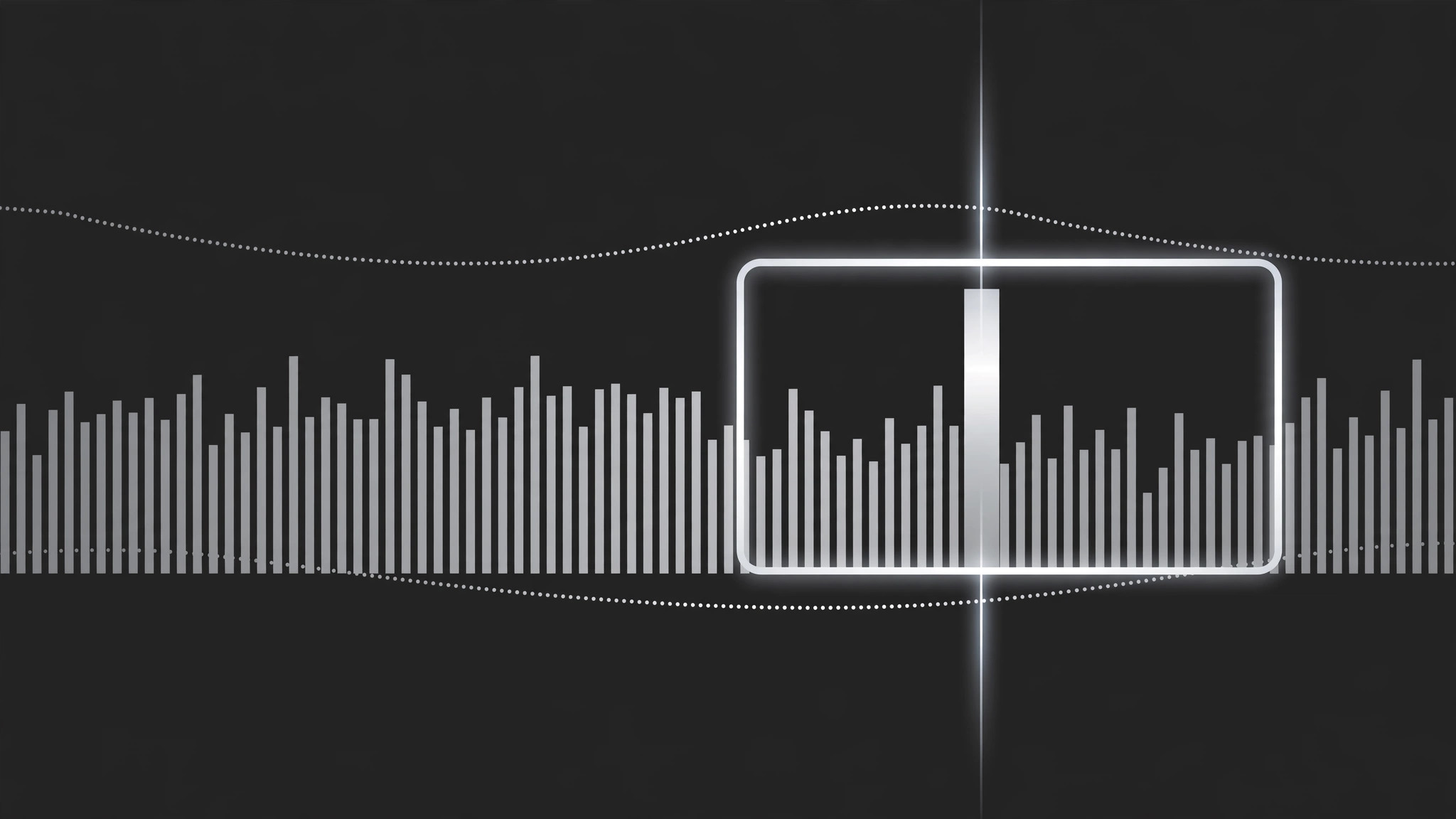
カメラのようなビューポートが、ストーリーの順序で密度の高いチャートをパン・ズームし、スキャンラインで目を向けるべき正確な場所を示しながら各重要領域で止まります。最後はチャート全体、または1つの要点数値で終わります。
こんな方におすすめ
密度の高いダッシュボード、タイムライン、横長のチャートを説明する制作者の方
所要時間
チャートごとに1時間
レベル
中級
3ステップでインストール
登録不要。CLIツールも不要です。お使いのAIを選んで、1行コピーして貼るだけです。
ご自分で入れたい場合は、スキルを購入($4.99)し、購入完了画面からZIPをダウンロードして、上のディレクトリに展開し、AIのセッションを再起動してください。結果は同じです。すでに購入済みの場合は、AIアシスタントにダウンロードしてもらうこともできます。
パックの内容
SKILL.md(手順書)1点とスターターテンプレート1点が入っています。プレビューはこちらです:
Chart Viewport Scan
When to use
- A chart is too wide or too dense to read at full-frame scale (a 12-month timeline, a 40-bar ranking, a scatter with a crowded corner)
- You want to walk the viewer through a chart left-to-right or along its story, instead of dumping the whole thing on screen at once
- A dashboard has one region that matters and the rest is context — the scan travels from context to focus
- A before/after comparison lives at opposite ends of one long chart
- A chart reveal needs motion with a purpose: the camera moves because the data has a direction, not because the frame looked static
Workflow
- Map the scan path (input: chart → output: ordered list of 2–5 waypoints)
Mark the waypoints the viewport will visit, in the order the story needs: usually left-to-right along the x-axis, or context → focus. Each waypoint = one readable region (a cluster of bars, one axis segment, one outlier) with a one-line narration note. Keep it to 2–5 waypoints; a scan with eight stops is a slideshow wearing a camera costume. The first waypoint should include enough of the chart's axes and labels that the viewer can orient before the camera starts moving. - Set the viewport size (input: waypoints → output: zoom level per waypoint)
At each waypoint, the viewport frames exactly that region with a 10–15% margin — tight enough to read the smallest label, loose enough that bars are not clipped mid-bar. All waypoints share one zoom philosophy: if the first waypoint is at 150% zoom, the rest should be within ±25% of it unless a waypoint is deliberately a pull-back for context. Zoom whiplash (180% → 90% → 200%) makes viewers seasick; a scan should feel like leaning in, not teleporting. - Animate the travel (input: waypoints → output: pan/zoom keyframes)
Travel between waypoints takes 1.2–2.0 s, with ease-in-out on both pan and zoom so the camera accelerates out of a stop and decelerates into the next. Pan and zoom happen together in a single move — never zoom first then pan, or the path kinks. Between waypoints, the camera never stops mid-path; every pause happens at a waypoint, where it holds still for the narration (1.5–3 s per stop, matched to the spoken line). - Add the scan line (input: viewport path → output: scan-line overlay)
A thin vertical or horizontal line (2 px, high-contrast) travels with the viewport's leading edge and marks the current reading position on the chart. It is a pointer, not a decoration: it sits exactly where the narration is. When the camera holds at a waypoint, the scan line holds too, parked on the specific bar, point, or threshold being discussed. If the narration names a value ("this bar, 42%"), the scan line touches that bar while the words land. - End on the full view or the takeaway (input: final waypoint → output: ending frame)
End one of two ways: pull back to the full chart (1.5 s ease-out zoom) so the viewer sees where the scanned regions sit in the whole, or push into the final takeaway region and hold it as the end card. Pull-back suits "now you see the pattern"; hold suits "remember this one number." Never end mid-travel — the last frame must be a deliberate still, held ≥2 s.
テンプレートのプレビュー
Chart Viewport Scan — Production Template
One chart, one continuous scan. Plan the path before animating a single keyframe.
Chart: {chart title / file} — Source resolution: {≥2× delivery}
Full chart shows: {what the whole chart says in one line}
Scan path (2–5 waypoints, story order)
Legend: [ ] Inside waypoint 1 frame [ ] Corner overlay for whole scan
Camera
- Travel between waypoints: {1.2–2.0 s}, ease-in-out, pan + zoom in one move
- Viewport margin at each stop: {10–15%} — no bar clipped mid-bar
- No mid-path pauses: [ ] Confirmed
Scan line
- Thickness: {2 px} | Color: {high-contrast vs chart}
スキルパック本体(SKILL.md とテンプレート)は英語で書かれています。


