AI Services Market › スキルファクトリー › 動画 › Chapter Grid Pan
$4.99 · サインイン不要v1.0.0– 回表示
Chapter Grid Pan
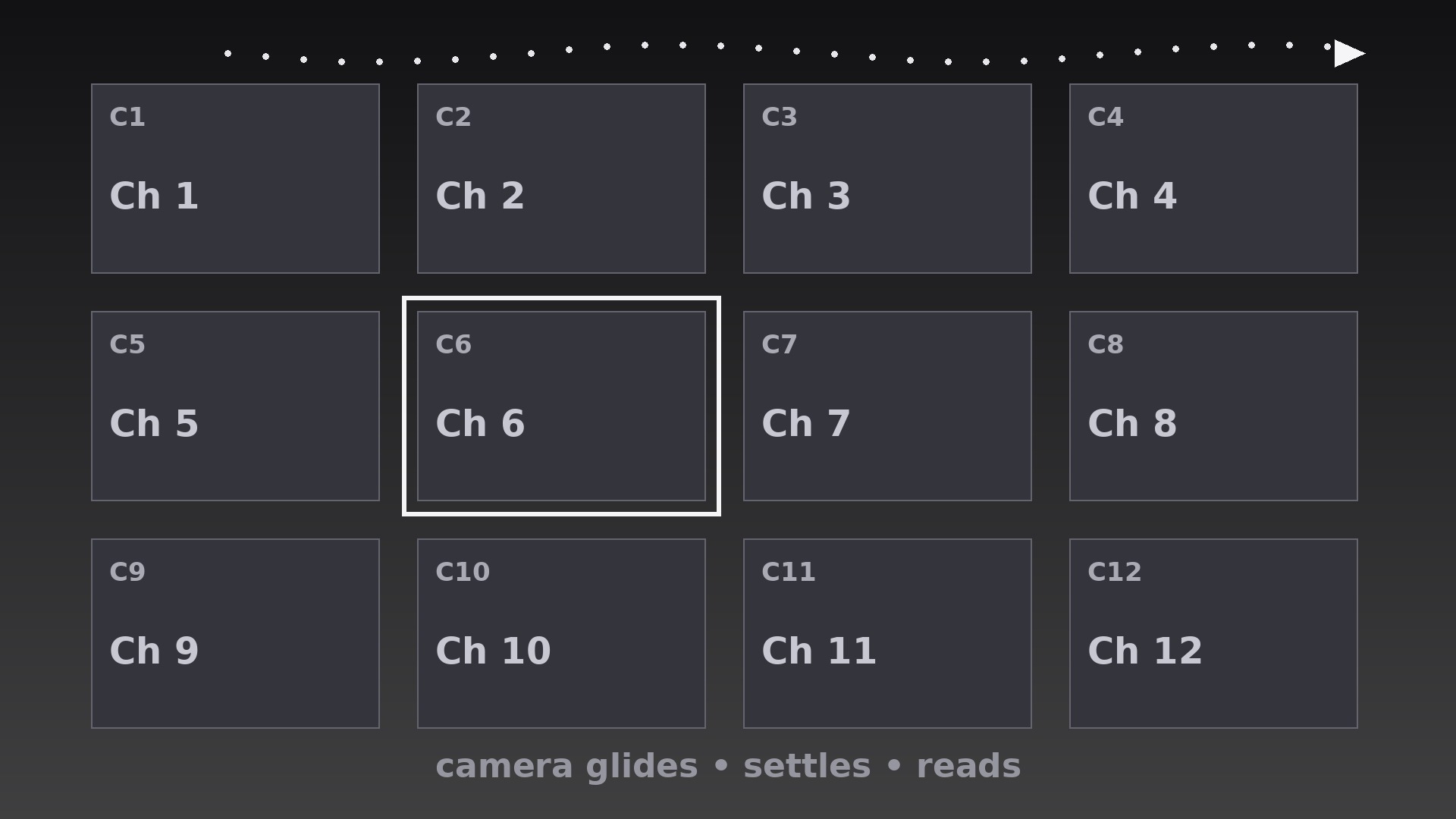
カメラが章の地図を移動し、各タイルで落ち着きます——スライドショーではなくツアーです。
AIに、静止した章グリッドの上を仮想カメラで移動させる方法を教えます。タイミング付きの移動、完全に静止する落ち着き、蛇行する行の経路、きれいなプッシュイン・プルバックの引き継ぎ付きです。
こんな方におすすめ
章の地図を順番に視聴者へ案内したいコース・シリーズ制作者の方
所要時間
初稿まで約25分
レベル
初心者向け
3ステップでインストール
登録不要。CLIツールも不要です。お使いのAIを選んで、1行コピーして貼るだけです。
ご自分で入れたい場合は、スキルを購入($4.99)し、購入完了画面からZIPをダウンロードして、上のディレクトリに展開し、AIのセッションを再起動してください。結果は同じです。すでに購入済みの場合は、AIアシスタントにダウンロードしてもらうこともできます。
パックの内容
SKILL.md(手順書)1点とスターターテンプレート1点が入っています。プレビューはこちらです:
Chapter Grid Pan
When to use
- A course overview where the narrator walks the viewer across the chapter map, one chapter at a time
- A series or season guide where the camera travels the episode grid and pauses on each episode
- A workshop agenda walkthrough where the host tours the day's sessions in order
- A documentary preview where the camera sweeps the segment map and settles on each segment's tile
- A compilation intro where the grid holds every segment and the camera visits each before the show starts
- A portfolio or curriculum map where the viewer needs to feel the scale of the whole grid and the detail of each tile
Workflow
- Build the grid as one canvas (input: chapter list → output: single large grid canvas)
Lay out all chapter tiles on one large canvas — 3×3 or 4×3 for nine to twelve chapters — with consistent tile size, gutters, and one tile per chapter (number + short title + one visual cue). The canvas is bigger than the frame: the camera sees only a portion at a time, roughly 2×2 tiles per view. Build the canvas at 2× the delivery resolution so pans stay sharp when the virtual camera zooms. Unlike a flip grid, tiles here never move — the camera does all the travelling, and the tiles stay perfectly still. - Plan the camera path (input: grid canvas → output: keyframed camera path)
Plot one smooth path that visits the tiles in reading order (left to right, top to bottom), with a keyframe at each tile: the camera centers on the tile, holds, then moves to the next. Path segments between tiles should be straight lines or gentle curves — never zigzags that double back, and never a path that crosses its own earlier route. If the grid is wider than one screen, snake the path row by row (left-to-right on row one, right-to-left on row two) so the camera never jumps back to the left edge mid-tour. - Set the pan and settle timing (input: camera path → output: move/settle timeline)
Each move between tiles takes 0.7–1.0s with ease-in-out (slow start, steady middle, gentle stop). Each settle — camera fully still, tile centered — lasts 0.9–1.4s, long enough for the viewer to read the tile's title and for narration to name the chapter. The settle is the point of the technique: a pan with no settle is a screensaver; a pan that settles is a tour. Total tour time is (moves × ~0.85s) + (settles × ~1.1s) — for 8 tiles, roughly 15s, so reserve this pattern for overviews, not for transitions between every chapter. - Frame each settle (input: timeline → output: framing spec)
At every settle, the featured tile sits centered with its full title visible and at least a sliver of its neighbors visible at the frame edges — the neighbors prove the tile belongs to a larger map. Scale the camera so the featured tile fills 45–60% of frame width: larger and the grid context vanishes; smaller and the title is unreadable. Keep the camera level — no rotation, no tilt, no Dutch angles. A rotating camera over a grid makes viewers seasick; the grid is a map, and maps do not tilt. - Add the chapter handoff (input: framed tour → output: handoff behavior)
When the tour reaches a tile and that chapter begins, transition with a short push-in: the camera scales from the settle framing to full-frame on that tile over 0.5s, then cuts to the chapter content on the final frame. When the tour is only a preview, end with a pull-back: the camera eases out over 1.0s to reveal the whole grid, holds 1.2s, then cuts. Never cut mid-pan — a cut while the camera is moving feels like the video tripped. Every cut lands on a settle or on the completed push-in/pull-back. - Export and verify (input: finished tour → output: checked renders)
Render from the high-resolution canvas at the source frame rate with motion blur set low (a hint of blur on pans, none on settles — blur during a settle makes the tile look out of focus). Verify by watching at 1× speed: at every settle the tile must be pixel-still and centered; if it drifts by even a few pixels, the settle keyframes need flattening. Check the smallest target screen: tile titles must be legible at settle framing — if not, shorten titles or reduce the tiles-per-view, never zoom the camera further in and lose the grid context.
テンプレートのプレビュー
Chapter Grid Pan — Starter Template
Fill in every {placeholder}, then hand this spec to your video tool or motion designer.
Project
- Video title: {video_title}
- Frame size: {width}x{height} @ {fps}fps
- Tour purpose: {overview_preview / guided_walkthrough}
Grid canvas (tiles NEVER move — only the camera moves)
- Canvas size: {canvas_width}x{canvas_height}px (build at 2× delivery resolution so pans stay sharp)
- Grid dimensions: {columns}x{rows} (3×3 or 4×3 typical)
- Tile size: {tile_width}x{tile_height}px, gutters {gutter}px
- Tiles per camera view: ~2×2
- Tile content: chapter number + short title + one visual cue
Tiles (in tour order)
Camera path
スキルパック本体(SKILL.md とテンプレート)は英語で書かれています。


