AI Services Market › スキルファクトリー › 動画 › Center and Corner Tags
$4.99 · サインイン不要v1.0.0– 回表示
Center and Corner Tags
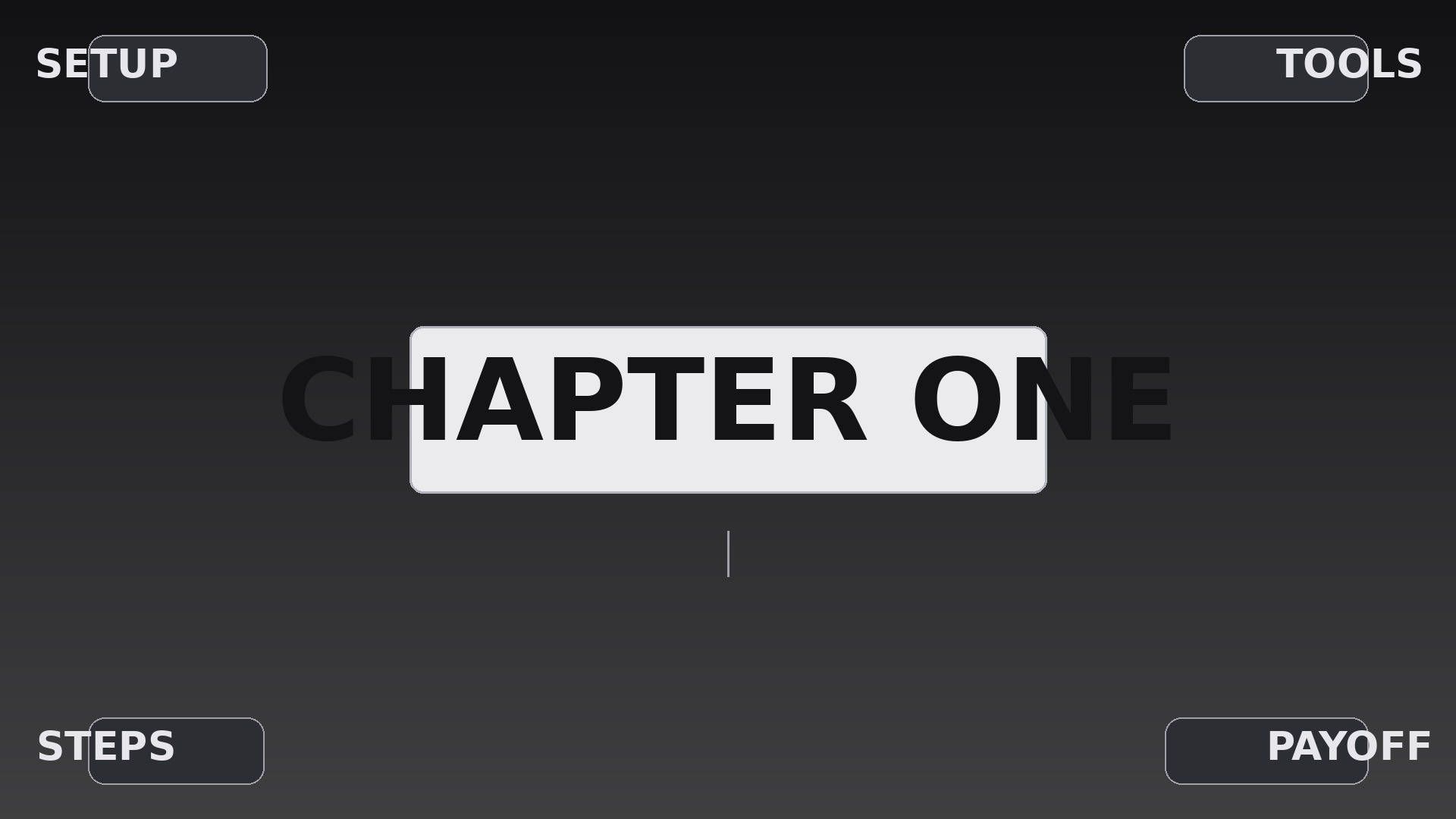
見出し1つをど真ん中に、四隅に事実を4つ——意図的なズラしで着地させます。
AIに、中央のラベルが先に着地し、四隅のタグが対角線のズラしで到着するタイトルカードの構成方法を教えます。正確なジオメトリ、タイミング、階層、退出ルール付きです。
こんな方におすすめ
一目で読めるタイトルカードが必要な動画制作者、教育者、プレゼンターの方
所要時間
初稿まで約20分
レベル
初心者向け
3ステップでインストール
登録不要。CLIツールも不要です。お使いのAIを選んで、1行コピーして貼るだけです。
ご自分で入れたい場合は、スキルを購入($4.99)し、購入完了画面からZIPをダウンロードして、上のディレクトリに展開し、AIのセッションを再起動してください。結果は同じです。すでに購入済みの場合は、AIアシスタントにダウンロードしてもらうこともできます。
パックの内容
SKILL.md(手順書)1点とスターターテンプレート1点が入っています。プレビューはこちらです:
Center and Corner Tags
When to use
- A video title card where one main topic needs four supporting keywords arranged around it
- A product feature callout where the hero claim sits center and four specs anchor the corners
- A course or documentary section opener where the chapter name is central and four sub-topics preview at the edges
- A livestream or presentation bumper that must be readable in the first two seconds, even on a phone
- A social clip intro where the hook is central and four tags tease what the video will cover
- A portfolio reel divider where the project name is central and role, year, client, and medium sit in the corners
Workflow
- Lock the five labels (input: your topic and four supporting points → output: five final label strings)
Write the center label first: one short phrase, 2–5 words, the single thing the viewer must remember. Then write exactly four corner labels, each 1–3 words — no sentences, no filler words. Cut any corner label that repeats the center label; each corner must add one new fact. If you cannot name four distinct facts, use three corners and leave the fourth empty rather than inventing a weak label. - Set the frame geometry (input: five labels → output: layout grid with safe margins)
Place the center label at the exact optical center of the frame (50% / 50%, nudged up by ~2% of frame height if the type has a heavy descender line). Place corner labels inset from the edges by a single consistent margin — 6% of frame width on the sides, 8% of frame height top and bottom — so all four sit on the same invisible inset rectangle. Corner labels align outward to their corner: top-left aligns left, top-right aligns right, bottom-left aligns left, bottom-right aligns right. Cap the center label at 70% of frame width and each corner label at 22% so nothing collides on a vertical phone crop. - Choreograph the stagger (input: layout grid → output: timed entrance sequence)
Animate in this order: center first, then corners in a deliberate sequence — top-left, bottom-right, top-right, bottom-left (a diagonal zigzag that keeps the eye moving across the frame rather than circling it). Center: 0.00–0.45s, scale 0.92 → 1.00 with a soft overshoot, opacity 0 → 100. Each corner: 0.30s duration, starting 0.12s after the previous element began, so entrances overlap slightly but never land simultaneously. Corner motion is a 12px slide from its own corner direction plus opacity 0 → 100 — no rotation, no bounce. Total entrance: ~1.1s. Then hold all five labels static for at least 1.2s before anything else moves. - Style the hierarchy (input: timed sequence → output: type and color spec)
The center label is the only bold, large element: roughly 3× the corner point size, high-contrast fill (near-white on dark, near-black on light). Corner labels are one weight lighter, 60–70% of the center label's visual weight, set in small caps or with a thin rule above or below them so they read as tags, not headlines. Keep all five labels in one typeface family; vary weight and size, never the family. If the background is footage, add a soft dark vignette or a subtle scrim behind the labels — never a heavy solid box that hides the footage. - Build the exit (input: finished entrance and hold → output: complete animation with exit)
Exits run in reverse stagger: corners leave first (bottom-left, top-right, bottom-right, top-left), each 0.22s, fading and sliding 8px back toward its corner, 0.06s apart. The center label exits last: 0.35s, scale 1.00 → 0.96, opacity 100 → 0. Never cut straight from the hold to the next scene — the exit gives the viewer a clean visual breath and prevents the hard jump that makes tag cards feel cheap. - Adapt and export (input: complete animation → output: platform-ready renders)
Re-check the layout on the narrowest target aspect ratio first (9:16 vertical): corner labels must not collide with platform UI overlays, so keep them inside the central 85% safe zone for vertical. If a corner label is cut off, shorten the label — do not shrink the margin. Export at the source frame rate (24/25/30fps, never converted), ProRes or high-bitrate H.264 for masters, and a captioned version if the labels carry information a muted viewer needs.
テンプレートのプレビュー
Center and Corner Tags — Starter Template
Fill in every {placeholder}, then hand this spec to your video tool or motion designer.
Project
- Video title: {video_title}
- Frame size: {width}x{height} @ {fps}fps (e.g. 1920x1080 @ 30fps)
- Background: {background_description — footage, still, or solid color}
Labels
- Center label: {center_label} (2–5 words — the one thing to remember)
- Top-left corner: {corner_top_left} (1–3 words)
- Top-right corner: {corner_top_right} (1–3 words)
- Bottom-left corner: {corner_bottom_left} (1–3 words)
- Bottom-right corner: {corner_bottom_right} (1–3 words)
Layout
スキルパック本体(SKILL.md とテンプレート)は英語で書かれています。


