AI Services Market › スキルファクトリー › スライド › Blue Lime Ledger Deck
$4.99 · サインイン不要v1.0.0– 回表示
Blue Lime Ledger Deck
財務の数字を深いネイビーとライムで、誰でも読める台帳表とともに
四半期決算、予算、価格を、深いネイビーとライムのプレゼンテーションに変換する財務デックビルダーです。台帳スタイルの表、スライドごとに1つの強調数値、平易な言葉の要点を備えます。
こんな方におすすめ
財務チーム、CFO、会計士、そして取締役会やクライアントに数字を発表する方
所要時間
30分
レベル
初級
3ステップでインストール
登録不要。CLIツールも不要です。お使いのAIを選んで、1行コピーして貼るだけです。
ご自分で入れたい場合は、スキルを購入($4.99)し、購入完了画面からZIPをダウンロードして、上のディレクトリに展開し、AIのセッションを再起動してください。結果は同じです。すでに購入済みの場合は、AIアシスタントにダウンロードしてもらうこともできます。
パックの内容
SKILL.md(手順書)1点とスターターテンプレート1点が入っています。プレビューはこちらです:
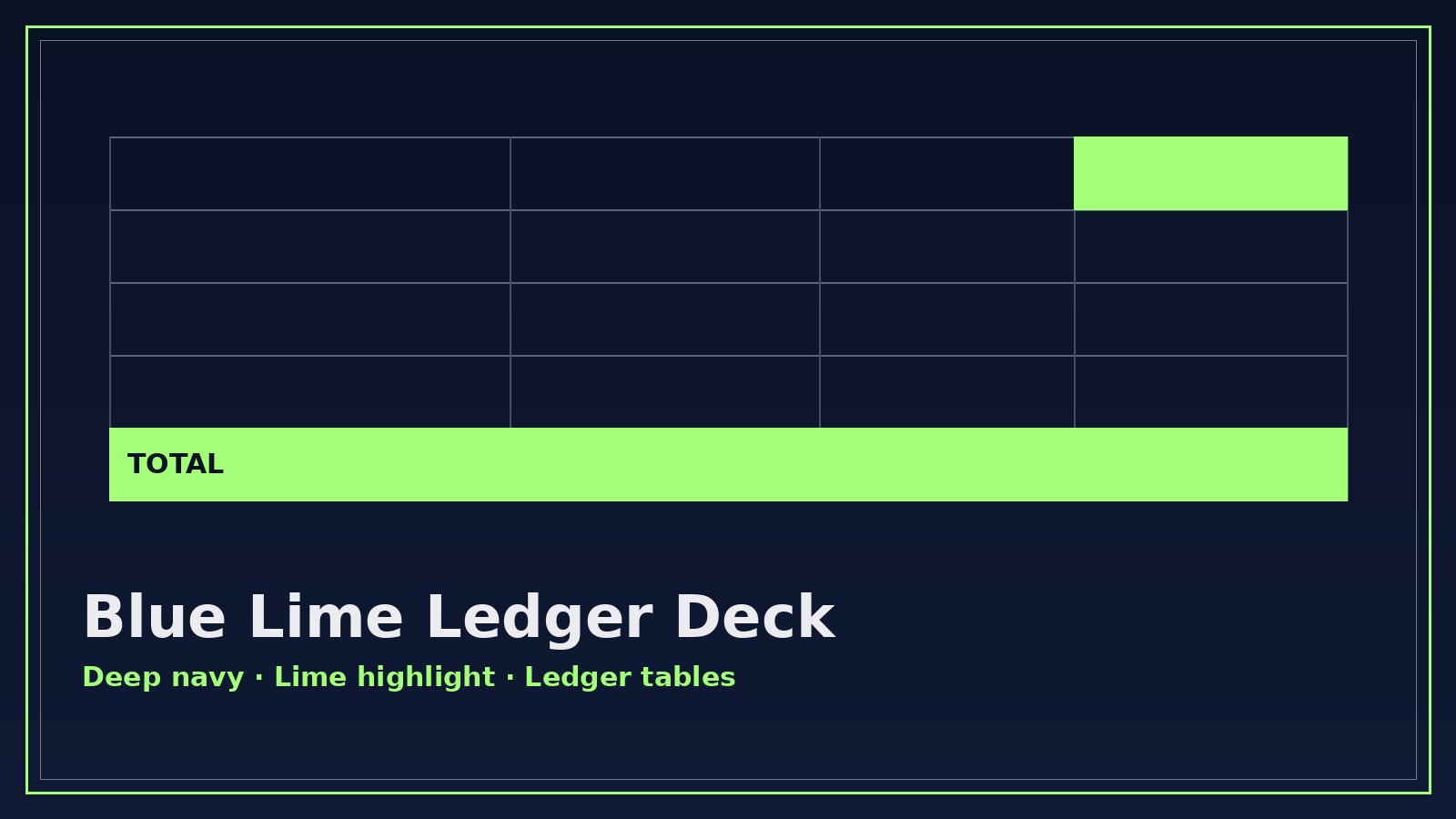
Blue Lime Ledger Deck
When to use
- Your quarterly results need a board-ready deck and the spreadsheet alone won't carry the story
- A budget review meeting is coming and you need every variance explained on one slide each, not buried in footnotes
- You're pitching a pricing proposal and the client needs to see exactly what they pay and what they get
- An audit or compliance summary has to be readable by non-accountants without losing a single figure
- An investor update needs revenue, burn, and runway on three slides that a tired reader can absorb in sixty seconds
Workflow
- Collect the numbers (input: spreadsheets, statements, or pasted figures → output: verified number sheet)
Gather every figure the deck will show: revenue, costs, variances, runway, pricing tiers — with the period each covers and the source it came from. One number sheet, one source of truth. Round consistently (whole dollars or thousands — pick one and stick to it), and flag any figure you're unsure about instead of guessing. No number enters a slide until it appears on this sheet. - Shape the story (input: number sheet → output: slide outline)
Decide the one message per slide before touching any design. The standard arc: where we are (headline numbers) → what changed (variances, with reasons) → what it means (implications in plain language) → what happens next (asks and decisions). Cut any slide that doesn't move that arc forward. A finance deck earns trust by being short, not by being exhaustive. - Build the ledger tables (input: slide outline + number sheet → output: table slides)
Every table follows the ledger rules: right-aligned numbers, one decimal style throughout, subtotals ruled above and totals ruled below, and a variance column that shows both the amount and the direction (▲/▼ with color, never color alone). Each table gets a one-line takeaway above it — the reader should grasp the point before reading a single cell. - Apply the Blue Lime system (input: table slides → output: styled deck)
Deep navy background panels for headers and key-number callouts, lime used only for the single most important figure or trend on each slide, silver-grey for supporting text and gridlines. One typeface family, two sizes for body text at most, and generous white space around every table. If a slide has two lime highlights, one of them is wrong — lime means "look here first." - Proof the deck (input: styled deck → output: presentation-ready deck)
Re-add every slide's numbers against the number sheet, check that totals foot, and read every takeaway aloud — if it sounds like jargon, rewrite it in plain words. Check contrast (lime on navy must pass for small text), confirm the deck reads correctly in greyscale for printed handouts, and export both a presentation file and a PDF.
テンプレートのプレビュー
Blue Lime Ledger Deck — Template
One deck = one number sheet + one slide outline. Fill both in before styling anything.
Deck: {title} — {period, e.g. Q3 2026}
Audience: {board / client / investors / team} | Rounding rule: {whole $ / $ thousands} | Sources: {list}
Number sheet (single source of truth)
Unverified figures (do not put on slides until confirmed): {list or "none"}
Slide outline (one message per slide)
Ledger table format (copy per table slide)
Takeaway: {one line the reader gets before reading the table}
Style checklist
- [ ] Navy headers, lime on the single most important figure per slide only
スキルパック本体(SKILL.md とテンプレート)は英語で書かれています。


