App Builder
アプリを説明するだけ——ローンチできる実動プロダクトが手に入ります
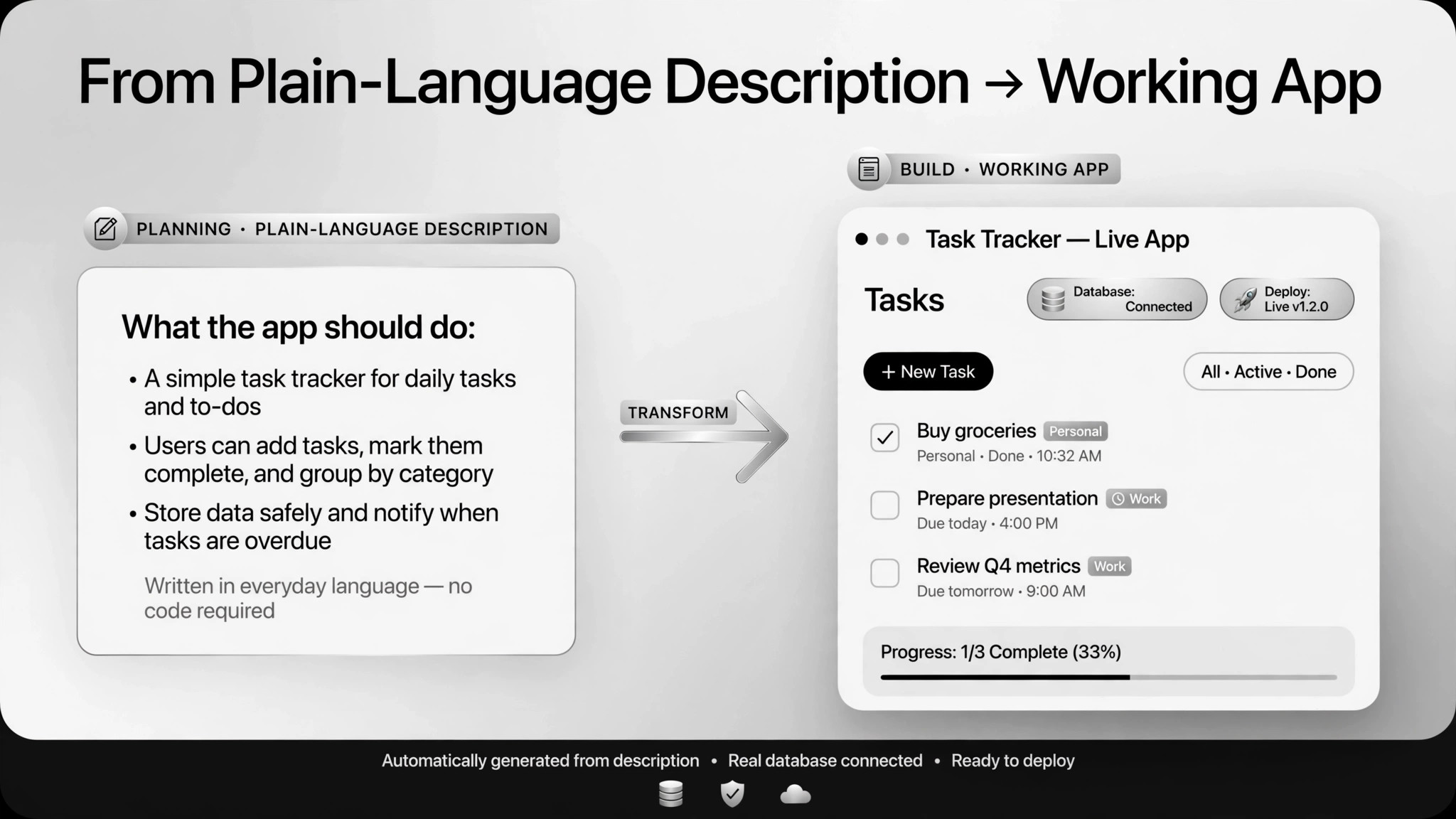
平易な言葉のプロダクト仕様を、デプロイ可能な実動・テスト済みアプリに変換します。各ステップで人間による受け入れテストを行います。
3ステップでインストール
登録不要。CLIツールも不要です。お使いのAIを選んで、1行コピーして貼るだけです。
ご自分で入れたい場合は、スキルを購入($4.99)し、購入完了画面からZIPをダウンロードして、上のディレクトリに展開し、AIのセッションを再起動してください。結果は同じです。すでに購入済みの場合は、AIアシスタントにダウンロードしてもらうこともできます。
実際の活用事例
実際のユーザーがAIエージェントで、まさにこの仕事をやり遂げた事例です。
Build and ship a micro-SaaS in three hours
事例を読む →活用事例Build a multi-tenant SaaS with an agent
事例を読む →活用事例Build a clinic app with booking and trackers
事例を読む →パックの内容
SKILL.md(手順書)1点とスターターテンプレート1点が入っています。プレビューはこちらです:
App Builder
When to use
- You have a concrete app idea (a booking flow, a tracker, a micro-SaaS) and want a working product without writing code
- A non-technical founder needs to get a real app in front of users this week
- You want to prototype a SaaS fast and validate demand before hiring engineers
- A small business needs an internal tool (appointment booking, health trackers) built this week
- You've been burned by AI-generated code before and want a spec-driven process with checklist acceptance
Workflow
- Write the spec (input: your idea → output: product spec)
Describe what the app does, who it's for, the core flows, and the tech stack if you care. One real case went from a micro-SaaS idea to a shipped email-to-calendar product in three hours — powered almost entirely by a good launch prompt. - Review the build plan (input: spec → output: implementation checklist)
Have the agent turn the spec into a step-by-step plan, then get a second opinion on the plan — another AI or your own eyes — before any building starts. Bad plan, bad app; catch it here while it's cheap. - Build in modules (input: plan → output: working modules)
The agent builds module by module against the checklist. Keep each feature small enough to test before moving on. If the scope starts ballooning, stop and re-cut the spec instead of letting it drift. - Test with fake data (input: modules → output: passing end-to-end run)
Run the full flows with placeholder accounts and sample data. Real user data never enters the test environment — in one real case (a clinic app built by a non-coder in five days) patient data was kept out of testing entirely. - Acceptance and security review (input: working app → output: signed checklist)
Walk the acceptance checklist item by item: core flows work, tenant data is isolated, secrets live in environment variables not code, no production database is connected to dev. Multi-tenant builds need explicit isolation checks — agents don't reliably find these holes on their own. - Deploy and launch (input: approved app → output: live app)
Deploy the approved app. Anything that spends money (domains, payment keys) or touches production needs explicit human approval first. Deploying is the last step, not the first.
Output spec
- Product spec (plain markdown), build-plan checklist, working app, acceptance checklist with sign-offs, launch notes
- Test report: what was tested, with what sample data, what passed
- Security notes: where secrets live, what isolation was verified, any compliance flags
- Companion template.md skeleton — fill in the blanks and use it
Good vs. bad examples
テンプレートのプレビュー
App Builder — Build Runbook Template
One app = one runbook. Work through it top to bottom; nothing launches until every checklist is signed.
1. Product spec — {app name}
What it does (one line): {…} Who it's for: {…} Core flows: {e.g. pick doctor → pick slot → confirm; staff day view} Nice-to-haves (v2, not now): {…} Tech stack: {agent's choice / your preference: …} Integrations needed: {e.g. Google OAuth, Mailgun, Stripe}
2. Build plan review
Second opinion on the plan: {who/what reviewed it} — [ ] approved to build
3. Build & test log
End-to-end run: [ ] all core flows pass with sample data only
スキルパック本体(SKILL.md とテンプレート)は英語で書かれています。


