AI Assistant Illustration
親しみやすい幾何学キャラクター1体と文体シート1枚で、家族全員のイラストを統一します。
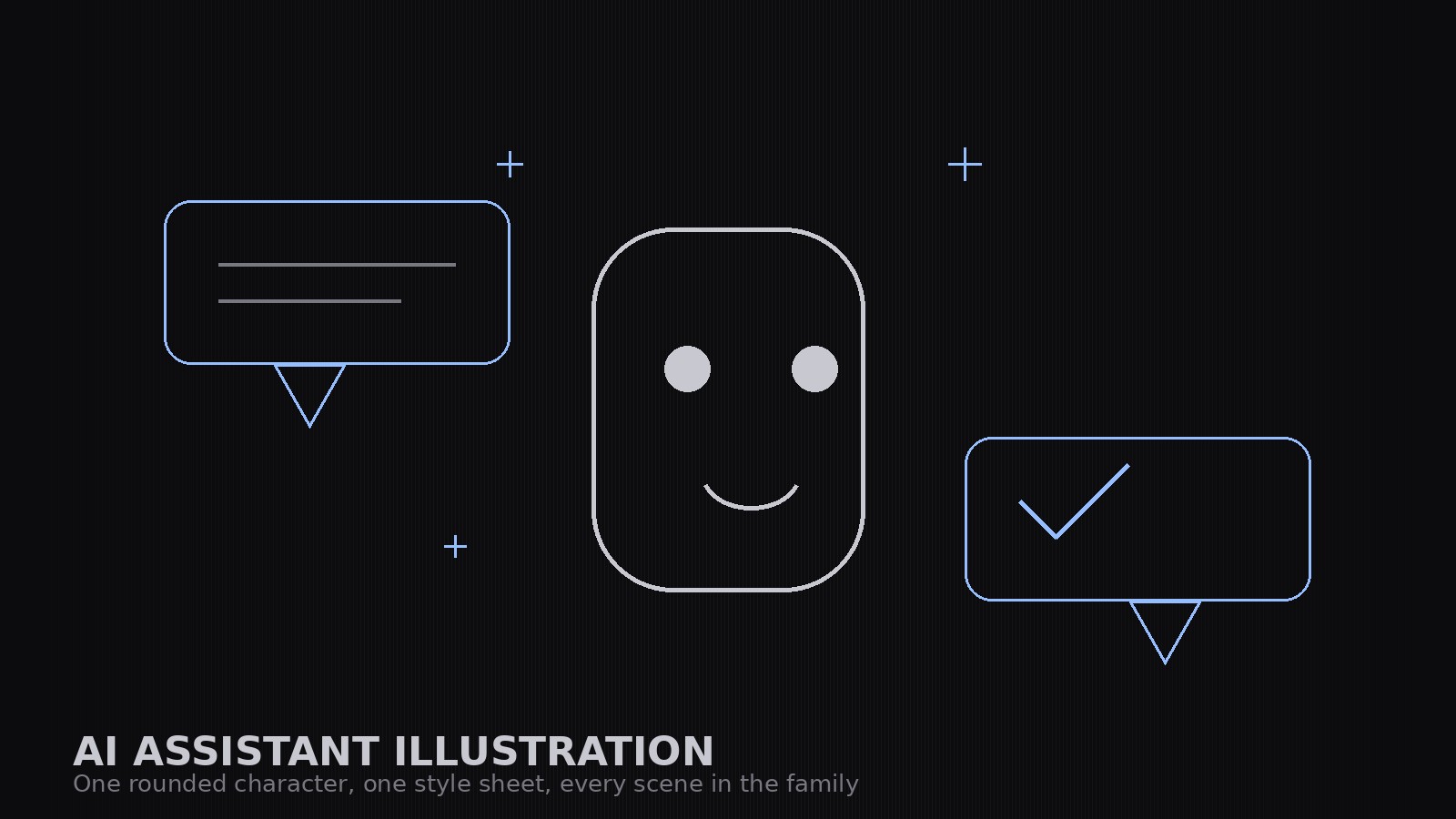
AIアシスタント製品向けに、親しみやすい幾何学スタイルの統一イラストセットを作成します。固定の造形を持つ丸みのあるキャラクター1体、吹き出しや文書のモチーフ、そしてドキュメント、マーケティング、空状態までを一つの製品らしく保つ文体シートを備えています。
3ステップでインストール
登録不要。CLIツールも不要です。お使いのAIを選んで、1行コピーして貼るだけです。
ご自分で入れたい場合は、スキルを購入($4.99)し、購入完了画面からZIPをダウンロードして、上のディレクトリに展開し、AIのセッションを再起動してください。結果は同じです。すでに購入済みの場合は、AIアシスタントにダウンロードしてもらうこともできます。
パックの内容
SKILL.md(手順書)1点とスターターテンプレート1点が入っています。プレビューはこちらです:
AI Assistant Illustration
When to use
- You are launching or documenting an AI assistant product and need illustrations that feel friendly, not robotic or menacing
- Your docs, marketing pages, and empty states each have illustrations in a different style and the product looks stitched together
- You need a mascot-style character for an assistant that can appear in many poses and situations without being redrawn from scratch each time
- Your current art is stock robots and glowing brains — and it says nothing about what your assistant actually does
- You want an illustration set a designer can extend: new scenes built from the same shapes, colors, and character
Workflow
- Define the character (input: product personality → output: character sheet)
Write the character down before drawing it: a simple geometric build (rounded rectangle body, dot eyes, a small smile — no photorealism, no human face), its proportions, its palette, and its personality in three adjectives (e.g., calm, curious, helpful). The character is a helper, not a hero: it never looks angry, smug, or sinister, and it never holds a weapon. Lock the build — every future illustration reuses these exact shapes. - Fix the style sheet (input: character sheet → output: style rules)
Write the style rules: the palette (one primary, one secondary, one neutral, one paper tone), the shapes (rounded corners at one radius, one stroke weight, no gradients unless the sheet allows them), how chat bubbles, sparkles, and documents are drawn, and how backgrounds are treated (flat color or simple shapes, never photographic). The style sheet is what makes ten illustrations look like one set. - Build the core set (input: style rules → output: core illustrations)
Draw the core set first: the character alone (neutral pose), the character with a chat bubble, the character presenting a document, the character thinking (with a small thought cluster), and the character with a checkmark for success. Each illustration uses only the sheet's shapes and colors. If an illustration needs a new shape, the shape goes into the style sheet first — never a one-off. - Extend to situations (input: core set + use cases → output: full set)
Build the situation illustrations from the core set: empty states (no results, loading, error — the character waiting, working, apologizing), onboarding (the character greeting, explaining, celebrating a first success), and feature scenes (the character sorting, searching, summarizing — each with the same bubble/document motifs). Keep compositions simple: one character, one motif, one idea per illustration. A busy illustration explains nothing. - Test at real sizes (input: full set → output: production-ready set)
Check every illustration at the sizes it will actually ship at: 16px favicon-adjacent marks, in-app empty states, docs headers, and marketing heroes. Simplify anything that turns to mush at small sizes — small illustrations lose detail first. Export each illustration in the formats the product needs, and file the style sheet with the set so the next designer extends it instead of reinventing it.
テンプレートのプレビュー
AI Assistant Illustration — Set Template
One product = one set. Lock the character and the style sheet before drawing a single scene.
Character sheet
Product: {product} | Character name (if any): {name} Personality (three adjectives): {adjective}, {adjective}, {adjective} Geometric build: {body shape, proportions — e.g. rounded rectangle, 3:4, dot eyes, small smile} Palette: primary {color}, secondary {color}, neutral {color}, paper {color}
Never-do list
[ ] Never angry, smug, or sinister [ ] Never holding a weapon [ ] Never doing something the product can't do [ ] Never copying another product's mascot, logo, or color scheme
スキルパック本体(SKILL.md とテンプレート)は英語で書かれています。


