Wrapping Tag Stack
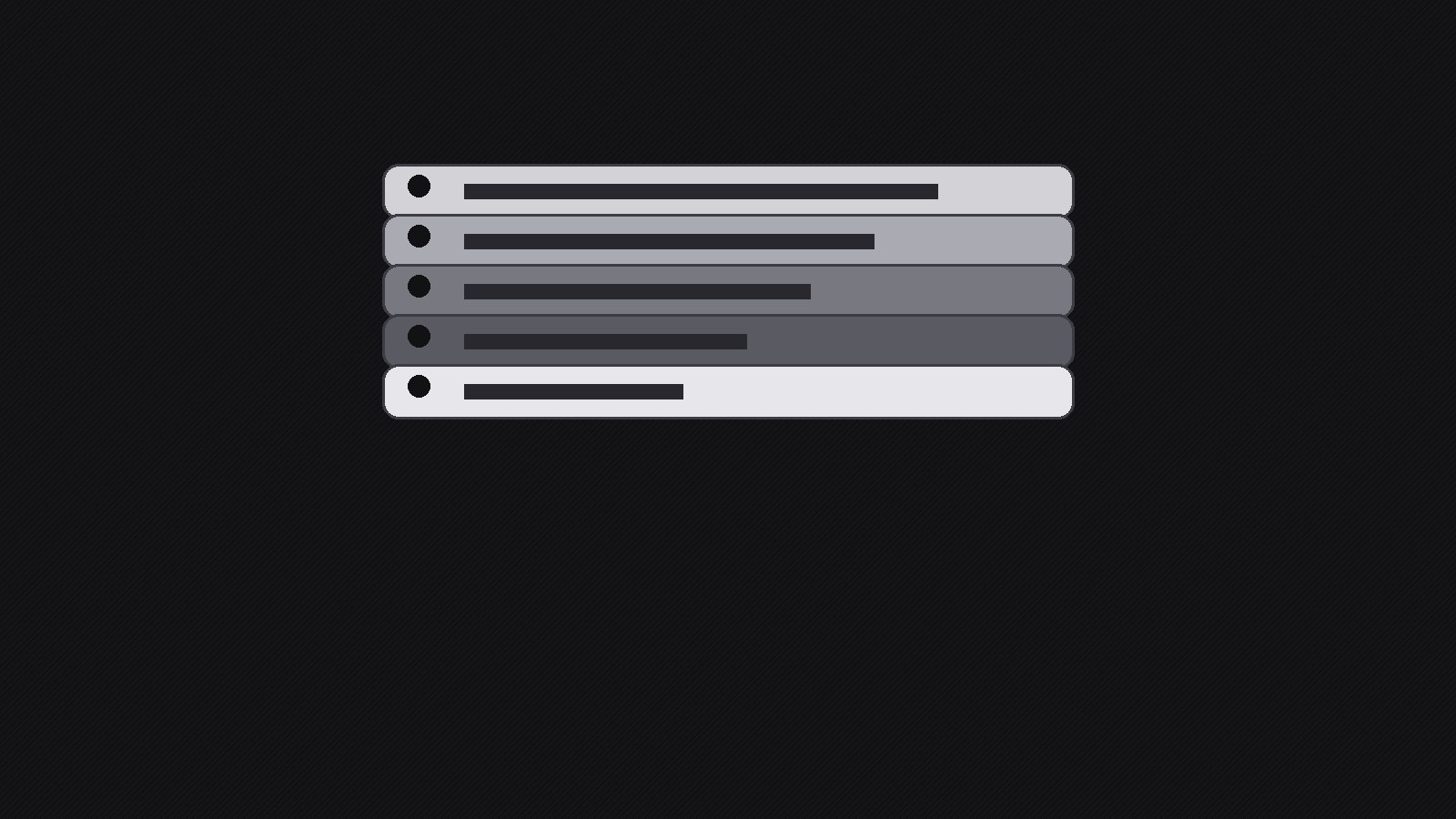
Tag che volano dentro, si avvolgono e atterrano in una pila ordinata.
Un pattern di motion graphics per pile animate di etichette: ogni tag vola dentro, si avvolge e si assesta su una pila leggibile, così elenchi di funzioni, piani e titoli si leggono chiaramente in pochi secondi.
Installala in 3 passaggi
Nessuna registrazione. Nessuno strumento da riga di comando. Scegli la tua AI, copia una riga e incollala.
Preferisci fare da te? Acquista la skill ($4.99), scarica lo ZIP dalla conferma d'acquisto, decomprimilo nella cartella mostrata sopra e riavvia la sessione della tua AI — stesso risultato. L'hai già acquistata? Il tuo assistente AI può scaricarla per te.
Cosa contiene
Un file SKILL.md (la guida operativa) + un modello di partenza. Un'anteprima:
Wrapping Tag Stack
When to use
- You need a 5–15 second motion title card that lists several features without a wall of text
- A launch teaser where each tag names one thing the product does, landing one at a time
- A price or plan rundown where each tier arrives as a tag and stacks into a visible pile
- A social clip opener that must read clearly on mute, at phone size, in the first two seconds
- A presentation or stream overlay where a stack of topic tags sets up what comes next
Workflow
- Define the tag inventory (input: message and audience → output: tag list of 3–7 items)
Write down exactly what each tag must say before any animation exists. Keep every tag to 1–4 words — a tag is a label, not a sentence. Order the tags by importance: the first tag is the hook the viewer reads while the rest are still flying in, and the last tag is the one that stays on screen longest, so it should carry the payoff (the product name, the price, the date). If you have more than 7 tags, cut or group them; a stack taller than 7 looks like clutter and the bottom tags become unreadable at phone size. Write the final stacked order top-to-bottom as it will appear at rest, and note which tag is the anchor that everything else wraps around. - Set the stage and camera (input: tag list and platform → output: canvas spec)
Pick the canvas first: 16:9 for video and presentations, 9:16 for reels and shorts, 1:1 for feeds. Fix the background — a flat dark or light field with one subtle texture beats a busy photo, because tags need contrast to read in motion. Decide the stack's resting position (center, lower third, or off to one side with room for a headline) and the camera behavior: a locked camera keeps tags crisp, while a slow push-in adds energy but risks motion blur on small text. Lock the safe margins: no tag edge closer than 8% of frame width to the frame edge, and keep the top tag fully inside the title-safe area so nothing gets cropped on any platform. - Design the tags (input: canvas spec and brand → output: tag style system)
Design one tag style and reuse it with small variations, so the stack reads as a set rather than seven random shapes. Fix the tag shape (rounded rectangle, punched label with a hole, or folded ribbon), the typeface and size (one weight, one size, high contrast against the tag fill), the fill and border (solid fill with a thin outline survives compression better than gradients), and the accent: one color reserved for the anchor tag so the eye lands there. Add a small physical detail — a punched hole, a string, a folded corner, a drop shadow — that makes each tag feel like an object rather than a text box. Test the style on the longest tag at the smallest export size; if it does not read at phone width, shorten the words, not the font. - Choreograph the wrap (input: tag style and list → output: timed motion plan)
This is the signature move: each tag enters, travels, wraps, and settles. Give every tag the same three-beat rhythm so the sequence feels deliberate: enter (fly or slide in from a consistent direction, 8–12 frames), wrap (a quick rotation or curl as the tag turns to face the viewer, 4–6 frames), settle (a small overshoot and rest, 6–10 frames, with a soft shadow landing). Stagger the tags by 6–10 frames so each one is readable before the next arrives, and alternate entry directions slightly (left, right, top) so the motion stays lively without becoming chaotic. The stack should grow in a readable order — each new tag lands on top of the previous one, offset by a few pixels so the edges of the tags below stay visible like a real pile. End with a 1–2 second hold on the finished stack so the viewer can read the whole set and the platform's loop point feels clean. - Add sound and text support (input: motion plan → output: audio and caption layer)
Sound is optional but powerful: one soft paper or card "flick" per landing, mixed low so it supports rather than dominates, plus a single low thump or chime when the anchor tag lands. If the clip plays on mute — and most social clips do — the motion alone must carry the message, so never hide a key word in audio only. Add burned-in captions only if a tag's wording needs pronunciation help or translation; otherwise the tags themselves are the text. If the clip sits inside a longer video, add a 4-frame fade or whip-pan out so the cut to the next shot does not jar. - Export and check (input: finished animation → output: verified exports)
Export one master at the highest resolution you animated at, then platform-sized versions from that master — never re-animate per platform. Check each export on a real phone at arm's length: every tag readable, no tag clipped, no motion blur on the settled stack, audio in sync with landings. Check the loop: if the clip loops, the last frame must flow back into the first without a visible jump, so either hold the finished stack for a full second or fade out before the loop point. Keep the project file and a still frame of the finished stack — the still doubles as a thumbnail and a fallback image for places that cannot play video.
Anteprima del modello
Wrapping Tag Stack — Production Template
Fill this in before animating. One tag = 1–4 words. 3–7 tags total.
Tag list (final stacked order, top → bottom)
Anchor tag: {which tag carries the payoff — product name / price / date}
Canvas spec
- Aspect ratio: {16:9 / 9:16 / 1:1}
- Background: {flat color / subtle texture — describe}
- Stack resting position: {center / lower third / side + headline room}
- Camera: {locked / slow push-in}
- Safe margins: no tag edge closer than 8% of frame width to the frame edge
Tag style system
- Shape: {rounded rectangle / punched label / folded ribbon}
- Typeface + size: {font, weight, size}
Il pacchetto della skill (SKILL.md + modello) è scritto in inglese.


