Video Message OG Image
Una scheda di condivisione che dice «premi play» a colpo d'occhio.
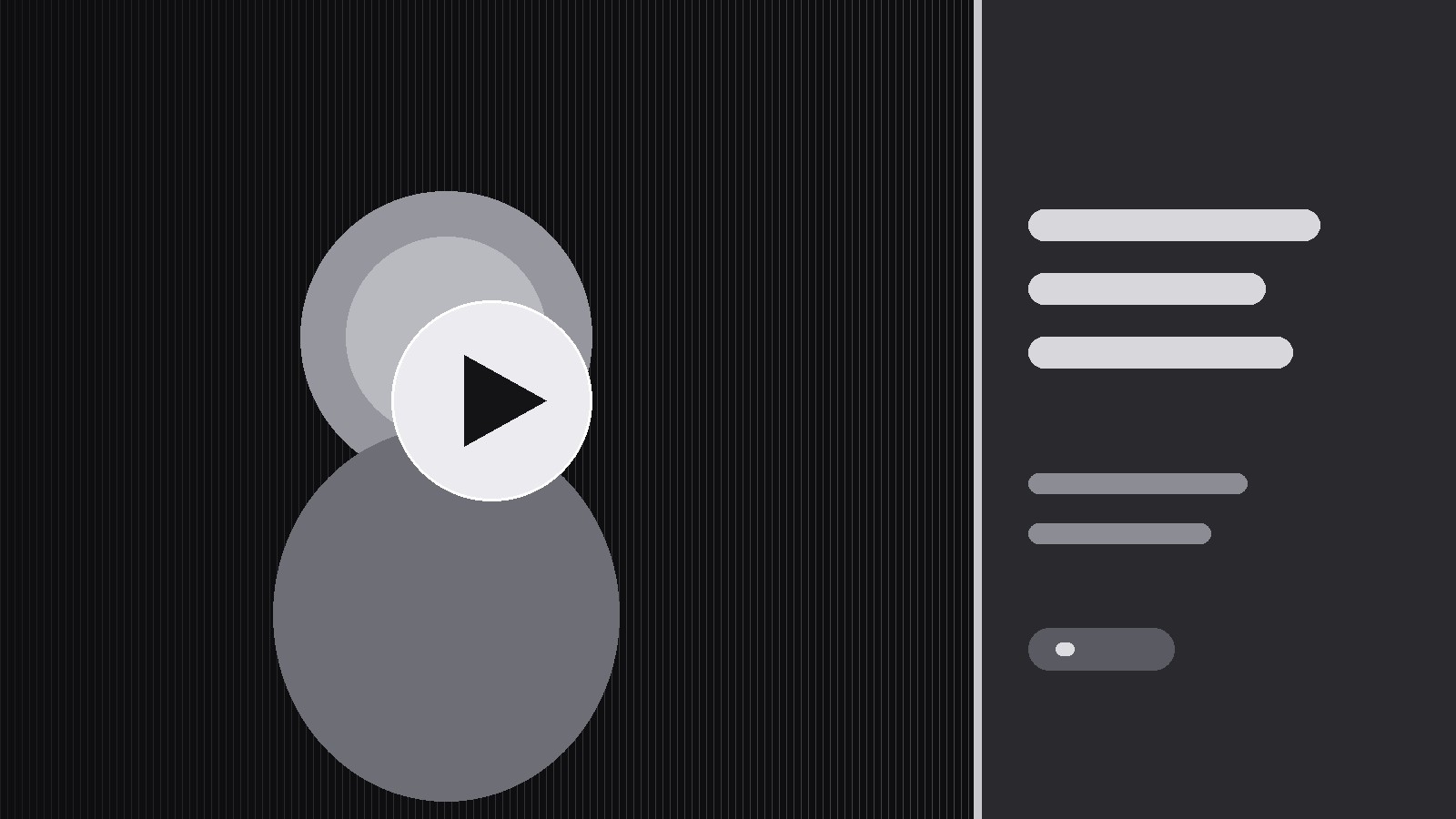
Trasforma la tua AI in un designer di anteprime social che crea un'immagine OG 1200×630 per un prodotto di videomessaggistica — un motivo a pulsante play, un fotogramma reale del messaggio, una promessa breve e caratteri che si leggono in miniatura.
Installala in 3 passaggi
Nessuna registrazione. Nessuno strumento da riga di comando. Scegli la tua AI, copia una riga e incollala.
Preferisci fare da te? Acquista la skill ($4.99), scarica lo ZIP dalla conferma d'acquisto, decomprimilo nella cartella mostrata sopra e riavvia la sessione della tua AI — stesso risultato. L'hai già acquistata? Il tuo assistente AI può scaricarla per te.
Cosa contiene
Un file SKILL.md (la guida operativa) + un modello di partenza. Un'anteprima:
Video Message OG Image
When to use
- You ship an async video-messaging product — video updates, video replies, video pitches — and shared links show a blank grey card
- Your link previews currently crop a random video frame, so faces are half-cut and no one can tell the link is a video
- You need one OG template that works for every message type (update, pitch, reply, announcement) without redesigning per message
- Your previews look fine at full size but turn to mush in a chat feed, where they are seen at a fraction of the size
- You want the card to carry the pitch even before anyone presses play — the promise on the card does the selling
Workflow
- Pick the frame rule (input: sample video messages → output: frame rule)
Decide how the card's image is chosen, and write it as a rule anyone can follow: use a frame from the first seconds showing the speaker's face, eyes visible, mouth closed or mid-word (never mid-blink), framed from the chest up with headroom. If the message has no face — a screen recording, a demo — use the clearest single screen of the product instead. Ban the two failure modes explicitly: no random mid-video frames, and no frames where the subject is half out of shot. The rule must work when a machine picks the frame, not just when a designer does. - Build the three-zone layout (input: frame rule + brand assets → output: layout spec)
Divide the 1200×630 canvas into three zones that never move: the frame zone (roughly two-thirds, left or full-bleed) carrying the chosen frame, the promise zone (a solid panel carrying one headline and one subline), and the play zone (one unmistakable play button overlapping the frame, plus a small duration or "video message" label). The play button is the most important element on the card — large, high-contrast, a real triangle in a solid circle or rounded square, never a thin outline that vanishes at thumbnail size. The brand mark goes small in one corner; it never competes with the play button. - Write the promise (input: product positioning → output: card copy rules)
The card carries one promise in plain words: what the viewer gets from watching. Write the rules, not just one example: headline at most 6 words, subline at most 10, no jargon, no feature list, no exclamation marks doing the persuading. The promise must be true of the video behind the link — a card that overpromises gets one click and a reputation. Provide two approved examples (one for a pitch message, one for a team update) so the pattern is clear. - Assemble and export (input: layout spec + copy rules + frame → output: finished card)
Assemble the card at exactly 1200×630, using the real brand typeface and colors. Keep all text inside a safe margin — chat apps and feeds crop unpredictably, so nothing important sits within 40px of any edge. Export as a JPEG at a quality setting that keeps text crisp without bloating the file, and name the file so it maps to the page it serves. If the product generates cards per message, build the assembly as a repeatable template with the frame, headline, and subline as inputs — never hand-build per message. - Pass the thumbnail test (input: finished card → output: approved card)
Shrink the card to the size it will actually be seen at — the width of a chat bubble on a phone — and read it. Three checks: the play button is instantly recognizable, the headline is legible without zooming, and a stranger can say "this is a video message about X" in two seconds. If any check fails, the fix is almost always the same: bigger play button, shorter headline, more contrast. Test in both a light chat theme and a dark chat theme; a card that only works on one is half a card.
Anteprima del modello
Video Message OG Image — Card Template
One template, every message. Fill in the layout once; per message, only the frame and the two lines change.
Layout spec (1200×630)
Safe margin: nothing important within {40px} of any edge.
Frame rule
- Face messages: {chest-up, eyes visible, mouth closed or mid-word, never mid-blink, headroom}
- Screen messages: {clearest single product screen}
- Banned: {random mid-video frames, half-out-of-shot subjects}
Copy
Headline (≤6 words): {e.g. "Your update, in 60 seconds."} Subline (≤10 words): {e.g. "Watch it when you're ready."} Pitch-message example: {headline} / {subline} Team-update example: {headline} / {subline}
Il pacchetto della skill (SKILL.md + modello) è scritto in inglese.


