Tilted Testimonial Card
Una citazione, un'inclinazione, tutta l'attenzione.
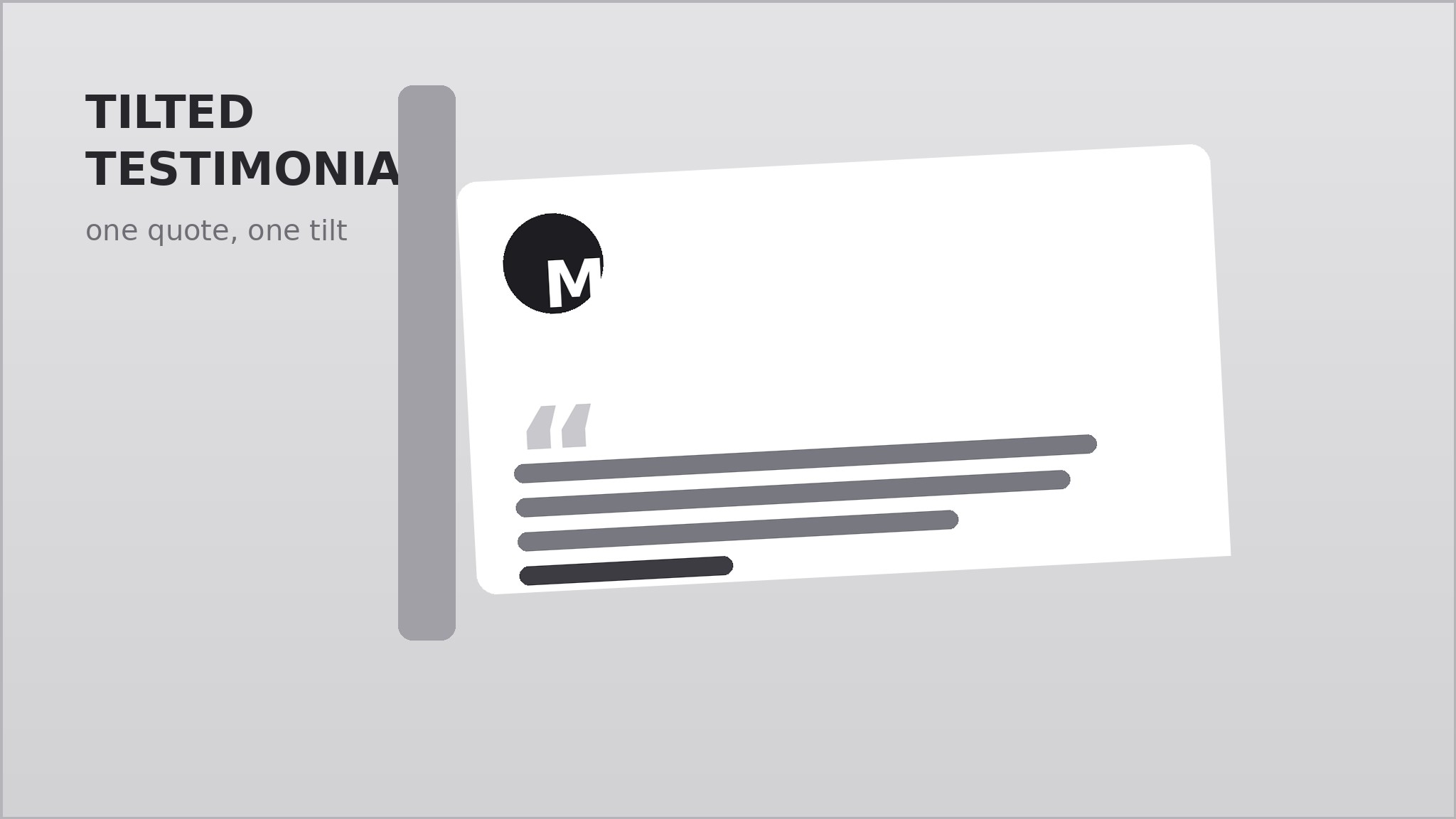
Trasforma la tua AI in un designer di sezioni testimonial che crea una singola scheda citazione con una leggera inclinazione, sovrapposta a forme di supporto e a un'ombra morbida, così le parole di un cliente diventano il punto focale della pagina invece di un'altra griglia piatta.
Installala in 3 passaggi
Nessuna registrazione. Nessuno strumento da riga di comando. Scegli la tua AI, copia una riga e incollala.
Preferisci fare da te? Acquista la skill ($4.99), scarica lo ZIP dalla conferma d'acquisto, decomprimilo nella cartella mostrata sopra e riavvia la sessione della tua AI — stesso risultato. L'hai già acquistata? Il tuo assistente AI può scaricarla per te.
Cosa contiene
Un file SKILL.md (la guida operativa) + un modello di partenza. Un'anteprima:
Tilted Testimonial Card
When to use
- Your landing page needs one strong customer quote above the fold, not a wall of ten forgettable ones
- You have a single standout testimonial — a specific result, a vivid before-and-after — that deserves the spotlight
- Your page already has grids, cards, and straight edges everywhere, and one tilted element would break the monotony
- You want social proof next to a signup form or pricing block without adding a whole new section
- You are designing a hero, a case-study teaser, or a sales page where one voice should carry the argument
Workflow
- Pick the one quote (input: your raw testimonials → output: one chosen quote + attribution)
Choose a single quote with a concrete detail — a number, a time saved, a before-and-after — not generic praise. Trim it to one or two sentences, at most 40 words, keeping the speaker's own wording. Pair it with a name, a role, and an organization or context line. One card means one quote: if you have three good ones, pick the strongest and save the rest for elsewhere. - Set the tilt (input: chosen quote → output: tilt angle + rotation anchor)
Rotate the card between 2 and 4 degrees — enough to read as intentional, not enough to feel like a mistake. Anchor the rotation at the card's center so it stays balanced, and decide the direction: a slight clockwise tilt feels casual and forward-leaning; counter-clockwise reads as pinned-up and informal. Keep the tilt identical across breakpoints so the card does not jump when the page resizes. - Layer the backing (input: tilt spec → output: layered composition)
Place one or two backing shapes behind the card: a second card in a muted tone, a soft outline frame, or a solid color block offset by 12–24 pixels. The backing should peek out on two edges only — the side the card leans toward and one adjacent edge — so the composition has a clear direction. Keep backing shapes flat and quiet; the quote card stays the brightest, highest-contrast layer. - Style the type (input: layered composition → output: finished card design)
Set the quote in a large, high-contrast serif or clean sans at 1.25–1.5 times your body size, with generous line height. Put the attribution below in small caps or a smaller weight, with a small avatar circle or initial block if you have one. Add a large quotation mark as a decorative anchor in one corner, at low opacity, so it frames the text without competing with it. - Place it and make it behave (input: finished card → output: placed, responsive section)
Give the card breathing room: at least one card-width of clear space on the side it leans toward, so the tilt does not collide with neighbors. On narrow screens, reduce the tilt to 1–2 degrees and let the card go full width; never let rotated corners clip outside the viewport or overlap body text. Add a soft drop shadow that follows the card's rotation, and a subtle hover that straightens the card by half a degree — a small sign of life, not a trick.
Anteprima del modello
Tilted Testimonial Card — Template
One card, one quote, one tilt. Fill in the blanks, then hand the result to your designer or AI.
The quote
> "{quote — 1–2 sentences, ≤40 words, speaker's own wording, with at least one concrete detail}"
Why this quote: {what makes it the strongest one you have}
Attribution
- Name: {full name}
- Role: {job title}
- Organization / context: {company or situation}
- Context note (optional): {e.g. "Switched from spreadsheets in March"}
Tilt spec
- Angle: {2–4° desktop / 1–2° mobile} | Direction: {clockwise / counter-clockwise}
- Anchor: center
Il pacchetto della skill (SKILL.md + modello) è scritto in inglese.


