Sky Sports Club Landing
Una pagina che trasforma i visitatori in membri del club.
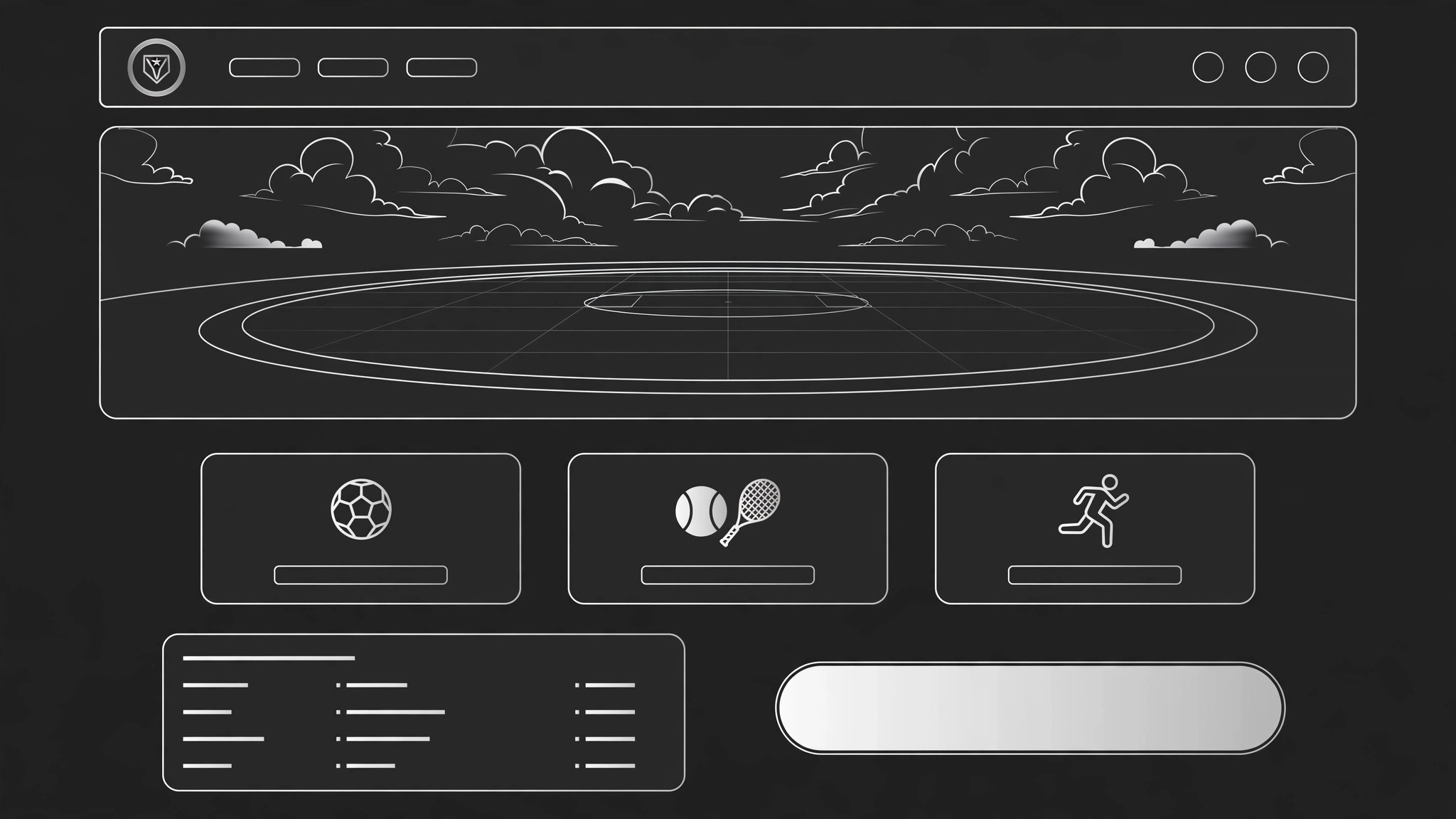
Trasforma la tua IA in un creatore di landing page per club sportivi — dà forma a un sito completo in una pagina per un club sportivo di comunità, dall'hero e dai programmi fino a iscrizione, orari, allenatori e un pulsante di adesione che viene davvero cliccato.
Installala in 3 passaggi
Nessuna registrazione. Nessuno strumento da riga di comando. Scegli la tua AI, copia una riga e incollala.
Preferisci fare da te? Acquista la skill ($4.99), scarica lo ZIP dalla conferma d'acquisto, decomprimilo nella cartella mostrata sopra e riavvia la sessione della tua AI — stesso risultato. L'hai già acquistata? Il tuo assistente AI può scaricarla per te.
Cosa contiene
Un file SKILL.md (la guida operativa) + un modello di partenza. Un'anteprima:
Sky Sports Club Landing
When to use
- A local sports club needs its first real web page — one page that explains the club and signs people up
- A club's existing page is a wall of text and nobody can find the schedule, the price, or the join button
- A new season, trial day, or open evening needs a page that turns visitors into signups
- A club runs several sports or age groups and needs one page that routes each visitor to the right one
- A coach or organizer wants a page they can link from social posts, flyers, and word of mouth
Workflow
- Define the club and the visitor (input: club info → output: brief)
Write down the facts that shape the whole page: the club's name, sports, who it is for (kids, adults, beginners, competitive), where and when it meets, what it costs, and what a first visit looks like. Then name the page's one visitor — the person most likely to join next — and the one action they should take (book a trial, join, contact the club). A page that tries to serve every possible visitor serves none of them. - Structure the page (input: brief → output: section map)
Lay out the sections in the order a newcomer thinks: hero (what is this club, in one line), programs (what can I do here), who it is for (is this for me), schedule and location (when and where), membership and pricing (what does it cost), coaches (who will I train with), voices from members (who already goes), FAQ (the doubts), and join (the action). Every section answers one question; if a section answers none, cut it. - Write the hero and programs (input: section map → output: copy)
The hero carries one line — the club, the sport, and the invitation ("Join Sky Sports Club — football, tennis, and athletics for all ages, first session free"). Under it, one button ("Book a free trial") and one honest detail (location, ages, or next session date). Programs get one block each: sport, who it is for, when it runs, and a line on what a session feels like. Write in the club's real voice — a community club that sounds like a law firm has a trust problem. - Design membership and schedule (input: copy → output: conversion blocks)
Membership is where visitors decide, so make it plain: each option gets a name, a price, what it includes, and who it suits ("Monthly — all sessions, all sports, cancel anytime"). The schedule is a simple table — day, time, sport, group — readable on a phone without pinching. Put the join button at the end of the membership block and again at the bottom of the page; a visitor who has decided should never have to scroll back up to act. - Build, test, publish (input: full page → output: live page)
Build the page from the section map and copy, using real photos of the club's own sessions and people (with their permission) rather than stock shots of strangers. Test on a phone: hero readable, schedule table fits, join button reachable without hunting, and the signup form asks only what the club needs to welcome a newcomer (name, contact, age group, sport of interest). Share the link with two people who have never seen the club and ask them what it costs and when the next session is — if they can't answer in a minute, fix the page.
Anteprima del modello
Sky Sports Club Landing — Template
One page = one club = one action. Verify every fact with the club before publishing.
Brief
Club: {name} | Sports: {list} | Venue: {where} For: {kids / adults / beginners / competitive — who it serves} Costs: {membership options + prices} First visit looks like: {what a newcomer actually does on day one} One visitor: {the person most likely to join next} One action: {book a free trial / join / contact}
Section map (in this order)
- Hero — {one-line club + invitation}
- Programs — {one block per sport}
- Who it is for — {is this for me?}
- Schedule & location — {when + where}
Il pacchetto della skill (SKILL.md + modello) è scritto in inglese.


