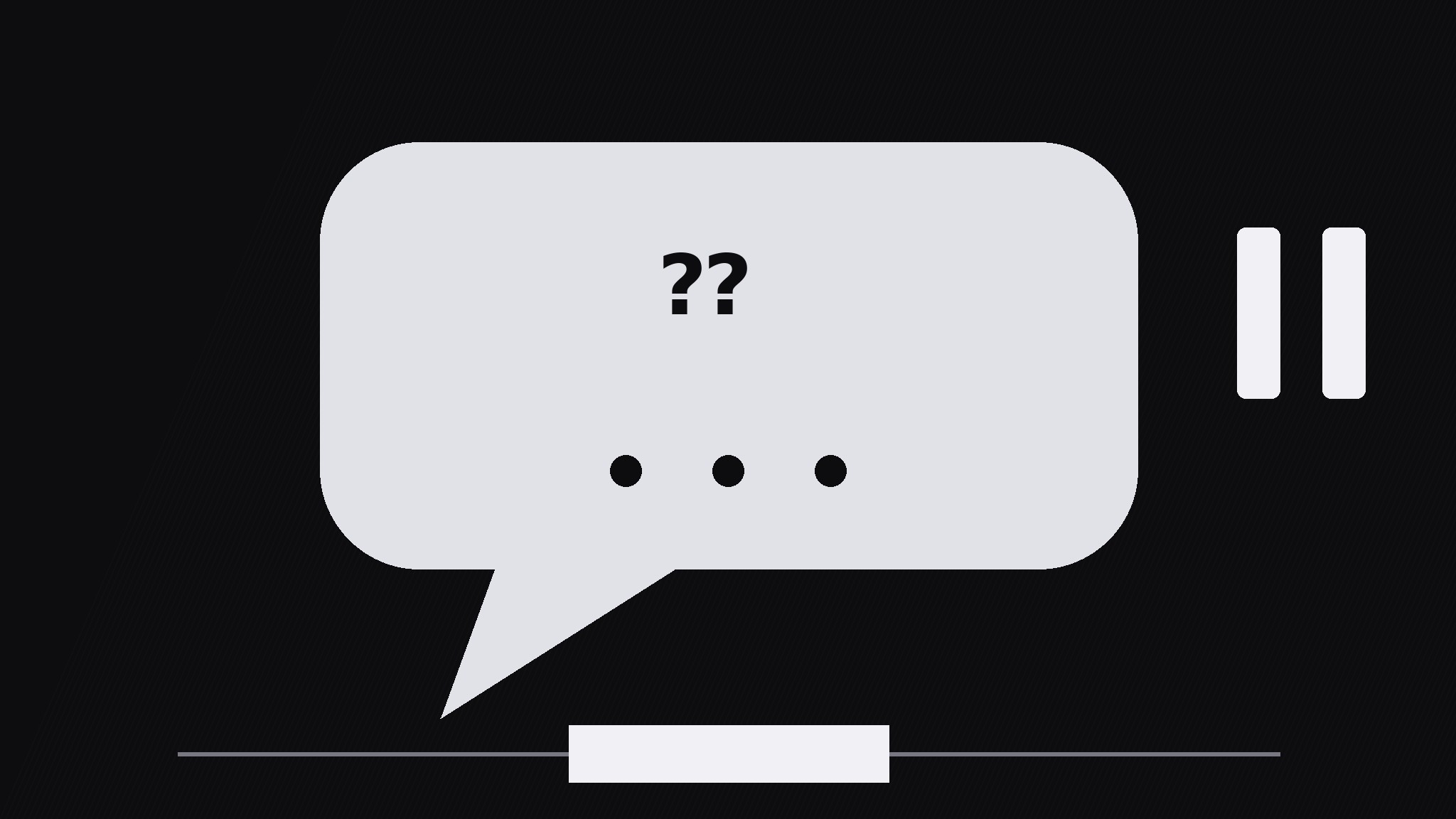
Question Bubble Pause
Una domanda, una nuvoletta, una pausa vera
Trasforma la tua AI in un regista di motion graphics per il pattern «pausa con nuvoletta di domanda» — fa galleggiare una singola domanda in una nuvoletta, poi congela il movimento per un istante, così chi guarda pensa davvero prima che arrivi la risposta.
Installala in 3 passaggi
Nessuna registrazione. Nessuno strumento da riga di comando. Scegli la tua AI, copia una riga e incollala.
Preferisci fare da te? Acquista la skill ($4.99), scarica lo ZIP dalla conferma d'acquisto, decomprimilo nella cartella mostrata sopra e riavvia la sessione della tua AI — stesso risultato. L'hai già acquistata? Il tuo assistente AI può scaricarla per te.
Cosa contiene
Un file SKILL.md (la guida operativa) + un modello di partenza. Un'anteprima:
Question Bubble Pause
When to use
- A lesson or explainer where the viewer should guess the answer before hearing it
- A quiz-style video where each question needs a genuine think-beat, not a flash-and-answer
- A talking-head video where the presenter asks the audience a question and the edit must hold the silence
- A training video where a wrong guess is the lesson, so the pause has to feel long enough to commit to one
- A hook moment: one provocative question up front, held, before the video earns the answer
Workflow
- Write the one question (input: topic → output: single question)
Write exactly one question, max 12 words, ending in a question mark, answerable in a few seconds of thought. If the question needs setup, put the setup in the narration before the bubble appears — never inside the bubble. Test it: if a viewer cannot start thinking within one second of reading it, rewrite it shorter. One bubble = one question; two questions in one bubble splits the pause and kills both. - Bubble entrance (input: question → output: bubble on screen)
The bubble pops in over 250ms with a slight overshoot (scale to 106%, settle to 100%) and a soft bounce easing — it should feel like it arrived, not like it faded in. Place the bubble center-frame or beside the presenter, with its tail pointing at whoever is "asking". Keep the bubble's text at least 64px tall so it reads instantly on a phone. The background dims slightly (to 80% brightness) as the bubble arrives, so the question owns the frame. - The pause (input: bubble on screen → output: held think-beat)
Hold everything for 1.2–2.0s: no cuts, no camera moves, no new elements. The only motion allowed is a gentle breathing scale on the bubble (100% → 102% → 100% over the full pause) and a row of three small dots filling in one by one (one per 0.4s) to mark the passing time. Silence or a soft tick is fine; narration during the pause is not — talking over the think-beat tells viewers they do not actually need to think. For harder questions use the long end (2.0s); for quick checks use 1.2s. - Answer reveal (input: held bubble → output: answer beat)
Reveal the answer with a clear visual break from the question: the bubble shifts up or shrinks to 90% and the answer card slides in below it over 300ms, or the bubble flips to show the answer on its reverse. The answer must be short — one line, max 10 words — and it must directly answer the question as written. Hold the question + answer together for at least 1.5s so viewers can compare the two. - Bubble exit (input: answered bubble → output: clean frame)
Exit the bubble in 250ms: fade + scale to 95% with an ease-in curve, or pop it like a soap bubble for lighter videos. The frame must be fully clean before the next section starts — a lingering bubble tail or dimmed background reads as an unfinished thought. If the video chains several questions, return to the same clean frame between each one so every question starts from the same baseline.
Anteprima del modello
Question Bubble Pause — Build Template
One bubble, one question, one real pause.
The question (exactly one, max 12 words)
> {question ending in "?"}
Setup (spoken in narration BEFORE the bubble, never inside it): {one sentence max} Word count: {≤12} | Answerable in seconds of thought? [ ]
Bubble entrance
- Pop-in: 250ms, overshoot to 106% → settle 100%, soft bounce easing
- Placement: {center-frame / beside presenter} | Tail points at: {presenter / camera}
- Text size: ≥64px | Background dims to 80% brightness as bubble arrives
The pause (the pattern — protect it)
- Pause length: {1.2s quick check / 1.6s standard / 2.0s hard question}
Il pacchetto della skill (SKILL.md + modello) è scritto in inglese.


