Project Tool OG Image
Una scheda di condivisione che mostra lo strumento al lavoro, non solo il nome.
Trasforma la tua AI in un designer di anteprime social per uno strumento di project management o issue tracking — crea un'immagine OG 1200×630 con un motivo a bacheca, una promessa leggibile e un layout che sopravvive alla miniatura.
Installala in 3 passaggi
Nessuna registrazione. Nessuno strumento da riga di comando. Scegli la tua AI, copia una riga e incollala.
Preferisci fare da te? Acquista la skill ($4.99), scarica lo ZIP dalla conferma d'acquisto, decomprimilo nella cartella mostrata sopra e riavvia la sessione della tua AI — stesso risultato. L'hai già acquistata? Il tuo assistente AI può scaricarla per te.
Cosa contiene
Un file SKILL.md (la guida operativa) + un modello di partenza. Un'anteprima:
Project Tool OG Image
When to use
- You are launching or relaunching a project-management, issue-tracking, or task-planning tool and your link previews are a grey box or a cropped screenshot
- Your tool's homepage, changelog, or docs links get shared in Slack, X, LinkedIn, or Discord and you want the card to carry the pitch
- You need one share card per major surface (homepage, pricing, changelog, a flagship feature) that still looks like one family
- You are announcing a feature (boards, sprints, roadmaps, triage) and want a card that shows it in one glance
- You want a repeatable OG recipe your team can reuse without a designer for every post
Workflow
- Write the one-line promise (input: your tool's pitch → output: promise + proof)
Write the card's message as one promise plus one proof: promise = what the tool does for the user ("Every task, tracked to done"), proof = one concrete detail ("Boards, sprints, and triage in one place"). If the promise needs a second sentence, it won't survive thumbnail size — shorten it until it fits in one breath. The proof must be something the product actually does; an OG image is a claim, and the link behind it is where the claim gets checked. - Sketch the board motif (input: promise + proof → output: three-zone layout)
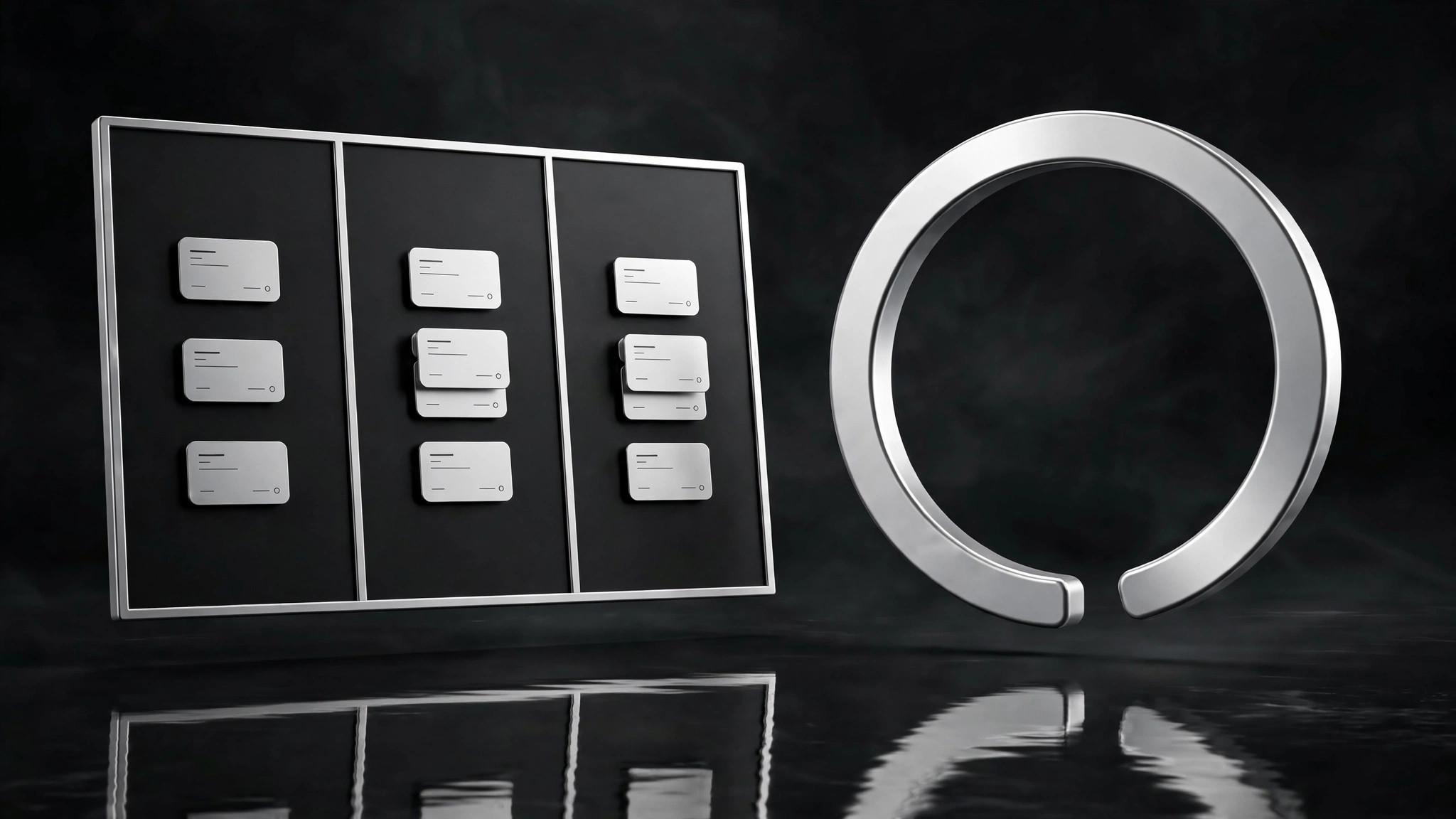
Lay out the 1200×630 canvas in three zones: left — the promise in large type (max 6 words in the headline); middle — a board motif: three narrow columns with a few small task cards, one card mid-move between columns to imply progress; right or bottom — your product mark + name in a lockup that stays legible at 120 px wide. The board is a motif, not a screenshot: simplified cards, no real data, no readable small text. One accent color for the moving card only — everything else stays in your neutral palette. - Set the thumbnail rules (input: layout sketch → output: type + contrast spec)
Fix the legibility rules before generating: headline at least 90 px tall on the 1200-px canvas, body/proof line at least 40 px, contrast ratio that holds on both light and dark chat backgrounds (test both — put the card on a white and a near-black background and check). No text smaller than 40 px, no text over the busy part of the board motif, no more than 12 words total on the card. If a word doesn't earn its place at thumbnail size, delete it. - Generate and thumbnail-test (input: layout + spec → output: candidate cards)
Generate the card, then immediately test it the way it will actually be seen: shrink it to 240 px wide (a phone feed), to 120 px wide (a chat sidebar), and view it on both light and dark backgrounds. Ask three questions: can I read the promise? Do I get that it's a project tool? Can I read the product name? If any answer is no, fix that zone and regenerate — do not ship a card that fails its own thumbnail test. Keep the winning layout as the family template for future cards. - Build the family set (input: winning template → output: one card per surface)
Reuse the exact template for each surface you need — homepage, pricing, changelog, flagship feature — changing only the promise line and the moving card's position or label. Same board motif, same type sizes, same lockup placement. Export each as 1200×630 PNG or JPG, name files by surface (og-home.png,og-pricing.png), and verify each one renders in a real link preview (post a test link in a private channel) before shipping. Update the set when the product's promise changes — a stale OG card is a stale pitch.
Anteprima del modello
Project Tool OG Image — Template
1200×630. ≤12 words total. Test at 240 px and 120 px, on light AND dark backgrounds.
Copy (fill before designing)
- Promise (headline, ≤6 words): {e.g. "Every task, tracked to done."}
- Proof (one line, a real capability): {e.g. "Boards, sprints, and triage in one place."}
- Product lockup: {name in plain type + mark — must read at 120 px wide}
Layout — three zones
Legibility spec
- Headline ≥ 90 px · Body ≥ 40 px · No text under 40 px
- No text over the busy part of the board motif
- Contrast holds on white AND near-black backgrounds
Thumbnail test (must pass all three)
[ ] At 240 px wide: promise readable
Il pacchetto della skill (SKILL.md + modello) è scritto in inglese.


