Portrait with Editorial Notes
Un ritratto letto come una bozza — cerchiato, annotato, compreso
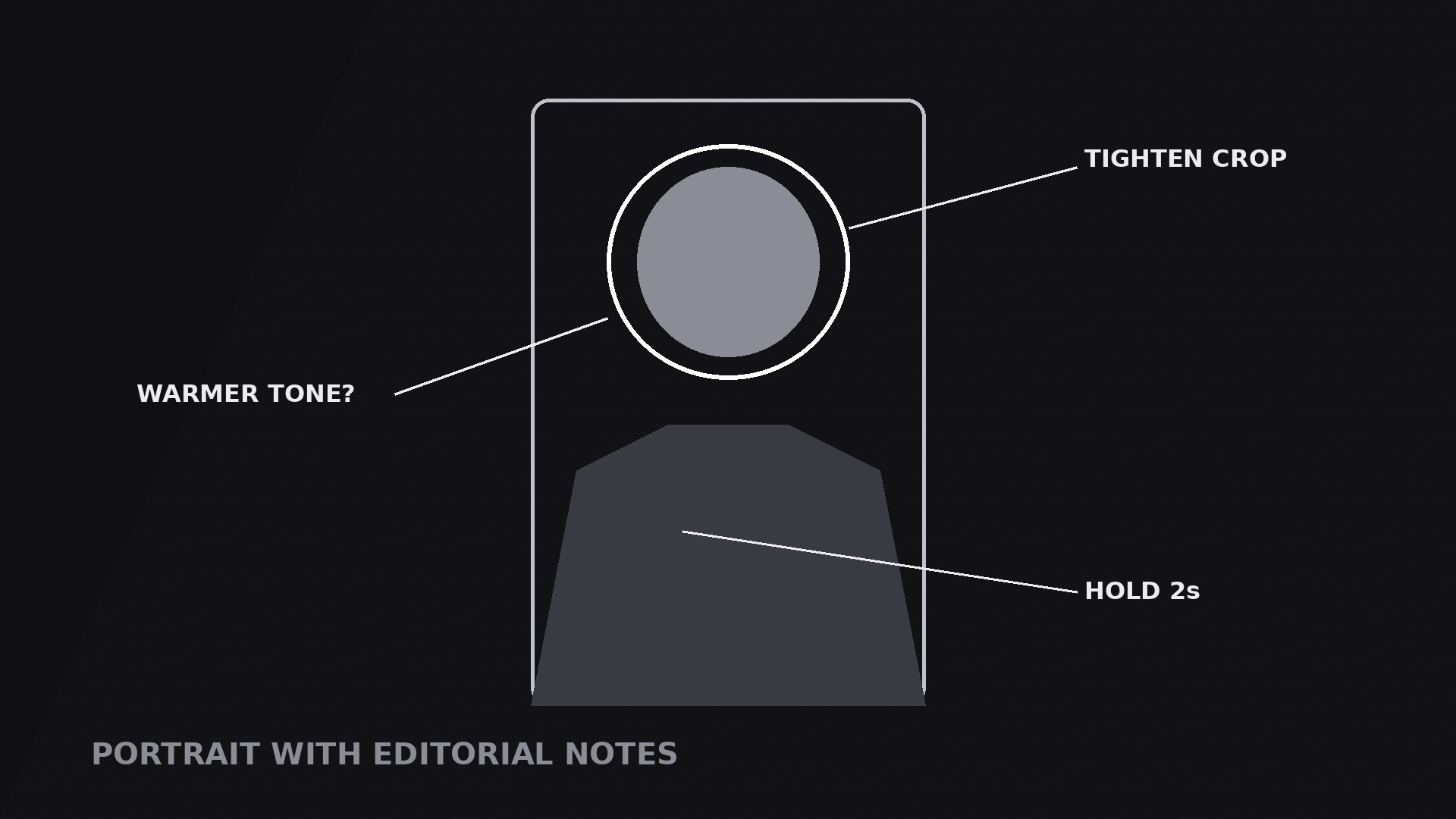
Trasforma la tua AI in un regista di motion graphics per il pattern «ritratto con note editoriali» — un ritratto annotato con dettagli cerchiati, frecce e note a margine in stile scritto a mano, così chi guarda legge un volto come un editor legge una bozza.
Installala in 3 passaggi
Nessuna registrazione. Nessuno strumento da riga di comando. Scegli la tua AI, copia una riga e incollala.
Preferisci fare da te? Acquista la skill ($4.99), scarica lo ZIP dalla conferma d'acquisto, decomprimilo nella cartella mostrata sopra e riavvia la sessione della tua AI — stesso risultato. L'hai già acquistata? Il tuo assistente AI può scaricarla per te.
Cosa contiene
Un file SKILL.md (la guida operativa) + un modello di partenza. Un'anteprima:
Portrait with Editorial Notes
When to use
- A documentary, essay, or biography video where a portrait needs commentary — what to notice in the expression, the setting, the clothing, the hands
- A photo-critique or editing tutorial where you mark up a portrait live: crop here, warm this, soften that
- A history or archival video where a still portrait gets annotated with context: who this is, when it was taken, what was happening just out of frame
- A character-introduction video where the notes are the introduction: name, role, one telling detail, written beside the face instead of read aloud
- A review or reaction video where the notes are the joke or the verdict — a circled detail with a two-word comment that lands faster than a paragraph
Workflow
- Pick the portrait and the details (input: your subject → output: portrait + 2–4 note targets)
Choose a portrait with room around the subject — headroom above, space at the sides — because the notes need somewhere to live. Pick two to four details worth noting: an expression, a prop, a background element, a clothing detail. Each detail must be a visible, pointable spot on the portrait. If a note has no visible anchor ("she was nervous"), it belongs in the voiceover, not on the image. Rank the details in the order the viewer should notice them, and decide the note type for each: a circle (look here), an arrow (this connects to that), an underline (this word or detail matters), or a margin note (context that lives beside the portrait). - Frame the editorial space (input: portrait → output: framed layout)
Place the portrait slightly off-centre, leaving one side — usually the right — as the margin where longer notes live. The margin is part of the composition, not leftover space: give it a consistent treatment, such as a paper tone, a faint rule, or simply clean empty background. Keep the portrait large: notes that shrink the face to make room for commentary have the priorities backwards. If the portrait is a tight crop with no margin, add a side panel rather than shrinking the face — the face stays full-size, the notes get their own column. - Write the notes for glancing (input: targets → output: note copy)
Each note is short: a circled detail gets 1–4 words ("The tired eyes", "Real film grain"); a margin note gets at most one line of 8–10 words ("Shot the morning after the final"). Write notes in an editor's voice — direct, specific, present tense — and keep one consistent hand: same line weight, same colour treatment, same lettering style for every note. Number the notes if the order matters (1, 2, 3 beside each circle); leave them unnumbered if the viewer may read in any order. If a note needs a paragraph, it is not a note — cut it to one line or move it to the voiceover. - Choreograph the markup (input: layout + copy → output: timed motion plan)
Standard timing: the portrait fades or scales in over 0.5 s (95% → 100%), holds still for 0.5 s, then notes appear one at a time in ranked order, 0.6–0.9 s apart. Each note's own choreography: the mark draws on — a circle traces around the detail over 0.4–0.6 s (ease-out), an arrow draws from tail to head over 0.3 s, an underline strokes across over 0.25 s — then the note text fades in beside it over 0.2 s. The draw-on is the whole charm of this pattern: notes must look written, not pasted. Use a draw-on / stroke-reveal effect for every mark, never a plain fade or pop. The portrait stays perfectly still while notes draw; any drift breaks the circles' aim. - Hold the annotated portrait (input: finished markup → output: hold plan)
Hold the fully annotated portrait for 3–5 s — this is a reading shot, and the viewer needs time to move between face and notes. During the hold, add one gentle emphasis: a slow pulse on the circle of the detail the voiceover is currently discussing, or a slight brightening of its note. Never pulse more than one at a time. If a note gets revised mid-shot (a crossed-out word, a corrected figure), stage it as an edit: a strike-through draws across the old text over 0.2 s, then the correction writes in beside it. One staged edit per shot at most — more than that and the portrait becomes a blooper reel. - Exit by clearing the markup (input: held portrait → output: exit plan)
Exit by erasing the notes in reverse order (last-in, first-out), each mark wiping off over 0.15–0.2 s, leaving the clean portrait for a beat before the cut — or by fading the whole annotated frame as the next shot begins. The reverse-erase exit is the cleaner choice when the next shot is the same portrait without notes, because the viewer watches the editor's hand leave the page. Render a draft and check: every circle sits exactly on its detail, every note is legible on a phone screen, and no note overlaps the face in a way that hides the expression it describes.
Anteprima del modello
Portrait with Editorial Notes — Starter Template
One portrait, 2–4 notes, drawn on one at a time. Pick the details first — every mark needs a visible anchor.
The portrait
Portrait: {photo / still — with headroom and side space for notes}
Portrait position: {slightly off-centre, margin on the right / side panel for notes}
Margin treatment: {paper tone / faint rule / clean empty background}
The notes (2–4, each anchored to a visible detail)
Cut check: if a note has no visible anchor on the portrait, move it to the voiceover.
Order rule: {order the viewer should notice them} | Number the notes? {yes — order matters / no — any order}
Il pacchetto della skill (SKILL.md + modello) è scritto in inglese.


