Pipeline to Packaged Result
Tante cose entrano, un pacchetto finito esce
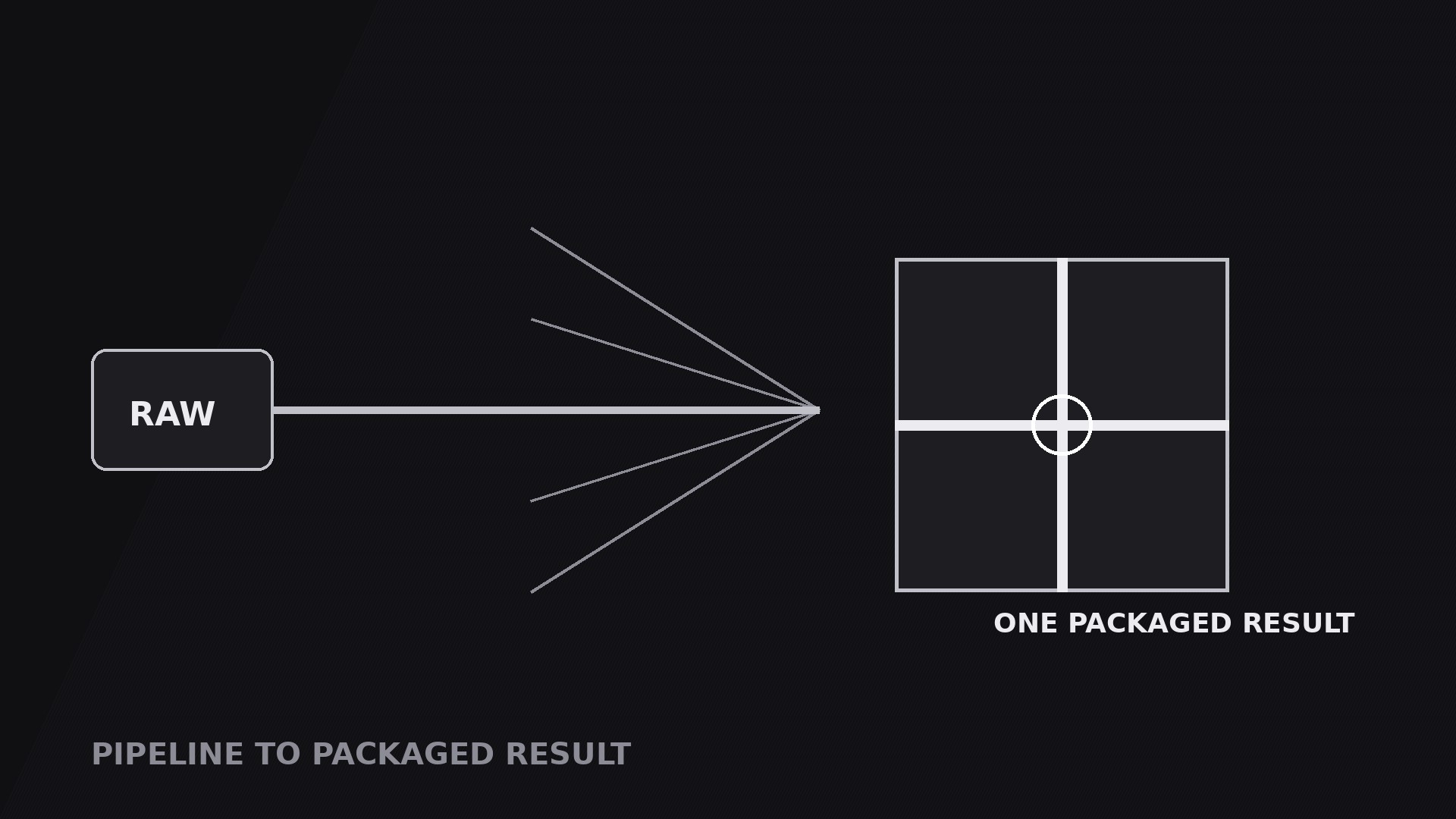
Trasforma la tua AI in un regista di motion graphics per il pattern «pipeline con risultato confezionato» — input sparsi attraversano una pipeline e convergono in un unico deliverable finito e confezionato, così chi guarda vede il risultato: tante cose entrano, una esce.
Installala in 3 passaggi
Nessuna registrazione. Nessuno strumento da riga di comando. Scegli la tua AI, copia una riga e incollala.
Preferisci fare da te? Acquista la skill ($4.99), scarica lo ZIP dalla conferma d'acquisto, decomprimilo nella cartella mostrata sopra e riavvia la sessione della tua AI — stesso risultato. L'hai già acquistata? Il tuo assistente AI può scaricarla per te.
Cosa contiene
Un file SKILL.md (la guida operativa) + un modello di partenza. Un'anteprima:
Pipeline to Packaged Result
When to use
- A service or workflow video where the point is the deliverable: drafts, assets, feedback, and data go in — one finished report, brand kit, or launch package comes out
- A product demo where several ingredients (footage, script, music, graphics) combine into one exported video, one file, one link
- A pitch or sales video where the process matters less than the promise: "give us X, Y, and Z, and you get this box"
- A tutorial finale where the scattered steps of the lesson visibly converge into the finished result the viewer can now make
- A before/after video where the "after" is a single packaged thing — one PDF, one site, one kit — that the whole pipeline exists to produce
Workflow
- Define the inputs (input: your topic → output: 2–4 input blocks)
List the things that go into the pipeline: two to four inputs, never more than four, or the convergence gets crowded. Each input gets a small block: a label (1–3 words) and one icon ("Script", "Footage", "Music", "Feedback"). The inputs should feel like raw material — loose, varied, uncombined. If two inputs are really the same thing at different stages, merge them. Order the inputs vertically on the left of frame in the order the voiceover names them, because the convergence will follow that order. - Define the one package (input: inputs → output: a single package block)
Design the deliverable as a package, not a plain card: a box, a document with a seal, a folder with a ribbon, a file with a checkmark — something with edges and a closure, so it reads as finished and portable. Give it a name (1–4 words: "Launch Kit", "Final Report", "Brand Package") and one visual cue of completeness: a seal, a checkmark, a tied ribbon. The package sits alone on the right of frame, larger than any input block, with empty space around it. That empty space is doing work — it says this one thing is the whole point. - Draw the converging pipeline (input: inputs + package → output: pipe geometry)
Draw one line from each input block, all converging on a single junction, then one short pipe from the junction into the package. The lines should visibly narrow the field: many on the left, one on the right. Keep the lines clean and uncrossed, with the junction marked by a node. The geometry is the mirror image of a fan: where a fan spreads, this gathers. If the lines look parallel rather than converging, move the junction closer to the package and spread the inputs further apart vertically — the convergence angle should be obvious at a glance. - Choreograph the convergence (input: geometry → output: timed motion plan)
Standard timing: the input blocks fade in one at a time, top to bottom, 0.25 s apart, each 0.3 s. Hold 0.3 s. Then pulses travel along all input lines toward the junction simultaneously over 0.7–1.0 s (ease-in-out) — simultaneous here, because the inputs arrive together. The pulses meet at the junction with a 0.2 s node flash. Then a single bright pulse travels the short final pipe into the package over 0.4 s, and the package pops in with a 0.2 s scale overshoot (100% → 106% → 100%) plus a seal or checkmark stamping on with a 0.15 s drop. Total convergence move: 1.3–1.6 s. The sequence must read as gathering then delivering: inputs arrive together, then one thing emerges. - Hold the package and prove it (input: finished package → output: hold-and-proof plan)
Hold the completed package for 2.5–4 s. During the hold, prove the package is real: a small contents list fades in beside or below it — 3–5 items, each 1–4 words ("Final video", "Captions file", "Thumbnail set") — appearing one at a time, 0.3 s apart. Or rotate the package slightly to show a second face (front → spine) over 0.6 s. Pick one proof move, not both. The inputs, meanwhile, fade to 30–40% opacity or slide slightly back — still visible, but clearly spent. Never let the inputs stay at full brightness during the hold, or the eye keeps going back to the raw material instead of the result. - Exit on the package (input: held package → output: exit plan)
Exit by holding the package as the voiceover gives the call to action ("Download it below"), then fading out, or by zooming into the package as the next shot opens it. If the next shot shows the package's contents, the zoom-in is the right exit — it tells the viewer "we are opening this now." Render a draft and check: the lines converge without crossing, the pulses meet at the junction before the package pops, and the package is unmistakably one thing — if it reads as two stacked cards, redesign it as a single box.
Anteprima del modello
Pipeline to Packaged Result — Starter Template
Many things in, one package out. Define the inputs, then design the package.
The inputs (2–4, raw material)
Cut check: if two inputs are the same thing at different stages, merge them.
The package (one finished, portable thing)
Package name (1–4 words): {Launch Kit / Final Report / Brand Package}
Package form: {box / sealed document / folder with ribbon / file with checkmark}
Completeness cue: {seal / checkmark / tied ribbon}
Voiceover line: "{Inputs} go in — one {package name} comes out."
Proof: contents list (3–5 real items)
- {item — 1–4 words}
- {item}
- {item}
- {item or —}
- {item or —}
Il pacchetto della skill (SKILL.md + modello) è scritto in inglese.


