Orbiting Portrait Testimonials
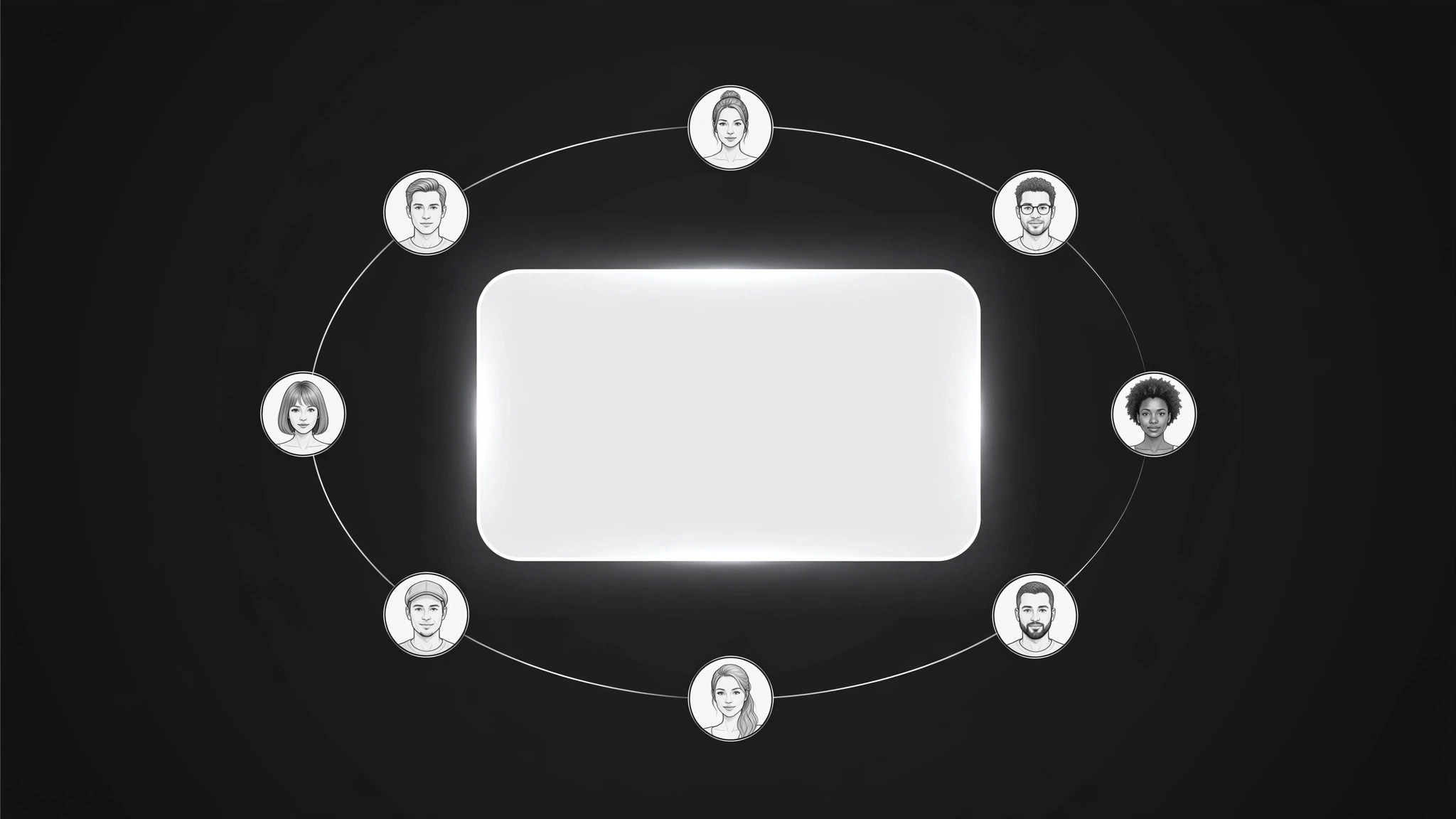
Testimonianze che orbitano attorno a una citazione centrale — ritratti in movimento, prove al centro.
Trasforma la tua IA in un creatore di sezioni di testimonianze — dispone i ritratti dei clienti in un'orbita lenta attorno a una citazione in evidenza che ruota, così la prova sociale sembra viva senza sovraccaricare la pagina.
Installala in 3 passaggi
Nessuna registrazione. Nessuno strumento da riga di comando. Scegli la tua AI, copia una riga e incollala.
Preferisci fare da te? Acquista la skill ($4.99), scarica lo ZIP dalla conferma d'acquisto, decomprimilo nella cartella mostrata sopra e riavvia la sessione della tua AI — stesso risultato. L'hai già acquistata? Il tuo assistente AI può scaricarla per te.
Cosa contiene
Un file SKILL.md (la guida operativa) + un modello di partenza. Un'anteprima:
Orbiting Portrait Testimonials
When to use
- Your testimonials sit in a static grid that visitors scroll past without reading
- You have strong customer quotes but the page section feels dead and text-heavy
- You want social proof near the top of a landing page without letting it take over the hero
- You have portrait photos you're allowed to use and want them to do more than decorate a grid
- Your testimonial section looks identical to every other site's and you want it to feel alive
Workflow
- Pick the featured quote (input: all testimonials → output: one featured quote)
Choose the single quote that best answers the visitor's biggest doubt — usually the doubt about whether the product works for someone like them. The featured quote sits at the center of the orbit and gets the most attention, so it must be specific ("Our onboarding time fell from two weeks to three days") rather than generic praise ("Great product, highly recommend!"). If no quote is specific, ask a customer for one before building — an orbit of vague praise just rotates the vagueness. - Gather portraits and permissions (input: featured quote + customer list → output: portrait set with consent)
Collect six to ten portrait photos, one per testimonial, and confirm you have permission to use each photo with the quote attached. Get the name, role, and company for each person, spelled as they spell it, and confirm the quote wording with them if it was edited for length. A portrait without confirmed permission is a liability, not an asset — if consent is missing for someone, use their quote without a photo or drop them from the orbit entirely. - Build the orbit (input: portrait set → output: orbit layout)
Lay out the section with the featured quote at the center and the portraits arranged in a ring around it. Each portrait is a small circular crop, evenly spaced, with the featured person's portrait emphasized (slightly larger, or marked). The layout spec states the ring size, the portrait count, the center quote block, and the behavior at narrow widths: on small screens the ring becomes a horizontal scroll row or a stacked list, with the featured quote pinned above it. The orbit must read clearly without motion — the layout works first as a static composition, and motion is added on top of it. - Wire the rotation (input: orbit layout → output: working rotation)
Make the orbit rotate slowly — one full turn in roughly 60–90 seconds — and pause on hover or when the visitor interacts with it. When a portrait reaches the top position (or when the visitor clicks a portrait), its quote becomes the featured quote in the center, with a smooth crossfade. Rotation is ambient, never frantic: if the quotes change faster than a visitor can read one, the section is a carousel, not proof. Cap the rotation so it stops being a distraction — gentle, constant, and easy to ignore once the visitor starts reading. - Keep it accessible and fast (input: working rotation → output: verified section)
Check the section against three requirements: it respects reduced-motion settings (no rotation when the visitor prefers reduced motion — show the featured quote with a static ring or a simple list); every portrait has alt text with the person's name and role; and the images are sized for their display size so the section doesn't drag the page load. Test with a keyboard: a visitor tabbing through the portraits should be able to select each one and read its quote. A testimonial section that excludes keyboard or reduced-motion visitors is a section that loses the very trust it was built to earn.
Anteprima del modello
Orbiting Portrait Testimonials — Section Template
The featured quote persuades; the orbit attracts. Pick the quote before building the ring.
Featured quote (center)
> "{One specific quote answering the visitor's biggest doubt}"
— {name, role, company}
Portrait set (6–10)
No permission? {Use the quote without a photo, use a monogram disc, or drop the person — never use an unconfirmed photo.}
Orbit layout
Ring size / portrait count: {…} Featured portrait emphasis: {slightly larger / marked} Narrow-width behavior: {horizontal scroll row / stacked list, featured quote pinned above}
Rotation
Speed: {one full turn per 60–90 seconds}
Il pacchetto della skill (SKILL.md + modello) è scritto in inglese.


