Launcher App OG Image
Un'immagine di condivisione che mostra la palette del tuo launcher a colpo d'occhio.
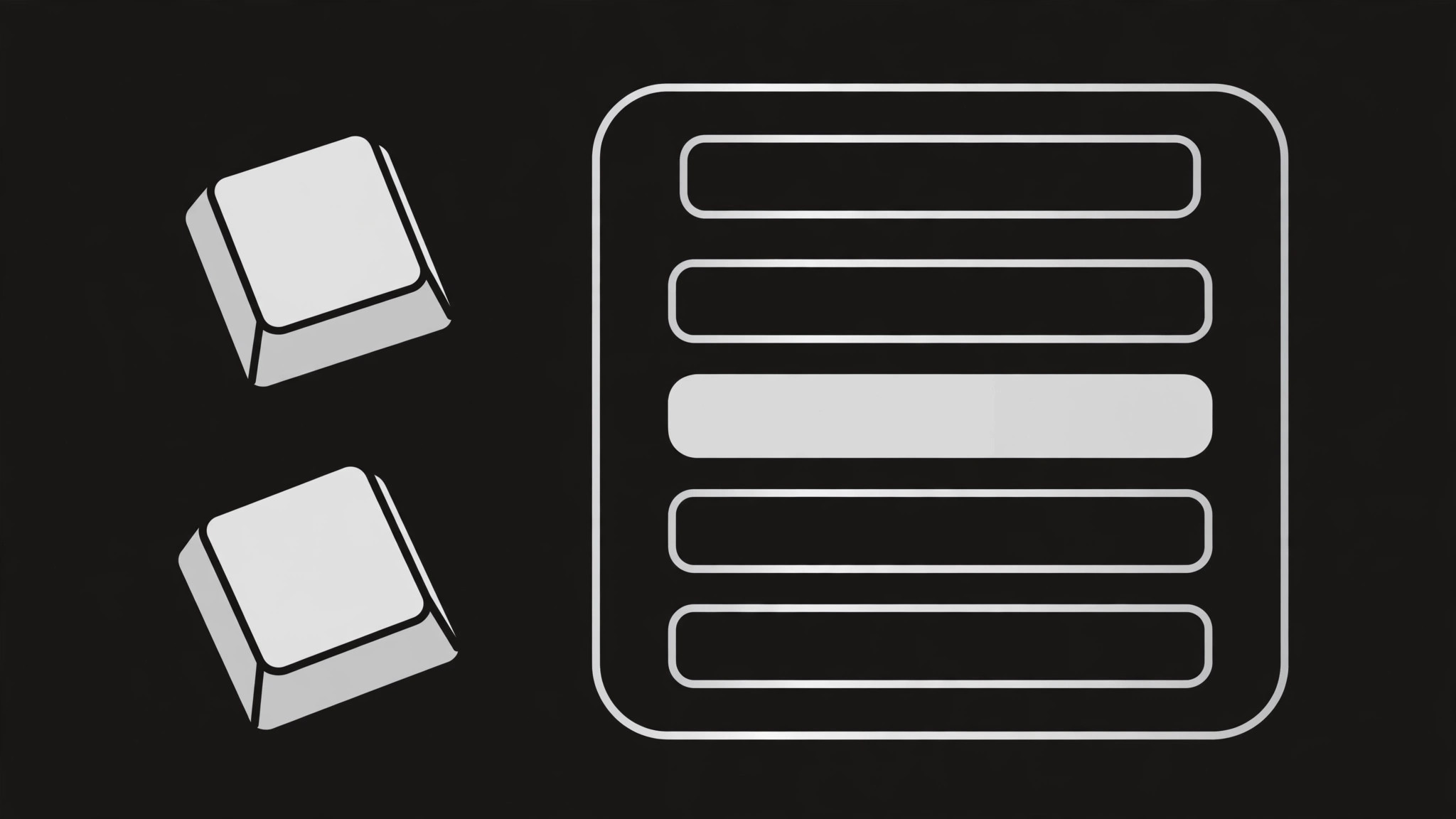
Trasforma la tua IA in un designer di anteprime social che crea un'immagine OG 1200×630 per un'app launcher da tastiera — un motivo di palette comandi, tasti di scelta rapida e una promessa in una riga, leggibili in miniatura.
Installala in 3 passaggi
Nessuna registrazione. Nessuno strumento da riga di comando. Scegli la tua AI, copia una riga e incollala.
Preferisci fare da te? Acquista la skill ($4.99), scarica lo ZIP dalla conferma d'acquisto, decomprimilo nella cartella mostrata sopra e riavvia la sessione della tua AI — stesso risultato. L'hai già acquistata? Il tuo assistente AI può scaricarla per te.
Cosa contiene
Un file SKILL.md (la guida operativa) + un modello di partenza. Un'anteprima:
Launcher App OG Image
When to use
- Your launcher app gets shared on social media, chat, or forums and the link preview is blank or a cropped screenshot
- You're launching a keyboard-first tool and need a share image that shows the core interaction — type, pick, go — in one glance
- Your existing OG image is a busy full-app screenshot that turns to mush at thumbnail size
- You need matching preview images for a launch post, a changelog page, and the homepage — same system, different headlines
- A redesign changed the palette or the command bar and the old preview image still shows the old look
Workflow
- Lock the message (input: product facts → output: one-line promise)
An OG image carries exactly one message: the app name plus one promise of under 8 words ("Launch anything in two keystrokes"). Write the promise first and design around it — if it needs a second sentence, it's the wrong promise. Everything else on the image (palette, keys, background) exists to make that one line land. No feature lists, no version numbers, no URLs: at thumbnail size, every extra word is noise. - Compose the command palette (input: app UI → output: palette render)
Draw the command palette as the hero: a rounded floating bar, centered-right on the canvas, showing a short typed query and three or four results below it, with one result highlighted. Use generic result entries ("Open Project", "Search Files", "Run Command") — never real file names, real contacts, or real user data. Keep the palette large: at 240 pixels wide, the query text and the highlighted row must still be readable. The palette is the product's face; it should look like your app's actual palette, simplified, not like a stranger's screenshot. - Set the type hierarchy (input: promise + app name → output: placed headline)
Two text elements, no more: the app name (small, top-left, in the brand font) and the promise (large, left-aligned, two lines maximum, heavy weight). The promise must be legible at 240 pixels wide — test by shrinking the image, not by squinting at full size. If any word wraps awkwardly, shorten the promise rather than shrinking the type. Contrast: dark text on light ground or light text on dark ground, never mid-tone on mid-tone. - Add keys and background (input: brand assets → output: finished composition)
Add one or two keycap motifs — the app's main shortcut rendered as physical-feeling keycaps ("⌘K" or "Ctrl+K", matching the platform you actually support) — near the palette, plus a small brand mark. Background: one flat color or a very subtle two-tone split that keeps the palette the brightest object on the canvas. Keep a 60-pixel safe margin on all sides: link-preview crops vary by platform, and anything near the edge risks being clipped. Stop after the keys and the mark — the palette is the hero, not the decoration. - Export and test at thumbnail size (input: finished composition → output: verified 1200×630 file)
Export at exactly 1200×630 pixels as a JPEG or PNG under 1 MB. Then verify like a stranger would: shrink it to 240 pixels wide and read it, paste it into a chat preview, and check it on both a light-mode and dark-mode client. If the promise isn't readable at thumbnail size, or the palette looks like a different app's UI, go back to step 2 — don't ship a preview image that misrepresents the product.
Anteprima del modello
Launcher App OG Image — Build Template
One promise, one palette, one image. Fill this in before composing.
Message
App name: {name}
One-line promise (≤8 words): {e.g. Launch anything in two keystrokes.}
Palette mockup
- Layout: floating command bar, centered-right
- Typed query: {short query, e.g. "open pro…"}
- Results (3–4, generic only):
- {e.g. Open Project}
- {e.g. Search Files}
- {e.g. Run Command}
- {optional}
- Highlighted row: {which row, and why}
- Real user data in mock? NO — generic entries only, always
Keys + brand
Il pacchetto della skill (SKILL.md + modello) è scritto in inglese.


