Keyword Caption Build
Una parola chiave alla volta, che atterra esattamente quando viene pronunciata.
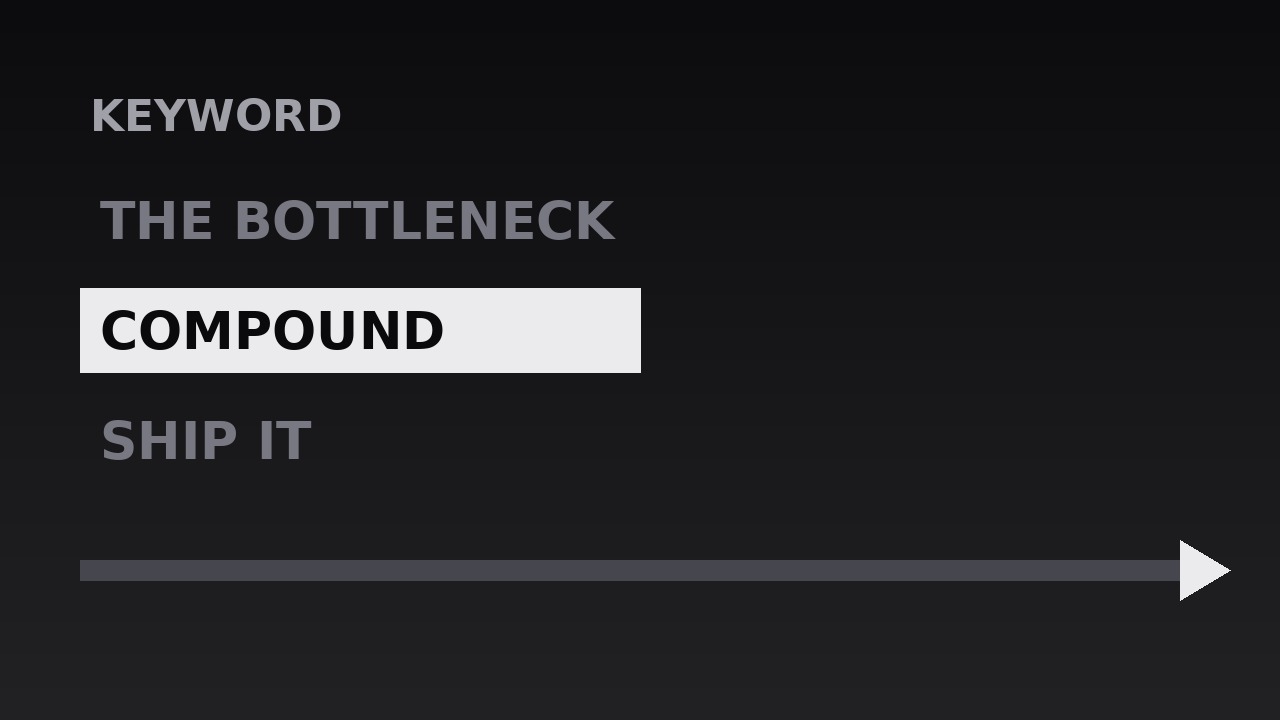
Trasforma la tua AI in un motion designer per sottotitoli guidati da parole chiave: una parola chiave alla volta si costruisce sullo schermo in sincronia con la parola pronunciata, così gli spettatori leggono il punto esattamente quando lo sentono. Per video con testa parlante, tutorial e clip social in cui la retention dipende dalle parole che atterrano.
Installala in 3 passaggi
Nessuna registrazione. Nessuno strumento da riga di comando. Scegli la tua AI, copia una riga e incollala.
Preferisci fare da te? Acquista la skill ($4.99), scarica lo ZIP dalla conferma d'acquisto, decomprimilo nella cartella mostrata sopra e riavvia la sessione della tua AI — stesso risultato. L'hai già acquistata? Il tuo assistente AI può scaricarla per te.
Cosa contiene
Un file SKILL.md (la guida operativa) + un modello di partenza. Un'anteprima:
Keyword Caption Build
When to use
- A talking-head video where the speaker's key terms need to land visually, not just wash past in audio
- A tutorial or explainer where each new concept arrives as a named keyword before it gets explained
- A social clip watched mostly on mute, where captions carry the argument and keywords carry the hook
- A lecture, sermon, or conference talk being repurposed into short clips, where one idea per beat keeps viewers oriented
- A sales or pitch video where the three or four claims that matter must be seen as well as heard
- Any edit where full-sentence subtitles feel like reading a transcript, but no captions at all loses the skimmers
Workflow
- Extract the keywords from the script (input: your script or transcript → output: keyword list)
Read the script and underline the words a viewer must remember after the video ends — usually nouns and verbs that carry the claim, not filler. Aim for one keyword per spoken beat: a 60-second clip supports 5–9 keywords, a 3-minute explainer 12–18. Each keyword is 1–3 words long ("compound interest", "ship it", "the bottleneck"). If a keyword needs four words, it is a phrase, not a keyword — shorten it or split it into two beats. Order the list in spoken order and note the timestamp where each word is said; the build lives or dies on that timing. - Set the caption system (input: keyword list → output: type and layout rules)
Fix one typeface, one size, and one position before animating anything. Keywords sit in the lower third or centre-lower frame, large enough to read on a phone at arm's length — typically 8–12% of frame height for the keyword itself, with a smaller supporting line beneath if needed. One accent colour (or one weight change, in monochrome) marks the keyword; everything else stays quiet. Decide the rules once: keyword in bold, supporting words in regular weight, maximum two lines, never crossing the speaker's face. A consistent system reads as design; a different treatment per keyword reads as chaos. - Time each keyword to the voice (input: audio + keyword list → output: timed caption track)
Place each keyword so it appears on the exact frame the word is spoken — not a beat early, not a beat late. The human ear forgives a caption that is 2–3 frames late; it notices one that is half a second early, because the eye reads ahead and spoils the line. If the speaker pauses before the keyword, hold the previous frame empty for the pause; the silence makes the keyword's arrival feel deliberate. Each keyword stays on screen until the next one arrives, or for at least 600ms after its spoken beat — anything shorter is a flash, not a caption. - Animate the build (input: timed caption track → output: build keyframes)
Each keyword builds in, rather than popping: scale 0.92 → 1.0 over 140ms with ease-out, opacity 0 → 100% over the same 140ms, plus a subtle 8px upward drift that settles as the word lands. Multi-word keywords build word by word, 60–90ms apart, so "compound" lands, then "interest" joins it — the eye assembles the term in the order the ear hears it. The previous keyword exits by fading to 40% opacity and sliding down 12px over 120ms, or by cutting out cleanly; never let two full-strength keywords share the frame, or the viewer reads the old one instead of hearing the new one. - Mark the emphasis (input: build keyframes → output: emphasis pass)
Once the build works, add exactly one emphasis device per keyword, chosen from a fixed menu: a highlight bar that sweeps behind the word (200ms, left to right), an underline that draws itself under the word (180ms), or a scale pulse to 1.06 that settles back to 1.0 by 200ms. One device per keyword, and the same device family across the whole video — if the first keyword gets a highlight bar, the rest get highlight bars. Emphasis is seasoning: a keyword with two effects looks like it is begging, and a video where every keyword uses a different effect looks like a transitions demo reel. - Review on mute, on a phone (input: emphasis pass → output: finished caption build)
Watch the whole sequence with the sound off, on the smallest screen the audience will use. Every keyword must be readable without audio, in the time it is on screen, at that size. Then watch once with sound: the keyword should feel like it arrives with the voice, not before or after it. Fix the two most common failures — keywords that overlap the speaker's mouth, and keywords that linger so long the viewer re-reads them instead of listening. Total rhythm check: no two keywords closer than 500ms apart, no gap longer than 4 seconds without a caption, or the build feels either frantic or abandoned.
Anteprima del modello
Keyword Caption Build — Starter Template
One keyword per spoken beat. Fill in the keyword list in spoken order, then set the system once and reuse it for the whole video.
Video: {title} — {runtime} — {platform: e.g. Reels / YouTube / TikTok}
Speaker / voice: {name or "voiceover"} | Caption position: {lower third / centre-lower} | Accent: {one colour or "bold weight only"}
Keyword list (in spoken order)
Cut test: every keyword above is 1–3 words and states one claim. Any 4+ word entry: [ ] shortened [ ] split into two beats
Caption system (set once, reuse everywhere)
Il pacchetto della skill (SKILL.md + modello) è scritto in inglese.


