Isometric Research Collage
L'intero studio in un'immagine — un oggetto per tema.
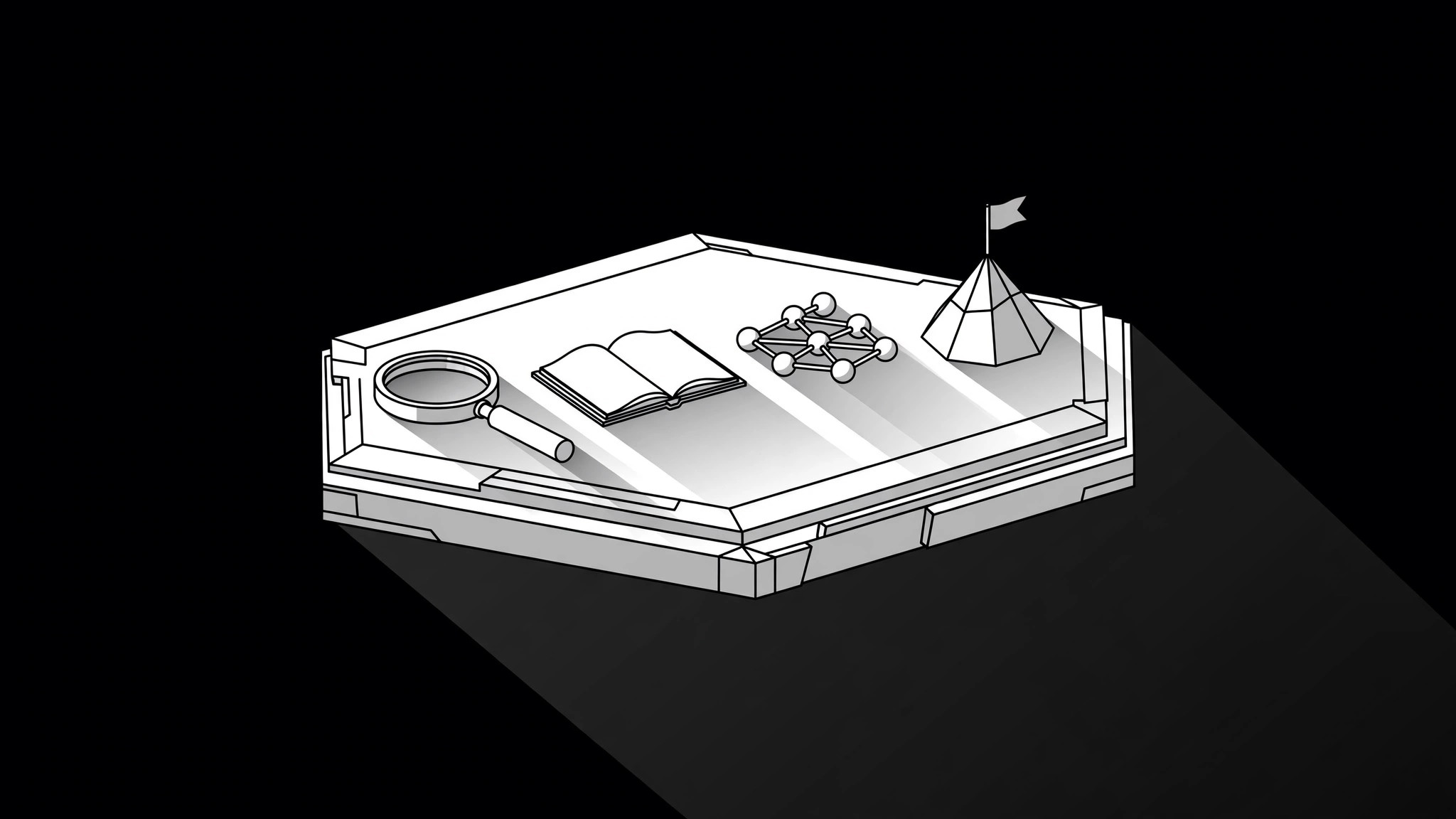
Trasforma la tua AI in un direttore dell'illustrazione — dispone i temi di un progetto di ricerca in un unico collage isometrico: una griglia 3D coerente, un oggetto per tema ed etichette che permettono al lettore di percorrere i risultati a colpo d'occhio.
Installala in 3 passaggi
Nessuna registrazione. Nessuno strumento da riga di comando. Scegli la tua AI, copia una riga e incollala.
Preferisci fare da te? Acquista la skill ($4.99), scarica lo ZIP dalla conferma d'acquisto, decomprimilo nella cartella mostrata sopra e riavvia la sessione della tua AI — stesso risultato. L'hai già acquistata? Il tuo assistente AI può scaricarla per te.
Cosa contiene
Un file SKILL.md (la guida operativa) + un modello di partenza. Un'anteprima:
Isometric Research Collage
When to use
- A research report, paper, or white paper needs a cover or summary image that shows several themes at once instead of a single chart
- A presentation opening slide must preview the whole study — methods, findings, implications — before the audience sees any detail
- A blog post or landing page summarizes a multi-part study and needs one image that maps its parts without a wall of text
- A poster or social card announces research with three or more strands and a single icon would flatten it
- A team needs one shared visual that says "here are the pieces of this project and how they sit together"
Workflow
- Extract the themes (input: your report or paper → output: theme list of 3–6 items)
Read the study and pull out its real themes — the questions, methods, or findings the work actually covers, in the study's own terms. Three to six themes is the working range: fewer and you do not need a collage, more and the image becomes a catalogue. For each theme, write one plain sentence of what it covers. If a theme cannot be stated in one sentence, split it or drop it — the collage can only show what you can state clearly. - Assign one object per theme (input: theme list → output: object map)
Give each theme exactly one concrete object or small scene that stands for it — a magnifier for literature review, a survey form for fieldwork, a network of nodes for analysis, a flag on a peak for the headline finding. Objects must be concrete and recognizable at small size; abstract blobs and generic gears say nothing. Check the set together: the objects should look like they belong to one world, not six clip-art drawers. If two themes map to the same object, rethink one of them. - Build the isometric stage (input: object map → output: grid + placement plan)
Set one isometric grid — one angle, one light direction, one ground plane — and place every object on it. Arrange objects so the eye travels in a sensible order: the study's flow (question → method → finding → implication) left to right, or most important theme largest and nearest. Keep generous space between objects; isometric scenes crowd fast. Decide the ground: a single platform, a few stepped levels, or one landscape — and keep it consistent across the whole image. - Add labels and a legend (input: placement plan → output: labeled collage)
Label each object with a short theme name — two to four words — placed on flat ground beside the object, never floating mid-air or wrapping around 3D edges. If the labels would clutter the scene, number the objects and put the names in a short legend beside the collage. Every label must match the theme sentence from step 1; the image is a map of the study, not a mood board. Check the labels at the smallest size the image will be shown — if they blur, shorten them or enlarge the canvas. - Check consistency and truth (input: labeled collage → output: verified illustration)
Run the consistency pass: one light direction (all shadows fall the same way), one object style (all flat, or all shaded — never mixed), one palette, and one line weight. Then run the truth pass: every object stands for a theme the study actually covers, every label matches the study's terms, and nothing in the image implies a finding the study did not make. Fix mismatches before the image ships — a pretty collage that misstates the research is worse than no image.
Anteprima del modello
Isometric Research Collage — Build Template
The collage is a table of contents in picture form. Every object must trace back to the study.
Study
Title: {study title} Source document: {report / paper / file} Reading order for the collage: {e.g. question → method → finding → implication}
Themes (3–6, each in one plain sentence from the study)
Object-set check: [ ] all objects look like one world · [ ] no two themes share an object · [ ] no object stands for something the study doesn't cover
Isometric stage
Grid angle: {angle} · Light direction: {e.g. top-left — all shadows fall the same way}
Il pacchetto della skill (SKILL.md + modello) è scritto in inglese.


