Grid with Priority Reveal
Una tessera guida — la griglia si riempie intorno a lei.
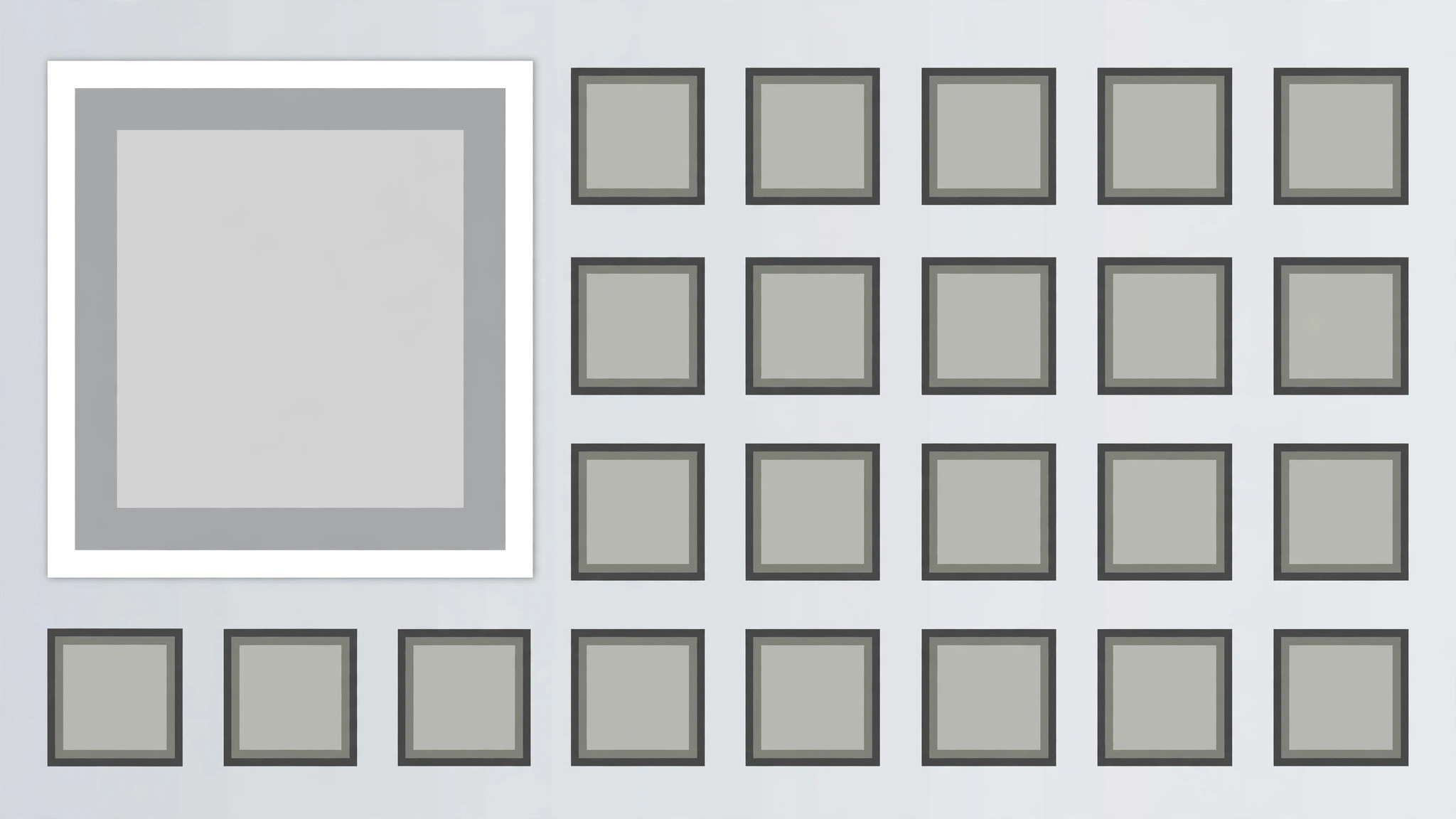
Una griglia di tessere in cui la tessera prioritaria si rivela per prima a dimensione doppia e resta sola, poi le tessere rimanenti compaiono intorno in ordine di lettura, chiudendo con un unico impulso che conferma la gerarchia. Pensato per dashboard, raccolte e gallerie con un elemento guida chiaro.
Installala in 3 passaggi
Nessuna registrazione. Nessuno strumento da riga di comando. Scegli la tua AI, copia una riga e incollala.
Preferisci fare da te? Acquista la skill ($4.99), scarica lo ZIP dalla conferma d'acquisto, decomprimilo nella cartella mostrata sopra e riavvia la sessione della tua AI — stesso risultato. L'hai già acquistata? Il tuo assistente AI può scaricarla per te.
Cosa contiene
Un file SKILL.md (la guida operativa) + un modello di partenza. Un'anteprima:
Grid with Priority Reveal
When to use
- A dashboard, gallery, or roundup video opens on a grid where one item is the headline
- A feature roundup shows many features but one is the reason to watch
- A portfolio or product grid leads with the flagship item and supports it with the rest
- A news or recap video presents a set of stories with one lead story
- A pricing or plan grid highlights the recommended option inside a full grid
- You have 5–12 tiles of comparable items and one tile that must read as first among equals
Workflow
- Choose the grid and the priority tile (input: your items → output: grid plan)
List 5–12 tiles, each with a short title (≤5 words) and a thumbnail or icon. Pick exactly one priority tile — the headline, the flagship, the recommended option. The priority tile must earn the size: it is the item the narration leads with. Size the grid: 3 columns × 2–4 rows for 6–12 tiles, or 2 × 2 + priority span for 5 tiles. The priority tile occupies a 2 × 2 block (twice the width, twice the height of a standard tile) at the top-left or top-centre of the grid — never buried in the bottom row, never centred in a way that breaks the reading order. - Lay out the grid (input: grid plan → output: layout)
Standard tiles are equal squares or 4:3 rectangles with 12–16px gaps. The priority tile spans 2 × 2 standard cells with the same gap rhythm — measure it as two cells plus one gap, not a free-floating larger box, or the grid looks broken. All tiles share one card style (same radius, same border, same shadow); the priority tile differs only in size plus one accent: a 2px accent border or an accent "Featured" tag in its corner — not both, and never a different card style. Titles sit on or below each tile in the same type size; the priority tile's title may be one step larger, matching its 2 × 2 scale. - Reveal the priority tile first (input: layout → output: priority keyframes)
The priority tile reveals first, alone, over 500ms: it scales 0.9 → 1.0 with ease-out, fades 0 → 100% over the same 500ms, and its accent border draws in (stroke draw 300ms starting at +100ms) or its tag pops (scale 0 → 1.1 → 1 over 200ms at +200ms). Hold the priority tile alone for 400ms — the viewer must register "this one first" before anything else appears. Never reveal the priority tile at the same time as the rest; simultaneous reveal makes it just the biggest tile, not the first. - Fill the remaining tiles around it (input: priority keyframes → output: fill choreography)
After the 400ms priority hold, the remaining tiles fill in around the priority tile in reading order (left to right, top to bottom, skipping the 2 × 2 block), staggered 70ms apart. Each tile pops: scale 0.85 → 1.0 over 220ms with ease-out back, opacity 0 → 100% over 180ms. Tiles adjacent to the priority tile reveal first within the fill order, so the grid appears to grow outward from the priority tile. The fill takes ≈700–900ms for 8–11 tiles. No tile slides across the grid to its slot — tiles pop in place; a sliding tile implies the grid is rearranging. - Settle and label the hierarchy (input: fill choreography → output: settle beat)
Once the grid is full, hold 300ms of stillness, then deliver one hierarchy cue: the priority tile gets a 250ms brightness pulse (100% → 108% → 100%) or a single soft shadow deepening, while the other tiles dim to 92% for the same 250ms and return. One pulse only — a looping pulse turns the priority tile into a blinking ad. If the narration names the priority tile, time the pulse to the name. After the pulse, hold the full grid ≥1.2s so the viewer can scan the whole set with the hierarchy understood. - Check the hierarchy reads instantly (input: finished motion → output: verified animation)
Show the final frame to the one-second test: can a viewer who sees it for one second point to the priority tile? If not, the priority tile is not big enough or its accent is too quiet — enlarge the span or strengthen the border, never add a second accent. Check the grid alignment: the priority tile's edges must align exactly with the standard tiles' grid lines (a 4px misalignment breaks the whole grid's geometry). Check on a phone screen: on narrow frames, use a 2-column grid with the priority tile spanning both columns on the top row.
Anteprima del modello
Grid with Priority Reveal — Starter Template
Fill in every {placeholder}. Exactly one priority tile — two priorities is a split grid, not a hierarchy.
Grid plan
- Tiles (5–12):
- Why the priority tile earns it: {headline | flagship | recommended_option} — narration leads with it
- Grid size: {3_columns × 2–4_rows | 2 × 2 + priority span}
- Priority tile position: {top-left | top-centre} · Span: {exactly 2 × 2 standard cells}
- Priority tile size check: {2 cells + 1 gap} in each direction — not a free-floating box
Layout
- Standard tiles: {equal squares | 4:3 rectangles} · Gaps: {12–16px}
- Card style (same for all tiles): radius {…} · border {…} · shadow {…}
Il pacchetto della skill (SKILL.md + modello) è scritto in inglese.


