Feature Testimonial Mosaic
Un muro di prove facile da scansionare per la tua pagina feature — niente caroselli, niente clic
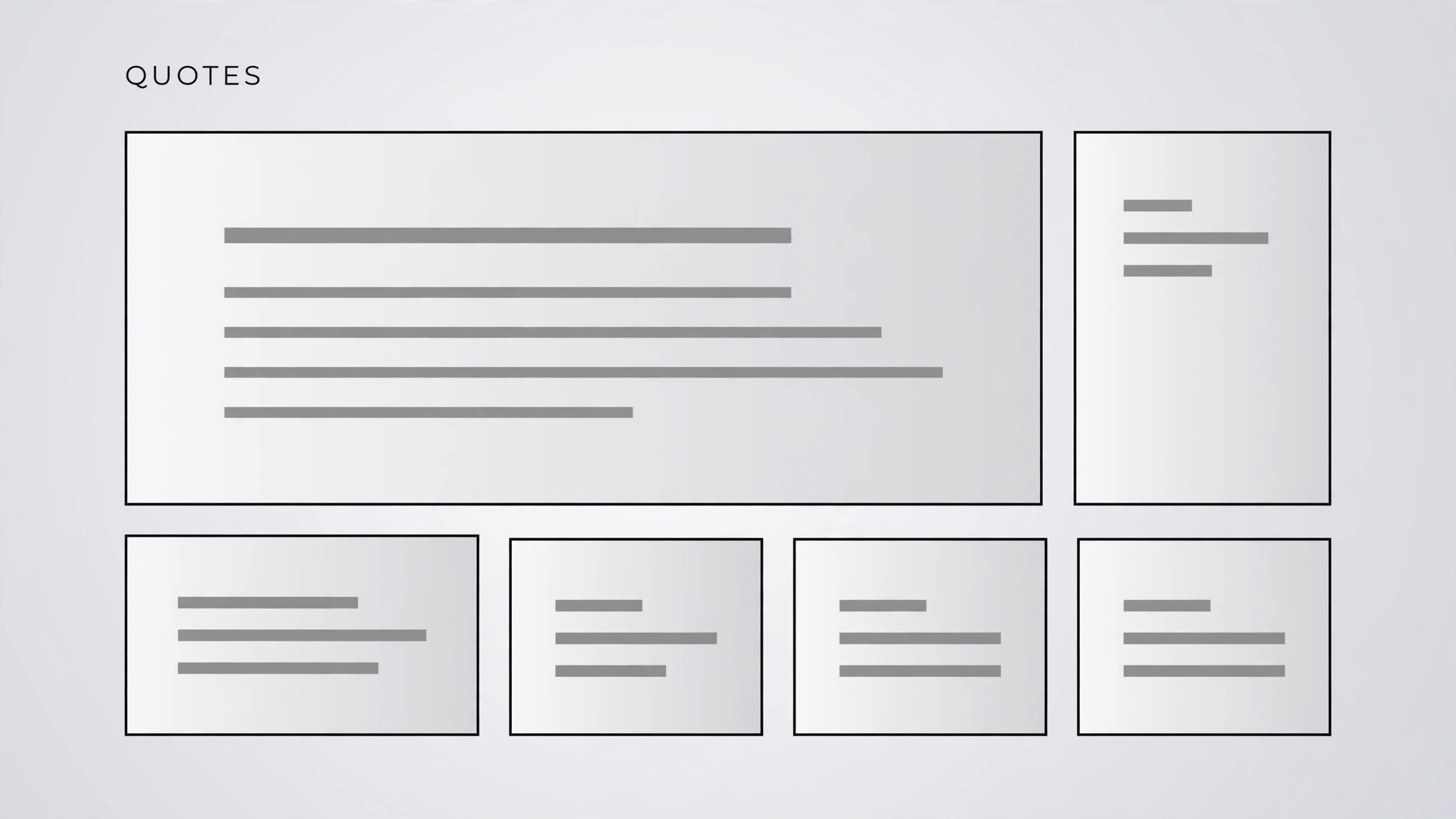
Trasforma la tua AI in un designer di sezioni web che crea un mosaico di testimonianze per una pagina feature o una landing: una griglia responsive di riquadri con citazioni di varie dimensioni e una storia in evidenza, pensata per essere scandita, non per le slide.
Installala in 3 passaggi
Nessuna registrazione. Nessuno strumento da riga di comando. Scegli la tua AI, copia una riga e incollala.
Preferisci fare da te? Acquista la skill ($4.99), scarica lo ZIP dalla conferma d'acquisto, decomprimilo nella cartella mostrata sopra e riavvia la sessione della tua AI — stesso risultato. L'hai già acquistata? Il tuo assistente AI può scaricarla per te.
Cosa contiene
Un file SKILL.md (la guida operativa) + un modello di partenza. Un'anteprima:
Feature Testimonial Mosaic
When to use
- A feature or landing page needs social proof that visitors can scan in seconds without clicking through slides
- You are launching a feature and want several customer voices visible above the fold at once
- Your page already has a single quote block and it reads as an afterthought — you need a section with real presence
- A pricing or signup page needs trust near the decision point, in a layout that works on mobile
- You want testimonials that stay visible and searchable on the page, not hidden inside a carousel
Workflow
- Define the section's job (input: page + feature → output: mosaic brief)
State what this mosaic must do: which feature it supports, which objection it answers, and where it sits on the page (after the feature description, before pricing). One job per mosaic — a section trying to prove everything proves nothing. Note the page's width and the number of tiles the layout can hold at desktop and mobile. - Gather quotes and assign tile sizes (input: customer feedback → output: sized quote set)
Collect 6–12 short quotes with permission, name, role, and company for each. Pick one featured story — the strongest outcome, told in 2–3 sentences — for the large tile. The rest become small tiles of one sentence each. Size follows strength of evidence, not who shouted loudest: a specific number ("cut onboarding from 3 weeks to 4 days") earns a bigger tile than a vague superlative. - Build the grid (input: sized quote set → output: mosaic layout)
Lay out a masonry-style grid: the featured tile spans two columns, small tiles fill the rest, and the overall shape stays roughly rectangular — no ragged holes. Keep tiles visually calm: one typeface, one quote-mark style, generous padding. Alternate tile background tones subtly so the eye can separate tiles without heavy borders. - Make it responsive and accessible (input: mosaic layout → output: working section)
At tablet width the grid reflows to two columns; on phones it becomes a single column with the featured tile first. Every tile is real text, not an image of text; quote, name, and role are marked up so screen readers announce them as a quotation with attribution. Color contrast meets the bar for body text, and the section works with images and scripts disabled. - Ship with a maintenance rule (input: working section → output: published mosaic)
Add the section to the page with a short note on how it stays fresh: who owns it, how often quotes are reviewed, and what happens when a customer asks to be removed (the tile comes out, same day). Check the live page at desktop, tablet, and phone widths, and read every tile once more — typos in other people's words are the fastest way to lose trust.
Anteprima del modello
Feature Testimonial Mosaic — Template
A web section, not a deck: all voices visible at once, no clicks, no presenter.
Mosaic brief
Page: {e.g. /features/onboarding} | Feature supported: {e.g. Guided onboarding} Objection it answers: {e.g. "Will this actually save us time?"} Placement: {e.g. After the feature description, before pricing}
Tile set (6–12 tiles, permission confirmed for each)
FEATURED TILE (2–3 sentences, strongest outcome):
> "{Featured quote — the strongest outcome, with a specific number if possible}"
— {Name, role, company} | Permission: {yes / date, source}
Small tiles (one sentence each):
Il pacchetto della skill (SKILL.md + modello) è scritto in inglese.


