Expense Card OG Image
Un'immagine di condivisione per la tua carta spese che si legge in miniatura.
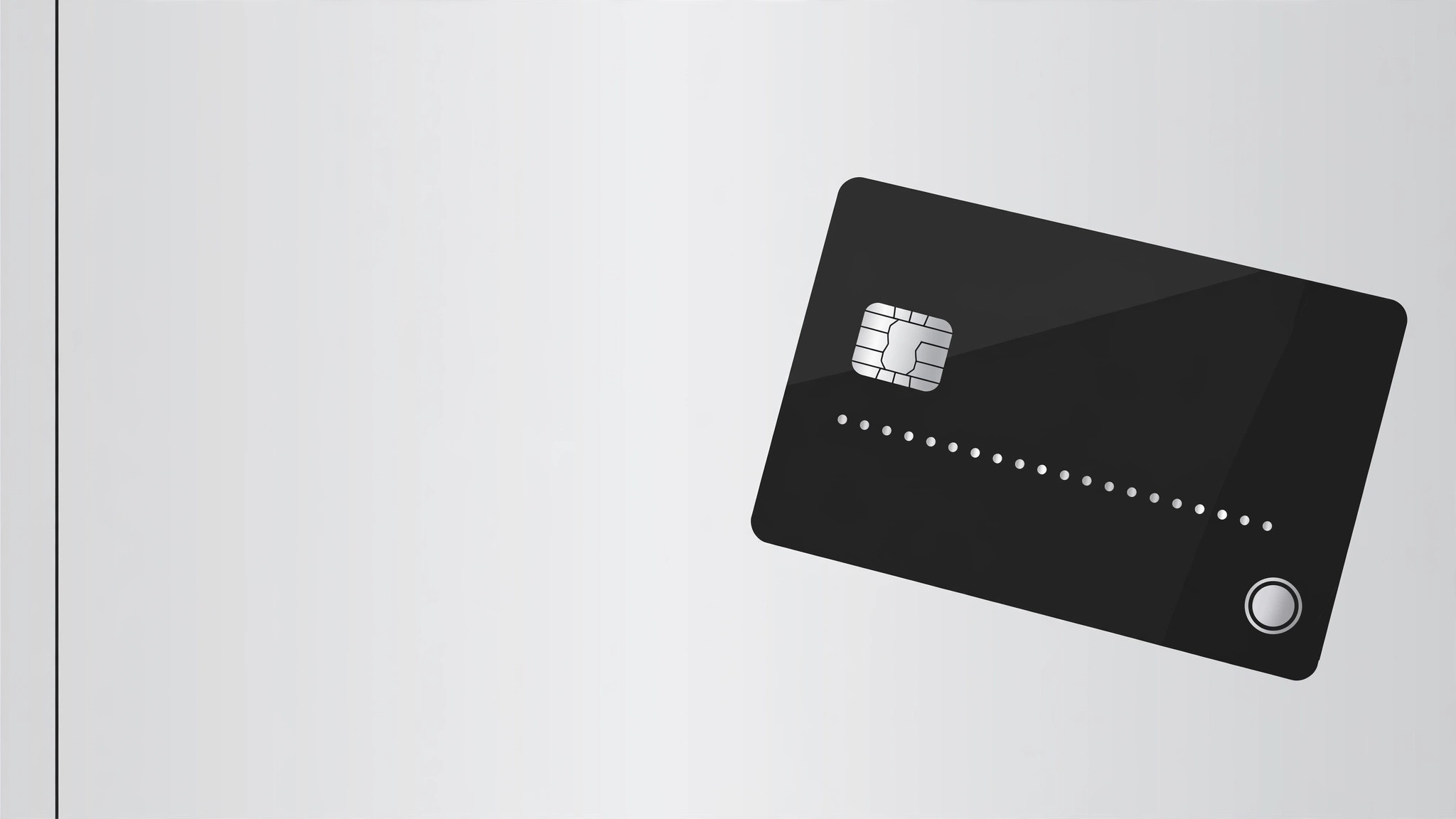
Trasforma la tua IA in un designer di anteprime social che crea un'immagine OG 1200×630 per un prodotto di carta spese — un mockup della carta, una promessa in una riga e un marchio, tutti leggibili in miniatura.
Installala in 3 passaggi
Nessuna registrazione. Nessuno strumento da riga di comando. Scegli la tua AI, copia una riga e incollala.
Preferisci fare da te? Acquista la skill ($4.99), scarica lo ZIP dalla conferma d'acquisto, decomprimilo nella cartella mostrata sopra e riavvia la sessione della tua AI — stesso risultato. L'hai già acquistata? Il tuo assistente AI può scaricarla per te.
Cosa contiene
Un file SKILL.md (la guida operativa) + un modello di partenza. Un'anteprima:
Expense Card OG Image
When to use
- Your expense-card or corporate-card product gets shared on social media, chat, or Slack and the link preview is blank or auto-generated
- You're launching a card product and need a share image that reads instantly at thumbnail size, not just at full size
- Your existing OG image is a cropped logo on a gradient that nobody can read when it's 120 pixels wide
- You need matching preview images for a landing page, a blog post, and a product announcement — same system, different headlines
- A card redesign shipped and the old preview image still shows the old card
Workflow
- Lock the message (input: product facts → output: one-line promise)
An OG image carries exactly one message: the product name plus one promise of under 8 words ("Business spending, finally under control"). Write the promise first and design around it — if it needs a second sentence to make sense, it's the wrong promise. Everything else on the image (card, brand, background) exists to make that one line land. No feature lists, no fine print, no URLs: at thumbnail size, every extra word is noise. - Compose the card mockup (input: card design → output: card render)
Draw the card at a slight angle (10–15 degrees) on the right two-thirds of the canvas, large enough that the chip, the card number pattern, and the brand mark are visible at 120 pixels wide. Use the real card design — real colors, real logo placement, real card name — or a clearly generic placeholder card if the design isn't final. Never render a card that looks like a real bank's issued card: no real card numbers, no real cardholder names, no copied bank branding. A generic "●●●● 0000" pattern and your own brand mark keep it honest and safe. - Set the type hierarchy (input: promise + product name → output: placed headline)
Two text elements, no more: the product or brand name (small, top-left, in the brand font) and the promise (large, left-aligned, two lines maximum, set in a heavy weight). The promise must be legible at 240 pixels wide — test it by shrinking the image, not by squinting at full size. If any word wraps awkwardly or gets cut, shorten the promise rather than shrinking the type. Contrast: dark text on light ground or light text on dark ground, never mid-tone on mid-tone. - Add brand and background (input: brand assets → output: finished composition)
Background: one flat color or a very subtle two-tone split that keeps the card the brightest object on the canvas. Add one quiet brand element — a small logo mark, a thin accent line, a faint pattern at low opacity — and stop. The card is the hero; the background is the stage. Keep a 60-pixel safe margin on all sides: link-preview crops vary by platform, and anything near the edge risks being clipped. - Export and test at thumbnail size (input: finished composition → output: verified 1200×630 file)
Export at exactly 1200×630 pixels as a JPEG or PNG under 1 MB. Then verify like a stranger would: shrink it to 240 pixels wide and read it, paste it into a chat preview, and check it on both a light-mode and dark-mode client. If the promise isn't readable at thumbnail size, or the card looks like a different product's card, go back to step 2 — don't ship a preview image that misrepresents the product.
Anteprima del modello
Expense Card OG Image — Build Template
One promise, one card, one image. Fill this in before composing.
Message
Product / brand name: {name}
One-line promise (≤8 words): {e.g. Business spending, finally under control.}
Card name (as printed on the card): {name on card}
Card mockup
- Card angle: {10–15°}
- Card colors: {real card colors}
- Chip: [ ] shown
- Number pattern: ●●●● 0000 _(never a real-looking full number)_
- Cardholder line: {generic, e.g. YOUR COMPANY} _(never a real person's name)_
- Brand mark on card: {your own mark, placed as on the real card}
Composition
- Canvas: 1200 × 630 px
Il pacchetto della skill (SKILL.md + modello) è scritto in inglese.


