Document Collapse Contrast
Piega la versione lunga — e lascia che gli spettatori sentano la differenza.
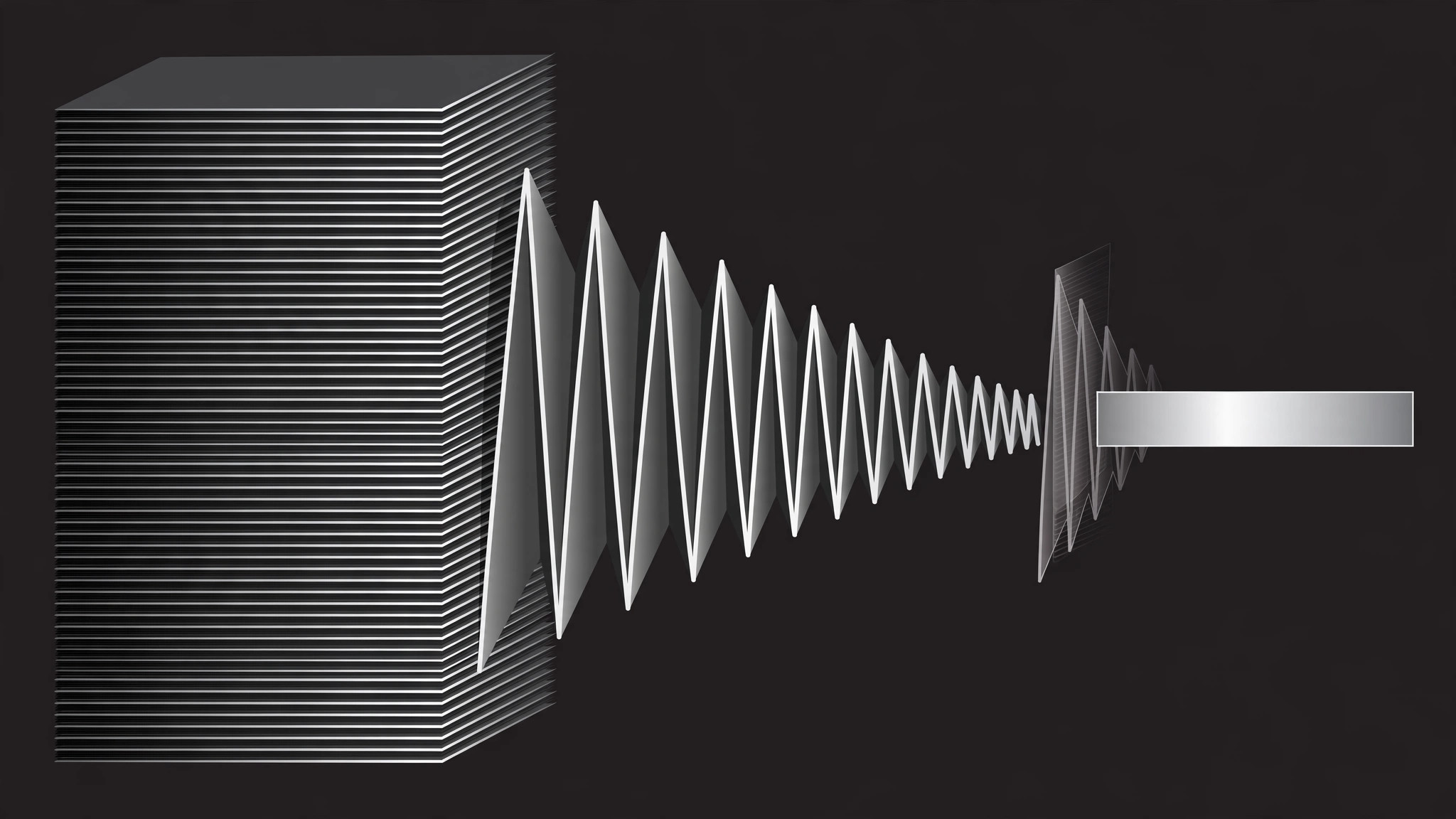
Anima un documento completo che si piega a fisarmonica nel suo riassunto compresso, con la possibilità di espanderlo di nuovo, così il contrasto tra profondità e brevità è visibile. Costruito attorno a un'unica identità visiva condivisa per entrambi gli stati.
Installala in 3 passaggi
Nessuna registrazione. Nessuno strumento da riga di comando. Scegli la tua AI, copia una riga e incollala.
Preferisci fare da te? Acquista la skill ($4.99), scarica lo ZIP dalla conferma d'acquisto, decomprimilo nella cartella mostrata sopra e riavvia la sessione della tua AI — stesso risultato. L'hai già acquistata? Il tuo assistente AI può scaricarla per te.
Cosa contiene
Un file SKILL.md (la guida operativa) + un modello di partenza. Un'anteprima:
Document Collapse Contrast
When to use
- An explainer contrasts a full document (report, contract, brief) with its collapsed summary and wants viewers to feel the size difference, not just hear it
- A "TL;DR" beat needs to show what got compressed away, not only what survived
- A pitch shows a long process collapsing into a one-page checklist — the collapse itself is the selling point
- A tutorial moves between the full reference and the quick-start version and viewers keep losing which one they're looking at
Workflow
- Build both states (input: your document → output: expanded + collapsed versions)
Design the EXPANDED state first: a page (or stack of pages) with visible structure — headings, paragraphs, a few lines of body text rendered as real lines, not gray bars. Then design the COLLAPSED state: the same document reduced to its skeleton — headings only, or a single summary card. The two states must share one visual identity (same header, same accent color) so the viewer reads them as two views of one document, not two different documents. - Set the contrast frame (input: two states → output: opening composition)
Open on the expanded document, full height, slightly angled or centered with margins so its length is visible. If the document is long, show a page stack (2–4 pages fanned or stacked with offset edges) rather than one endless scroll — the stack's thickness is what sells "long". Hold 1.0–1.5s so the viewer registers the full version's weight. - Collapse (input: expanded state → output: collapse transition)
Collapse in one continuous move, ~0.7–0.9s, ease-in-out: the page stack concertinas down — sections fold up into their headings (accordion-style, each section folding 0.08s after the one above it), body lines fade and shrink as their section folds, and the stack's thickness visibly thins. End on the collapsed state at the same position and scale anchor as the expanded one, so the change reads as transformation, not a swap. Never crossfade between two static states — a crossfade hides the collapse, which is the whole point. - Hold the contrast (input: collapsed state → output: comparison beat)
Hold the collapsed state 1.0–1.5s. Then, optionally, show both states side by side for one beat: the collapsed version stays center while a ghost of the expanded version (30–40% opacity, slightly scaled down) sits beside it, with a size label ("12 pages → 1 page", "2,400 words → 180"). The ghost is a reference, not a second document — it fades after 1.5–2s and never gets its own animation. - Expand back or move on (input: collapsed state → output: finished motion)
If the scene's argument needs it, expand back to the full document with the reverse move (sections unfold top to bottom, same timing, same easing) — the round trip proves nothing was lost, only folded. Otherwise, cut from the collapsed state into the next scene. If you expand back, don't re-hold the expanded state longer than the opening hold; the audience already saw it.
Anteprima del modello
Document Collapse Contrast — Motion Brief Template
One document, two views: full and folded. Fill this in before keyframing.
Document: {report / contract / brief / guide}
Shared identity: header "{header text}" + accent {color} — identical in both states.
Expanded state
- Form: {single page / stack of {2–4} pages, fanned / offset edges}
- Structure shown: headings: {list} + real body lines (not gray bars)
- Length cue: {page stack thickness / page count label}
- Opening hold: {1.0–1.5}s
Collapsed state
- Form: {headings only / single summary card}
- Summary content (real text, not placeholder): {summary text}
Il pacchetto della skill (SKILL.md + modello) è scritto in inglese.


