Device Role Link
Ogni dispositivo ha un compito. Ogni collegamento trasporta un payload.
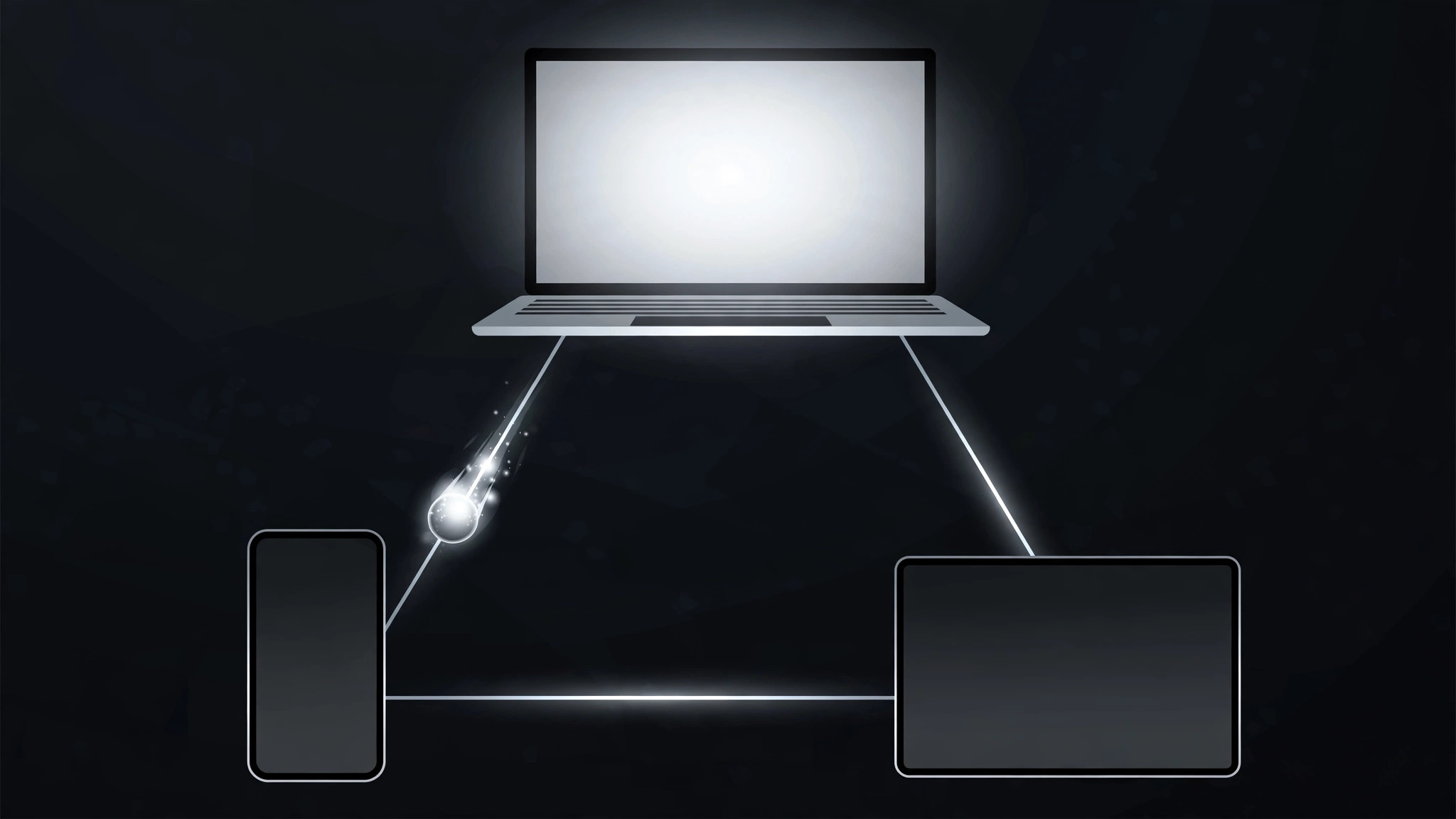
Dispone una configurazione multi-dispositivo come una mappa di ruoli e collegamenti, disegna i collegamenti uno alla volta, poi invia un pacchetto di dati lungo la catena mentre ogni dispositivo si illumina a turno. Mostra un sistema, non una pila di gadget.
Installala in 3 passaggi
Nessuna registrazione. Nessuno strumento da riga di comando. Scegli la tua AI, copia una riga e incollala.
Preferisci fare da te? Acquista la skill ($4.99), scarica lo ZIP dalla conferma d'acquisto, decomprimilo nella cartella mostrata sopra e riavvia la sessione della tua AI — stesso risultato. L'hai già acquistata? Il tuo assistente AI può scaricarla per te.
Cosa contiene
Un file SKILL.md (la guida operativa) + un modello di partenza. Un'anteprima:
Device Role Link
When to use
- An explainer shows a workflow spread across devices (phone captures, laptop edits, tablet presents) and viewers need to see who does what
- A product demo has a hub-and-spoke setup (one main device, several peripherals) and the connections matter as much as the devices
- A system diagram has 3–6 devices and a static web of lines turns into spaghetti
- A "how it all connects" beat needs to show data moving, not just lines existing
Workflow
- Cast the devices (input: your setup → output: device + role list, 3–6 devices)
For each device, write its name (phone, laptop, tablet, watch, camera, speaker) and its ROLE in one verb phrase ("captures the photo", "edits the draft", "plays the result"). One device = one role. If a device has two roles, pick the one this scene is about — the other role gets its own scene. Mark the hub device if there is one (the one every other device talks to). - Lay out the map (input: device list → output: static layout)
Place devices with generous spacing; the hub (if any) goes center, spokes around it, or arrange in a left-to-right chain matching the workflow order. Draw the links as thin lines (1.5–2.5px) between devices that actually exchange something. No link without a payload: if two devices never talk, they get no line, even if it would look tidier. Keep links from crossing where possible — a crossing is a moment of confusion. - Draw the links in (input: layout → output: link draw-on)
Links draw on one at a time in workflow order (trim-path / stroke-dashoffset, ~0.4s each, ease-in-out, 0.1s stagger). A link is dim (~30% opacity) until drawn; once drawn it sits at ~60%. Labels for the payload ("photo", "draft", "command") ride the midpoint of each link, small and quiet. Never draw all links at once — a web appearing whole is the spaghetti problem again. - Activate roles in sequence (input: drawn map → output: activation pass)
Walk the workflow: the active device scales up slightly (1.0 → 1.08) and brightens, its outgoing link pulses to 100% opacity, and a packet (small dot) travels along the link to the next device (~0.5s, ease-in-out). As the packet arrives, the next device activates and the previous one settles back to idle. Only one device is "hot" at a time — the sequence is the explanation. Packet speed is constant along a link but links activate one after another, never in parallel. - Rest on the live system (input: activation pass → output: finished motion)
After the sequence, hold the full map for 1.5–2s with all links at ~60% and devices at idle brightness. Optionally, a slow ambient pulse travels the links in workflow order on a loop (one packet every ~2s, low opacity) to say "this system is alive" without re-teaching the sequence. Cut or transition from this rest state, not mid-packet.
Anteprima del modello
Device Role Link — Motion Brief Template
Devices with jobs, links with payloads. Fill this in before keyframing.
Setup: {what the system does, one line}
Hub device (if any): {device} | Total devices: {3–6}
Device + role list (one role per device)
No-link check: every link below carries a payload. Devices that never exchange data in this scene get NO line: {pairs with no link}.
Layout
- Arrangement: {hub-centered / left-to-right workflow order}
- Link style: {1.5–2.5}px lines, crossings avoided — crossings remaining: {n, where}
- Payload labels: small, at link midpoints: {payload per link, e.g. "photo" / "draft" / "command"}
Link draw-on
Il pacchetto della skill (SKILL.md + modello) è scritto in inglese.


