Decompose and Scan
Scomponilo, scansionalo, dai un nome a ogni parte.
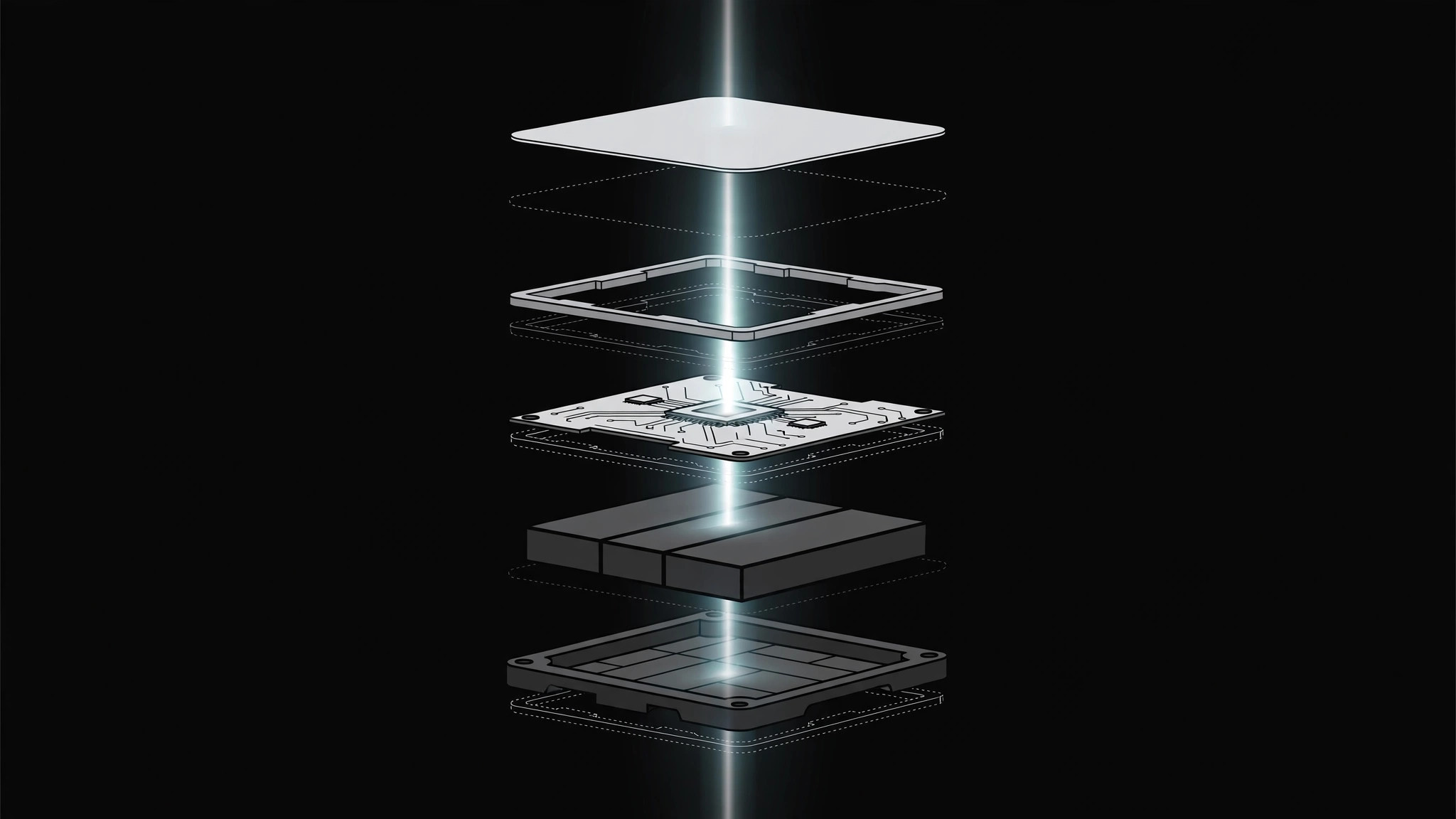
Scompone un oggetto o un sistema nelle sue parti con una vista esplosa sfalsata, poi fa scorrere una linea di scansione su di esse così che ogni parte venga etichettata in ordine. Si chiude con un riassemblaggio completo o una fermata pulita sulla vista esplosa.
Installala in 3 passaggi
Nessuna registrazione. Nessuno strumento da riga di comando. Scegli la tua AI, copia una riga e incollala.
Preferisci fare da te? Acquista la skill ($4.99), scarica lo ZIP dalla conferma d'acquisto, decomprimilo nella cartella mostrata sopra e riavvia la sessione della tua AI — stesso risultato. L'hai già acquistata? Il tuo assistente AI può scaricarla per te.
Cosa contiene
Un file SKILL.md (la guida operativa) + un modello di partenza. Un'anteprima:
Decompose and Scan
When to use
- An explainer must show what a product, system, or concept is made of — and a static exploded view gets skimmed past
- A teardown-style segment names parts one by one (a device, a workflow, a budget) and viewers need to track which part is which
- A diagram is too dense: breaking it apart and scanning it is the only way each layer gets seen
- A reveal needs a "let's look inside" beat before the parts come back together
Workflow
- Define the parts (input: your object/system → output: part list, 3–7 parts)
List the parts in the order they will be scanned — left to right, top to bottom, or outside-in. Give each part a 1–3 word name and one line of function ("housing — protects the internals"). If you have more than 7 parts, group the minor ones into a single "assembly" part; the scan should feel like a tour, not an inventory. - Decompose (input: whole object → output: exploded layout)
Animate the object breaking apart along one axis at a time (vertical first, then horizontal if needed). Each part drifts outward from its assembled position with a staggered start (0.08–0.12s between parts) and ease-out over ~0.5s. Parts keep their relative orientation — nothing rotates unless the rotation itself shows how parts fit. End with clear gaps between parts and faint connector lines or ghost outlines showing where each part came from. - Scan (input: exploded layout → output: scan pass)
A scan line (thin bright bar, or a soft highlight band) sweeps across the parts in list order at a steady pace — this is the one moment constant speed is correct, because the scan is a measuring instrument, not a character. As the line reaches each part, that part brightens to full opacity and its label fades in; parts the scan has passed settle to ~70% opacity so the current part stays the focus. Scan duration: ~0.6s per part. - Hold and name (input: scan pass → output: labeled exploded view)
After the scan completes, hold the fully labeled exploded view for 1.5–2.5s so viewers can re-read it. Labels sit in a consistent position per part (above or beside, never overlapping another part). If a part needs more than a name, its one-line function appears in a fixed caption zone, not crammed next to the part. - Reassemble or exit (input: labeled view → output: finished motion)
Choose one ending and commit: reassemble (parts glide back in reverse stagger, ease-in-out, ~0.6s total, landing exactly on the original silhouette — a satisfying "it all fits" beat) or exit on the exploded view (scan line fades, labels stay, cut to next scene). Never half-reassemble — parts drifting vaguely inward reads as a mistake.
Output spec
Anteprima del modello
Decompose and Scan — Motion Brief Template
Break it apart, scan it, name every part. Fill this in before keyframing.
Object / system: {what gets decomposed}
Scan direction: {left → right / top → bottom / outside → in} | Total parts: {3–7}
Part list (in scan order)
Grouping note: minor parts grouped into "{assembly}" because {reason}.
Decompose
- Axis order: {vertical first, then horizontal / single axis: ___}
- Stagger: {0.08–0.12}s between parts | Drift duration: {~0.5}s, ease-out
- Rotation: {none / {part} rotates {angle} to show fit}
- Origin traces: {ghost outlines / faint connector lines} — on
Scan
Il pacchetto della skill (SKILL.md + modello) è scritto in inglese.


