Chatbot Avatar
Un unico volto per il tuo bot, ovunque compaia.
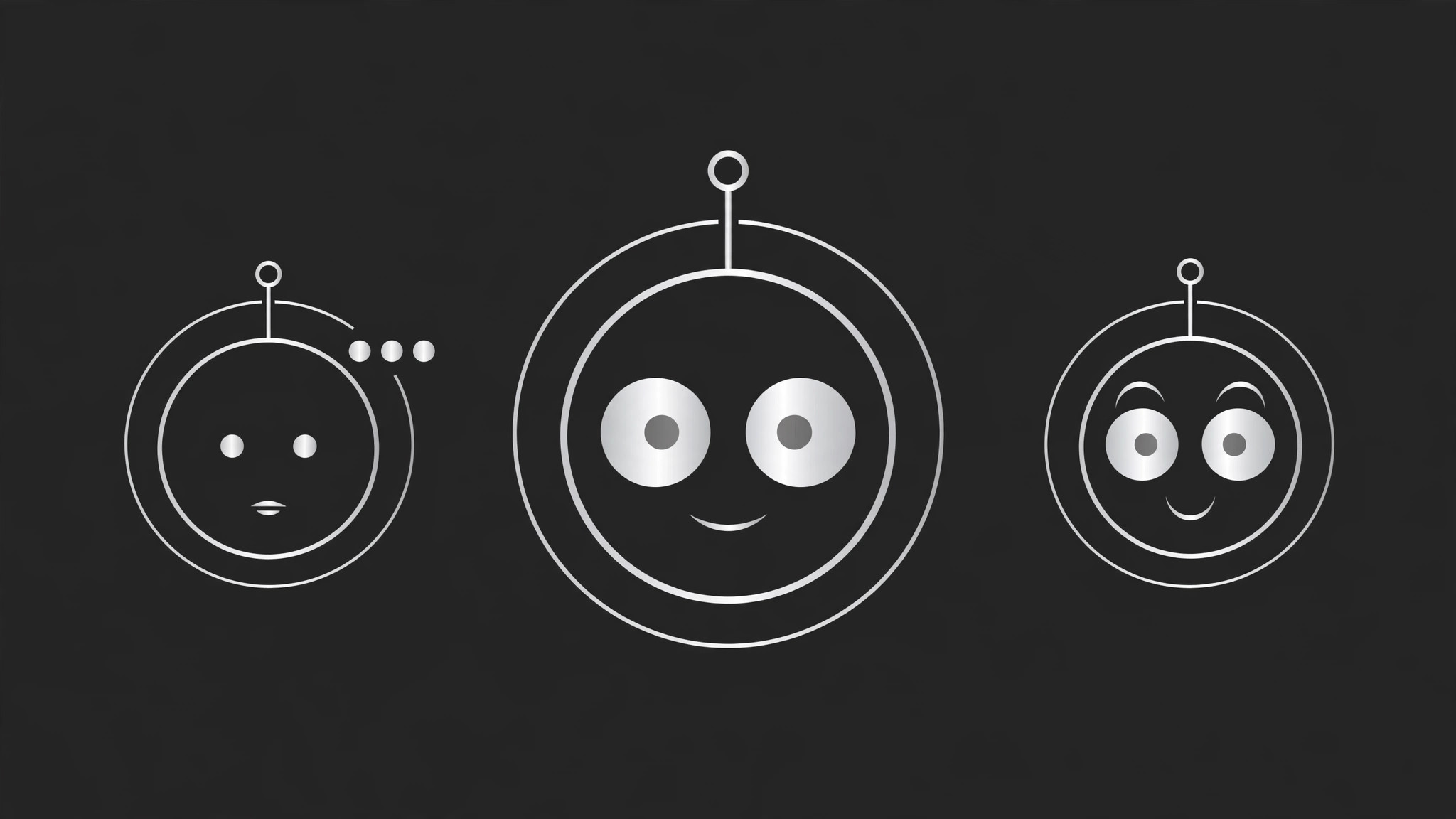
Trasforma la tua AI in un designer di avatar per chatbot — crea un personaggio coerente per la persona del chatbot, con una corporatura fissa, un set di espressioni e una scheda d'uso, così il bot sembra lo stesso personaggio ovunque compaia. Per i team il cui chatbot ha bisogno di un volto che gli utenti riconoscano.
Installala in 3 passaggi
Nessuna registrazione. Nessuno strumento da riga di comando. Scegli la tua AI, copia una riga e incollala.
Preferisci fare da te? Acquista la skill ($4.99), scarica lo ZIP dalla conferma d'acquisto, decomprimilo nella cartella mostrata sopra e riavvia la sessione della tua AI — stesso risultato. L'hai già acquistata? Il tuo assistente AI può scaricarla per te.
Cosa contiene
Un file SKILL.md (la guida operativa) + un modello di partenza. Un'anteprima:
Chatbot Avatar
When to use
- Your chatbot appears as a grey default icon, a stock robot, or a different image in every place it shows up
- You are launching a support bot, a tutor bot, a shopping assistant, or a character bot and it needs a face
- Users cannot tell your bot apart from the platform's generic assistant in a screenshot
- Your bot has a personality in words but no visual identity to match it
- You need avatar art for docs, the chat window, social posts, and empty states — and all of it must look like the same character
Workflow
- Define the persona (input: what the bot does + how it talks → output: persona brief)
Write down the facts the face must express: what the bot does, who it talks to, its tone in one sentence (warm and patient, brisk and precise, playful and curious), and one thing it must never look like (a human impersonation, a menacing machine, a toy for toddlers). Decide now whether the avatar reads as a character (a creature, a robot, an abstract shape with a face) or as a mark (a symbol with eyes) — that choice drives everything after it. A bot that helps with money should not look like a bot that tells bedtime stories. - Lock the build (input: persona brief → output: character sheet)
Fix the character's build so it can be drawn the same way every time: silhouette (round, square, tall, blob), body proportions, eye shape and spacing, mouth style, one signature color plus one neutral, and one distinguishing feature (antenna, ears, glasses, a tuft, a badge). Write each choice down with measurements or ratios, not adjectives — "eyes are two circles, one eye-width apart" reproduces; "friendly eyes" does not. Anything not on the sheet does not go on the character. - Build the expression set (input: character sheet → output: expression set)
Draw the same character in the expressions the bot actually needs: neutral (the default, used most), listening, thinking, happy/success, confused/clarifying, apologetic/error, and celebrating. Change only the eyes, mouth, and at most one accessory (a raised brow, a sweat drop) between expressions — never redraw the build. The test: cover the expression and you should still recognize the character; cover the build and you should still read the expression. - Place it in context (input: expression set → output: usage sheet + context mockups)
Show the avatar where it will live: the chat header (small, next to the bot's name), the message bubble (tiny, beside bot messages), the empty state (large, with a greeting line), docs and marketing (medium, with the name). Check the tiny sizes first — if the face does not read at 24 pixels, simplify the build (bigger eyes, fewer details, stronger silhouette) until it does. Set the rules: minimum size, clear space, background (one light, one dark), and what never happens to the avatar (no stretching, no recoloring, no added limbs). - Ship the kit (input: usage sheet → output: avatar kit)
Export every expression at every size the product needs, in the formats the product uses, with a consistent filename scheme (e.g.avatar-neutral-256.png). Include the character sheet and the usage sheet in the kit so the next designer or model prompt can reproduce the character without guessing. Do one final consistency pass: line up all expressions side by side — if any one of them looks like a different character, fix it before shipping.
Anteprima del modello
Chatbot Avatar — Avatar Kit Template
One character, drawn the same way every time. Lock the build before drawing expressions.
Bot: {name} — {what it does}
Audience: {who it talks to} Tone in one sentence: {e.g. warm and patient / brisk and precise / playful and curious} Must never look like: {e.g. a human impersonation / a menacing machine / a toy for toddlers} Character or mark: {character (creature / robot / shape with a face) / mark (symbol with eyes)}
Character sheet (specified to be reproducible)
- Silhouette: {round / square / tall / blob — with proportions}
- Eyes: {shape, size, spacing — e.g. two circles, one eye-width apart}
- Mouth: {style}
Il pacchetto della skill (SKILL.md + modello) è scritto in inglese.


