Chat Message Stack
Lascia che la conversazione si costruisca da sola, una bolla alla volta.
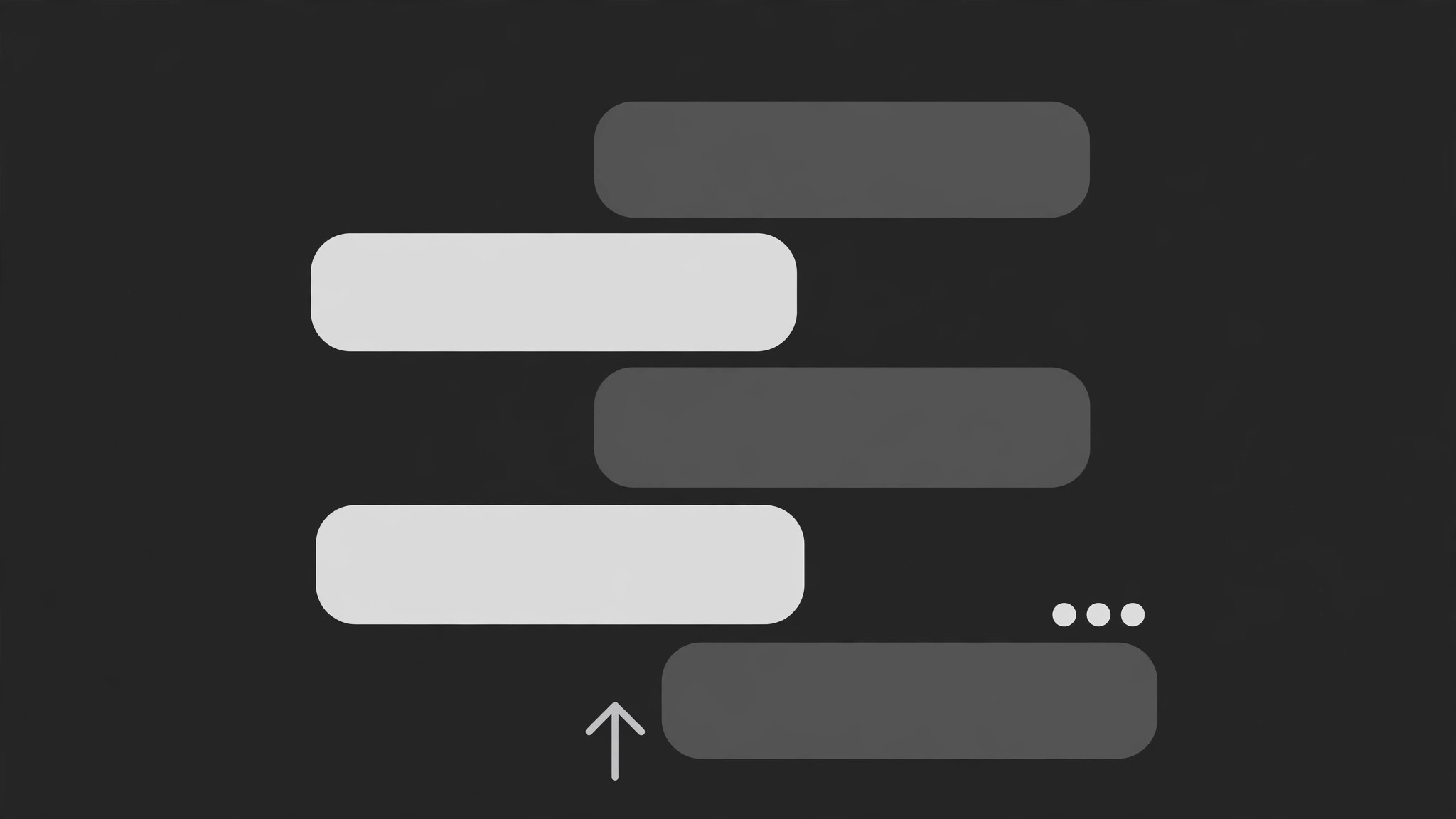
Una conversazione in chat animata così com'è avvenuta: i messaggi scivolano dentro uno a uno, ciascuno spinge le bolle più vecchie verso l'alto con un effetto elastico, e i puntini di digitazione collegano le pause. È lo spazio tra i messaggi a portare il significato.
Installala in 3 passaggi
Nessuna registrazione. Nessuno strumento da riga di comando. Scegli la tua AI, copia una riga e incollala.
Preferisci fare da te? Acquista la skill ($4.99), scarica lo ZIP dalla conferma d'acquisto, decomprimilo nella cartella mostrata sopra e riavvia la sessione della tua AI — stesso risultato. L'hai già acquistata? Il tuo assistente AI può scaricarla per te.
Cosa contiene
Un file SKILL.md (la guida operativa) + un modello di partenza. Un'anteprima:
Chat Message Stack
When to use
- You want to show a real or reconstructed text conversation on screen instead of just reading it aloud
- A support chat, DM exchange, or group thread is the evidence for a claim ("here's what they actually said")
- A tutorial needs to show a multi-step exchange (user asks, bot answers, user follows up) as a sequence, not a single screenshot
- A story beat lands through messages arriving — the timing of each arrival is part of the drama
- A static screenshot of a long thread would be unreadably small, but the exchange matters line by line
Workflow
- Script the thread (input: conversation → output: ordered message list)
Write out the thread as an ordered list: sender, text, and the beat it plays (setup, twist, punchline, evidence). Keep each bubble ≤25 words; longer messages get split across two bubbles from the same sender, sent 0.4 s apart. Cut any message that does not move the exchange forward — a 12-bubble thread with 5 real beats reads as padding. Decide the sender colors now: two senders max per thread (left/right), a third sender means a group-chat layout instead. - Set the stack layout (input: message list → output: stack geometry)
Bubbles stack from the bottom of the message area upward: the newest bubble lands at the bottom, older ones sit above it. The message area shows the last 3–5 bubbles at readable size; older bubbles slide up and fade to 40% opacity as they leave the focus zone, never fully vanishing mid-thread unless the thread is long (then they scroll off the top). Left/right alignment marks the sender; never rely on color alone — alignment + name label both carry the sender. - Animate each arrival (input: one message → output: arrival keyframes)
Each message enters in three beats: typing indicator (three dots pulsing, 0.5–0.9 s, only for the replying side or for dramatic pauses), then the bubble slides up from below the stack by ~20 px and fades in over 0.25–0.35 s (ease-out), then the whole existing stack shifts up by exactly the new bubble's height over 0.3 s with a spring settle (slight overshoot, ~6 px). The push-up is the signature move: the stack visibly makes room. Never let a new bubble pop in without pushing the stack — that is a slideshow, not a chat. - Time the gaps (input: message list + narration → output: per-message timing)
Gaps between messages carry meaning: a quick reply (0.3–0.6 s gap) reads as eager or automatic; a long pause (1.5–2.5 s, with typing dots showing) reads as thinking, hesitation, or dread. Set each gap deliberately against the message's beat — a 2 s pause before a one-word reply ("ok.") is a joke; a 2 s pause before a paragraph is just slow. If the narrator is reading the messages aloud, the bubble must land on or just before the first spoken word of that message, never after. - End the thread (input: final message → output: ending hold)
After the last message lands and the stack settles, hold the full visible stack still for ≥2 s so the viewer can re-read the exchange. Then exit by either fading the whole thread (0.4 s) into the next shot, or freezing the final stack as a static card behind a voiceover summary. Never end on a typing indicator — an unresolved "..." promises a message that never comes and leaves the viewer waiting for a cut that already happened.
Anteprima del modello
Chat Message Stack — Production Template
One thread, one stack. Script the beats before animating any bubble.
Thread: {thread title / context} — Reconstruction? [ ] Yes — tag on screen [ ] No
Senders (max 2 per thread): Left = {name} | Right = {name} Context line (optional, shown before first bubble): "{e.g. Tuesday, 9:41 PM}"
Message list (each bubble ≤25 words; split long messages into two bubbles)
Typing dots before: {message #s that get a 0.5–0.9 s typing indicator} — replying side only
Stack geometry
- Visible bubbles at full readability: {3–5} | Older bubbles fade to: {40%}
- New bubble enters: slide up {~20 px} + fade in {0.25–0.35 s}, ease-out
Il pacchetto della skill (SKILL.md + modello) è scritto in inglese.


