Capacity Reset
Riempi fino al massimo, tieni il tempo, poi resetta — tre fasi, zero confusione.
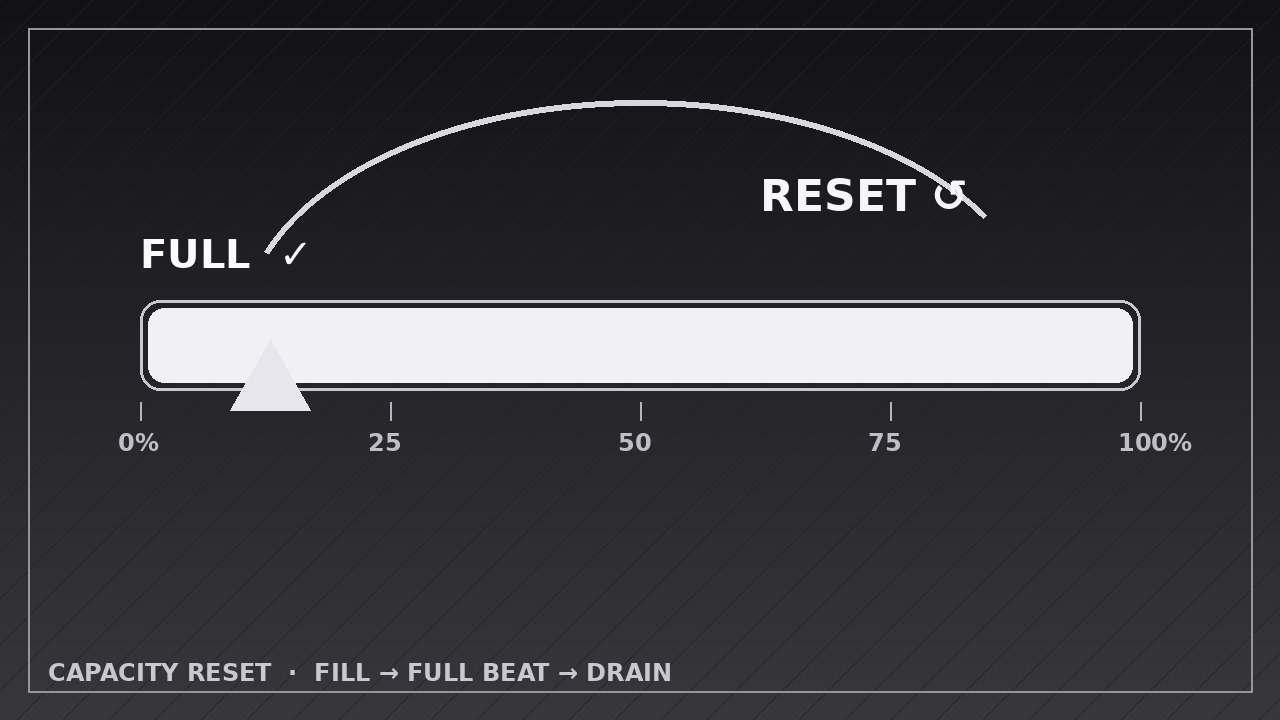
Insegna alla tua AI ad animare un indicatore di capacità che si riempie esattamente fino al massimo, si ferma su un chiaro momento di PIENO, poi si svuota e si resetta con un segnale di reset distinto.
Installala in 3 passaggi
Nessuna registrazione. Nessuno strumento da riga di comando. Scegli la tua AI, copia una riga e incollala.
Preferisci fare da te? Acquista la skill ($4.99), scarica lo ZIP dalla conferma d'acquisto, decomprimilo nella cartella mostrata sopra e riavvia la sessione della tua AI — stesso risultato. L'hai già acquistata? Il tuo assistente AI può scaricarla per te.
Cosa contiene
Un file SKILL.md (la guida operativa) + un modello di partenza. Un'anteprima:
Capacity Reset
When to use
- Showing a battery, tank, storage, or quota filling up and then emptying or resetting
- Visualizing a workload limit: a team or server hits capacity, then the load clears
- Explaining a subscription quota, credit balance, or daily allowance that refills on a schedule
- Animating a habit streak or focus timer that completes a cycle and starts over
- Demonstrating a "full → reset" loop in a product: inbox zero, cleared cache, emptied bin
- Teaching thresholds and cycles: what happens at 100%, and what "reset" actually means
Workflow
- Define the capacity and the reset (input: your scenario → output: capacity spec with units, full value, and reset rule)
Write down what the meter measures (battery %, storage GB, tasks, credits), what "full" means in real units, and what triggers the reset (plugged in, midnight, manual clear, cycle complete). State the reset rule in one sentence: "at 100%, the meter drains to 0 over X seconds, then refills" or "at 100%, it snaps back to 0 and the cycle counter ticks up by one." If the reset has a cause (charged, cleared, paid), name it — a reset without a cause reads as a glitch. - Build the meter stage (input: capacity spec → output: meter with scale, labels, and empty state)
Build the meter as a horizontal bar or vertical gauge with a visible scale: 0% and 100% end labels, and tick marks at 25/50/75% so the viewer can judge progress at a glance. Start at the true starting value (often 0%, not "about empty") and hold the empty state for 0.8 seconds before filling — the viewer needs to see the start. Keep the meter's container, scale, and labels perfectly static; only the fill level moves. - Fill to full (input: staged meter → output: fill keyframes)
Animate the fill from start to 100% over 2.0–3.5 seconds. Use ease-in-out for a natural feel, or linear if the point is a steady rate (e.g. "fills at a constant 10%/second") — pick one and keep it honest to the scenario. Add a numeric readout that tracks the fill exactly, counting in step with the bar, and a subtle glow or brightening as it nears full. The fill must land exactly at 100% — overshooting past the end cap is the most common visual bug in this pattern. - Hit the full beat (input: filled meter → output: full-state keyframes)
When the fill reaches 100%, stop everything for a 0.6–1.0 second beat: the meter sits full, the readout shows the full value, and a single "FULL" indicator appears (label, checkmark, or color shift — one cue, not three). This beat is what separates "filled" from "reset" in the viewer's mind; without it, the drain feels like the fill just reversed. If the scenario has a sound or haptic cue, it lands here, not during the drain. - Drain and reset (input: full state → output: drain + reset keyframes)
Drain the meter back to empty over 1.2–2.0 seconds, ease-in (accelerating slightly, like a release) — visibly faster than the fill, so the reset reads as a distinct phase, not the fill played backward. As the drain completes, fire the reset beat: a brief flash, pulse, or "RESET" label over 0.4 seconds, the readout snapping to 0, and — if the scenario loops — the cycle counter ticking up by one. Then hold the empty state for 0.8 seconds. If the animation loops, the second fill starts only after that hold; never chain drain straight into refill with no pause. - Export and check the loop point (input: full animation → output: rendered video)
Export at the platform's native size (1920×1080 for YouTube, 1080×1080 or 1080×1920 for social), 30 fps, H.264. If the video loops, check the loop point: the last frame (empty, held) must match the first frame (empty, held) exactly, or the loop will visibly jump. Watch once at full speed and confirm the three phases read as fill → full beat → drain/reset, with no ambiguity about which phase is which.
Anteprima del modello
Capacity Reset — Animation Spec Template
Fill in the capacity, the fill, and the reset rule before animating. Three phases: fill → full beat → drain/reset.
Meter: {what it measures — e.g. battery, storage, credits}
Canvas: {1920×1080 / 1080×1080 / 1080×1920} | Frame rate: 30 fps | Export: H.264 Meter shape: {horizontal bar / vertical gauge} Full value: {e.g. 100% / 256 GB / 500 credits} Reset rule (one sentence): {e.g. "At 100%, the meter drains to 0 over 1.5 s, then the cycle counter ticks up by one."} Reset cause (shown on screen): {e.g. plugged in / cleared / paid / cycle complete}
Scale
Timeline
Layers (bottom → top)
Il pacchetto della skill (SKILL.md + modello) è scritto in inglese.


