Calculation to Return
Mostra ogni passaggio del calcolo, poi fai atterrare il numero finale.
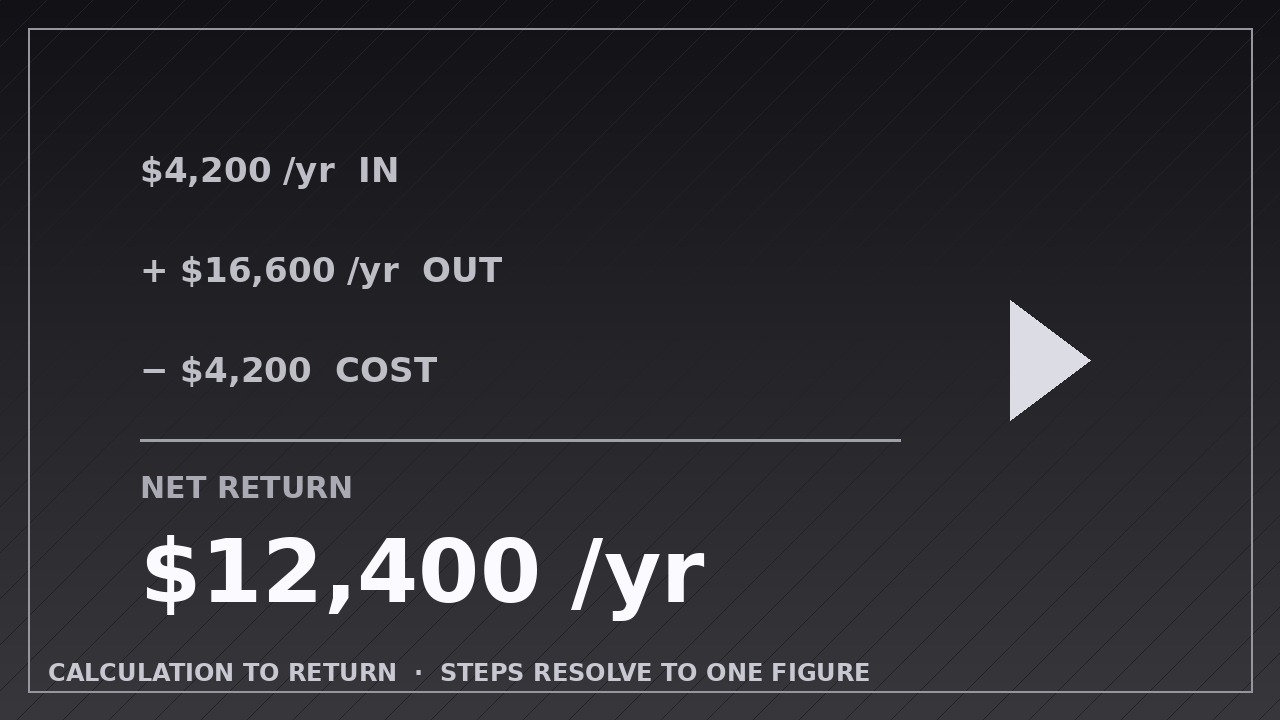
Insegna alla tua AI ad animare l'aritmetica passo dopo passo — input, risultati contati, traccia di controllo attenuata — fino a un unico numero finale in grassetto di cui gli spettatori possono fidarsi.
Installala in 3 passaggi
Nessuna registrazione. Nessuno strumento da riga di comando. Scegli la tua AI, copia una riga e incollala.
Preferisci fare da te? Acquista la skill ($4.99), scarica lo ZIP dalla conferma d'acquisto, decomprimilo nella cartella mostrata sopra e riavvia la sessione della tua AI — stesso risultato. L'hai già acquistata? Il tuo assistente AI può scaricarla per te.
Cosa contiene
Un file SKILL.md (la guida operativa) + un modello di partenza. Un'anteprima:
Calculation to Return
When to use
- Showing return on investment: cost in, gains out, one final ROI or payback figure
- Breaking down a savings claim (old cost minus new cost, step by step, to the amount saved)
- Explaining a pricing total where each line item adds up to a final price
- Walking through loan, mortgage, or subscription math where the audience needs to trust each step
- Comparing two options numerically, each resolving to its own final figure before the verdict
- Debunking or verifying a headline number by showing the arithmetic behind it
Workflow
- Write the arithmetic as a line-by-line script (input: your numbers → output: calculation script with inputs, steps, and final figure)
Lay out the full calculation before animating: the inputs (each with its label, value, and unit), the steps in order (each one operation: add, subtract, multiply, divide, or percentage), and the final return figure. Every step must show its own result — never jump from inputs to answer. Round consistently (e.g. whole dollars, or two decimals throughout) and keep units on every number: "$4,200/yr" not "4200". If a step needs an assumption ("assumes 12% churn"), write it as a footnote line in the script, not hidden. - Stage the inputs (input: calculation script → output: input keyframes)
Open with the inputs laid out as a clean column or row, each fading or sliding in over 0.3 seconds, staggered 0.15 seconds apart, ease-out. Inputs sit in a quieter style (smaller, lighter weight) than the steps that follow — they are the givens, not the story. Hold the full input set for 1 second so the viewer can orient before the math starts. - Animate each step, one operation at a time (input: inputs → output: per-step keyframes)
Reveal one step at a time: the operation line appears (0.3 s fade/slide, ease-out), the numbers resolve into that step's result over 0.5–0.8 seconds with a count-up or count-down, then a 0.5-second hold. The count animation is the heart of the pattern — use ease-out so the number decelerates into its final value, and make sure it lands exactly on the true result, never a rounded-off near miss. While one step animates, all previous steps stay visible but dimmed to ~60% opacity, and future steps stay hidden. - Resolve into the final return figure (input: completed steps → output: return reveal keyframes)
After the last step, clear a beat of 0.3 seconds, then reveal the final return figure as the hero moment: scale from 0.9 to 1.0 with a fade over 0.5 seconds, ease-out, landing larger and bolder than any step (at least 1.5× the step text size), with its unit and label ("Net return: $12,400/yr"). If the return is a comparison, reveal each option's figure in turn, then bring them together for the verdict. The final figure stays on screen for at least 2.5 seconds — it is the number the viewer will screenshot. - Add the check line (input: final figure → output: verification footnote)
Under the final figure, add one verification line in small type: the one-sentence plain-language meaning ("That is $1,033 back each month") plus any key assumption. Fade it in 0.3 seconds after the figure lands. This line is what converts a flashy number into a believable one — never skip it, and never let it contradict the arithmetic above. - Export and verify the math (input: full animation → output: rendered video)
Export at the platform's native size (1920×1080 for YouTube, 1080×1080 or 1080×1920 for social), 30 fps, H.264. Then verify by hand: pause at each step and re-do the arithmetic with a calculator. One wrong intermediate number destroys trust in the whole video — check the export, not just the script, because count-up animations are exactly where rounding errors hide.
Anteprima del modello
Calculation to Return — Animation Spec Template
Fill in the full arithmetic before animating. One operation per step; every step shows its result.
Calculation: {title — e.g. "Annual savings from switching plans"}
Canvas: {1920×1080 / 1080×1080 / 1080×1920} | Frame rate: 30 fps | Export: H.264 Rounding rule: {whole dollars / two decimals — same rule throughout} Units: {every number carries its unit, e.g. $/yr}
Inputs (the givens — quieter style, staggered in)
Input stagger: 0.3 s each, 0.15 s apart, ease-out | Hold with all inputs visible: 1 s
Steps (one operation each, in order)
Il pacchetto della skill (SKILL.md + modello) è scritto in inglese.


