Bioactive Pathway Poster
Ogni freccia con la sua fonte, ogni effetto etichettato.
Una strategia per poster scientifici su una via bioattiva: una tabella verificata di nodi e collegamenti in cui ogni freccia riporta effetto e fonte, organizzata in zone etichettate così il lettore può seguire il meccanismo senza una guida.
Installala in 3 passaggi
Nessuna registrazione. Nessuno strumento da riga di comando. Scegli la tua AI, copia una riga e incollala.
Preferisci fare da te? Acquista la skill ($4.99), scarica lo ZIP dalla conferma d'acquisto, decomprimilo nella cartella mostrata sopra e riavvia la sessione della tua AI — stesso risultato. L'hai già acquistata? Il tuo assistente AI può scaricarla per te.
Cosa contiene
Un file SKILL.md (la guida operativa) + un modello di partenza. Un'anteprima:
Bioactive Pathway Poster
When to use
- You're presenting a poster on a bioactive compound's mechanism and your current draft is a wall of text with a pathway diagram nobody can follow
- Your pathway has 8–30 interacting nodes (compounds, proteins, genes, cellular outcomes) and the relationships matter as much as the parts
- Readers keep asking "so what does it actually do?" because the diagram shows connections but not the direction of effects
- You're preparing a conference poster, a lab-meeting figure, or a review figure that must survive scrutiny from people who know the field
- You need a figure that a non-specialist can read at a glance and a specialist can check node by node
Workflow
- Define the pathway scope (input: research question + sources → output: scope statement)
One sentence: "This poster shows how {compound} affects {process} in {system}." List what's in scope and what's deliberately excluded. A poster that tries to show everything shows nothing — exclusion is a design decision, not a gap. - Build the node-and-edge table (input: primary literature → output: verified table)
Every node (compound, receptor, enzyme, gene, cellular outcome) gets: name, type, role in one phrase, source citation. Every arrow gets: from → to, effect (activates / inhibits / converts / upregulates / downregulates), evidence strength, source citation. No arrow without a source. If you can't source it, it doesn't go on the poster. - Lay out the flow (input: node-and-edge table → output: layout plan)
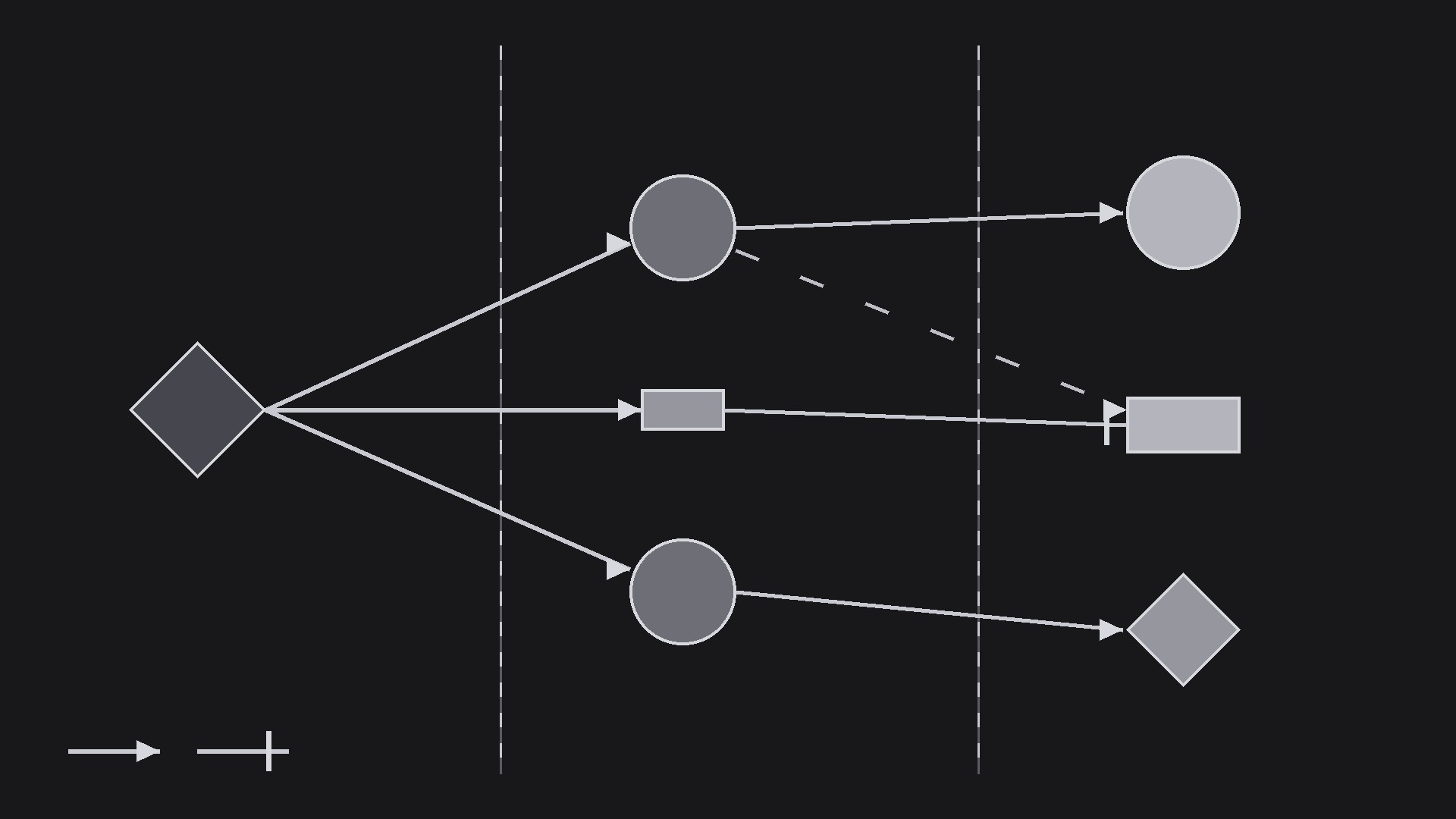
Read left-to-right or top-to-bottom: trigger → mediators → cellular outcomes. Group related nodes into labeled zones (e.g., membrane, cytoplasm, nucleus). Keep arrow crossings minimal — if arrows tangle, split the pathway into two panels rather than drawing spaghetti. - Label for two audiences (input: layout plan → output: label set)
Every node labeled with its standard name; every arrow labeled with its effect; a one-line takeaway per zone; a legend defining arrow types, colors, and symbols; abbreviations defined on the poster, not assumed. A reader should be able to trace the mechanism without you standing next to them. - Review for accuracy (input: full draft → output: checked poster)
Check every node name, every arrow direction, every effect against its source. Have a colleague in the field review it. Fix or remove anything you can't source — an unsourced arrow on a conference poster is a question you don't want.
Output spec
Anteprima del modello
Bioactive Pathway Poster — Planning Template
Fill this in before drawing anything. No arrow goes on the poster without a row in the tables below.
Poster title: {…}
Scope sentence: "This poster shows how {compound} affects {process} in {system}." In scope: {…} Deliberately excluded: {…}
Node table
Edge (arrow) table
Layout plan
- Reading direction: {left-to-right / top-to-bottom}
- Zones: {e.g. Membrane → Cytoplasm → Nucleus}
- Panels: {one panel / split into two — reason: …}
- Takeaway per zone:
- {Zone 1}: {one line}
- {Zone 2}: {one line}
Legend
- Solid arrow = {direct activation}
- Blunt line = {inhibition}
Il pacchetto della skill (SKILL.md + modello) è scritto in inglese.


