Task Manager OG Image
Un aperçu de lien qui dit ce que fait l'application.
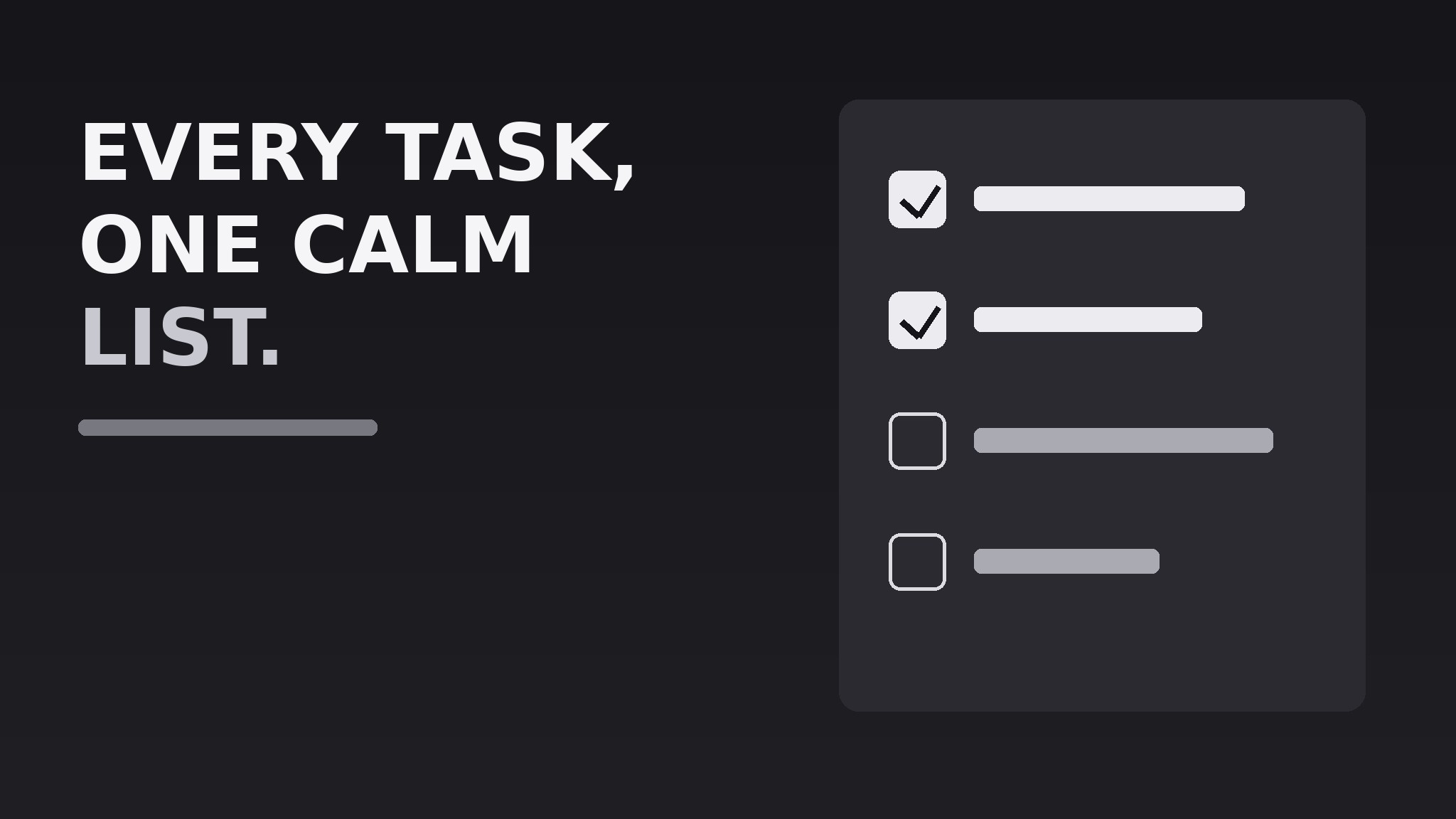
Transforme votre IA en designer d'aperçus sociaux qui crée une image d'aperçu de lien 1200×630 pour une application de gestion de tâches — un motif de checklist, une promesse en langage clair et une mise en page à fort contraste qui reste lisible en miniature.
Installez-la en 3 étapes
Sans inscription. Sans outils en ligne de commande. Choisissez votre IA, copiez une ligne, collez-la.
Vous préférez le faire vous-même ? Achetez la compétence ($4.99), téléchargez le ZIP depuis votre confirmation d'achat, décompressez-le dans le répertoire indiqué ci-dessus, redémarrez votre session IA — même résultat. Vous l'avez déjà achetée ? Votre assistant IA peut la télécharger pour vous.
Contenu du pack
Un fichier SKILL.md (le guide pratique) + un modèle de départ. Aperçu :
Task Manager OG Image
When to use
- You are launching or relaunching a task-management or to-do app and need the image that appears when anyone shares its link
- Your current link preview is a blank screenshot, a cropped logo, or an auto-generated grab that says nothing
- You want the preview to communicate the app's core promise in the two seconds before someone decides to click
- You need one image that works across chat apps, social feeds, and messaging previews without redesign
- You are preparing a launch post, a directory listing, or a press page and need a consistent share image
Workflow
- Write the one-line promise (input: your app's positioning → output: one preview headline)
State what the app does for the user in 5–8 plain words, e.g. "Every task, one calm list." No feature lists, no jargon, no superlatives. The line must make sense to someone who has never heard of the app. If it needs a second sentence to explain itself, it is not the line — keep cutting until it stands alone. - Choose the checklist motif (input: headline → output: visual concept)
Build the image around a short checklist: three to five task rows, some checked, one in progress. The checklist is the instant visual shorthand for "task manager" — a reader should grasp the category before reading a word. Keep the rows abstract (short bars, not real task text) or use three generic tasks like "Plan the week" so nothing looks like a real user's private data. - Lay out the 1200×630 canvas (input: headline + motif → output: composed layout)
Put the headline large on the left or top, the checklist motif on the opposite side, and the app name or wordmark small in one corner. Keep all critical content inside a safe zone with at least 60 px of margin — previews crop unpredictably. Use one dark or one light background, never a busy photo, and keep the contrast ratio high enough that the headline survives being shrunk to a 240 px thumbnail. - Set type and color (input: layout → output: finished visual spec)
Use one bold, highly legible typeface for the headline and a smaller weight for a subline of at most 10 words. Limit the palette to three colors: background, text, and one accent for the checked boxes and one key word. Checked boxes get the accent; unchecked boxes stay as outlines so the eye reads progress at a glance. - Export and test at thumbnail size (input: finished image → output: verified preview file)
Export as a 1200×630 JPEG or PNG under 1 MB. Test it the way readers will see it: shrink it to 240 px wide, paste the link into a chat app, and check that the headline is still readable and the checklist still reads as a checklist. If either fails, enlarge the type and simplify the motif — never ship a preview you have only viewed at full size.
Aperçu du modèle
Task Manager OG Image — Template
One image, one promise. Fill in the blanks, then build the 1200×630 file.
The promise
- Headline (5–8 plain words): {headline}
- Subline (optional, ≤10 words): {subline}
- App name / wordmark: {name} — placement: {corner}
Checklist motif
Labels rule: generic and abstract — nothing that looks like a real person's private data.
Layout
- Canvas: 1200×630 px, {JPEG / PNG}, under 1 MB
- Background: {dark / light} — color {hex}
- Headline placement: {left / top} | Checklist placement: {right / bottom}
- Margins: ≥60 px on all sides, nothing critical near the edges
Le pack de compétence lui-même (SKILL.md + modèle) est rédigé en anglais.
Vous aimerez aussi
 Images
Social Cover
Des couvertures de publication avec 3 recettes de composition — prêtes à l'emploi
 Images
Infographic
Transformez un paragraphe en une image — sans jamais inventer de données
 Images
Product Poster
Affiches e-commerce : arguments de vente, ancrage prix et appel à l'action en une fois