Storybook Margin Deck
L'histoire sur la double page, le savoir-faire dans la marge.
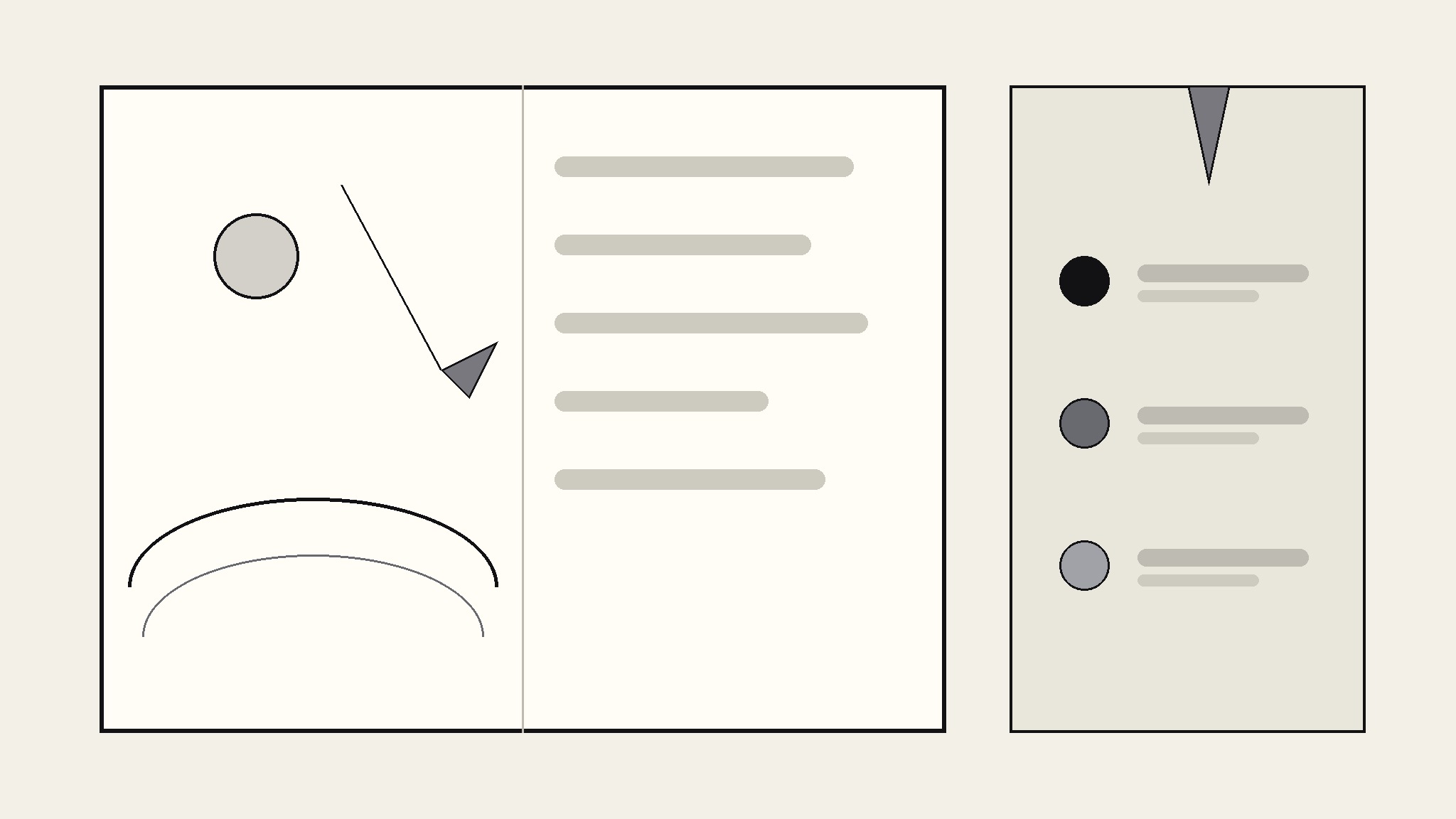
Transforme votre IA en designer de présentations livres d'histoires — elle transforme votre pitch d'album illustré en une présentation où chaque double page associe une illustration plein cadre à une large marge annotée pour les notes, les indications de narration et la direction artistique.
Installez-la en 3 étapes
Sans inscription. Sans outils en ligne de commande. Choisissez votre IA, copiez une ligne, collez-la.
Vous préférez le faire vous-même ? Achetez la compétence ($4.99), téléchargez le ZIP depuis votre confirmation d'achat, décompressez-le dans le répertoire indiqué ci-dessus, redémarrez votre session IA — même résultat. Vous l'avez déjà achetée ? Votre assistant IA peut la télécharger pour vous.
Contenu du pack
Un fichier SKILL.md (le guide pratique) + un modèle de départ. Aperçu :
Storybook Margin Deck
When to use
- You're pitching a picture book to a publisher and the deck itself should feel like the book
- An illustrated story needs a presentation format where art direction notes live beside the art, not in a separate document
- You're presenting a children's story concept to teachers, parents, or a review panel and want them to see story and craft together
- A storyboard or animatic pitch needs room for timing, sound, and camera notes on every spread
- You're workshopping a story and want feedback on both the narrative and the visual decisions, side by side
Workflow
- Collect the story spine (input: your manuscript or outline → output: spread-by-spread beat sheet)
Break the story into spreads — one spread per beat, not per page of text. Each beat gets one sentence of story ("Milo loses his kite over the wall") and one sentence of feeling ("lonely, then curious"). If a beat can't be summed up in two sentences, it's two beats. The beat sheet is the deck's skeleton: every later step hangs off it, and cutting a weak beat here is ten times cheaper than cutting a finished slide. - Design the margin system (input: beat sheet → output: margin rules)
Fix the margin before designing any slide: one wide outer margin (about a third of the slide) reserved for annotations, in a paper tone that contrasts with the illustration area. Define three annotation kinds and give each a marker — narration cues (what the reader hears), art direction (palette, composition, character blocking), and production notes (page turn, trim, bleed). One margin, three markers, no exceptions — the moment annotations sprawl into the art area, the storybook illusion breaks. - Lay out the spread rhythm (input: margin rules + beat sheet → output: full slide sequence)
Alternate spread types so the deck breathes: full-bleed illustration spreads for emotional peaks, split spreads (art left, margin wide) for setup and transitions, and quiet text-led spreads for page-turn beats. Never run three full-bleed spreads in a row — the eye stops registering scale. Place the page-turn moments deliberately: the beat before a turn should end on a question the next spread answers. - Write the margin annotations (input: slide sequence → output: annotated deck)
Write annotations as short, specific directions a real illustrator or narrator could act on: "Kite string leads the eye top-left to bottom-right" beats "make it dynamic." Keep each annotation to one or two lines. Cut any annotation that merely restates what the art already shows — the margin earns its space only when it adds information the illustration can't carry alone. - Polish and export (input: annotated deck → output: presentation-ready deck + print check)
Read the deck twice: once as a reader (cover the margins, does the story land?) and once as a maker (cover the art, do the notes form a coherent production plan?). Check that illustration captions, character names, and palette notes stay consistent across spreads. Export a presentation version (margins visible) and, if the pitch is printed, a trimmed version that keeps margins readable at print size.
Aperçu du modèle
Storybook Margin Deck — Template
Fill in the beat sheet first. One spread per beat. Then lay out slides to match.
Book: {title} — {author / illustrator}
Audience age: {e.g. 4–8} | Spread count: {n} | Trim size: {e.g. 10 × 10 in}
Margin system
- Margin tone: {paper tone, e.g. warm cream #f7f1de}
- 📖 Narration cue = {marker, e.g. italic + 📖}
- 🎨 Art direction = {marker, e.g. bold label + 🎨}
- ✂️ Production note = {marker, e.g. small caps + ✂️}
Beat sheet (one row per spread)
Spread layout
Spread {n} — {beat title}
- Illustration: {what the art shows, composition, palette shift}
- 📖 Narration cue: {what the reader hears / pacing note}
Le pack de compétence lui-même (SKILL.md + modèle) est rédigé en anglais.
Vous aimerez aussi
 Présentations
Pitch Deck
10 diapositives, une seule histoire — les investisseurs restent jusqu'à la dernière page
 Présentations
Work Report
Hebdomadaire, mensuel, bilans — la conclusion d'abord, compris en 3 minutes
 Présentations
Academic Argument Deck
Une présentation qui argumente — et qui répond aux objections.