Skyline Developer Journal
Vos projets en skyline — des progrès que vous pouvez voir.
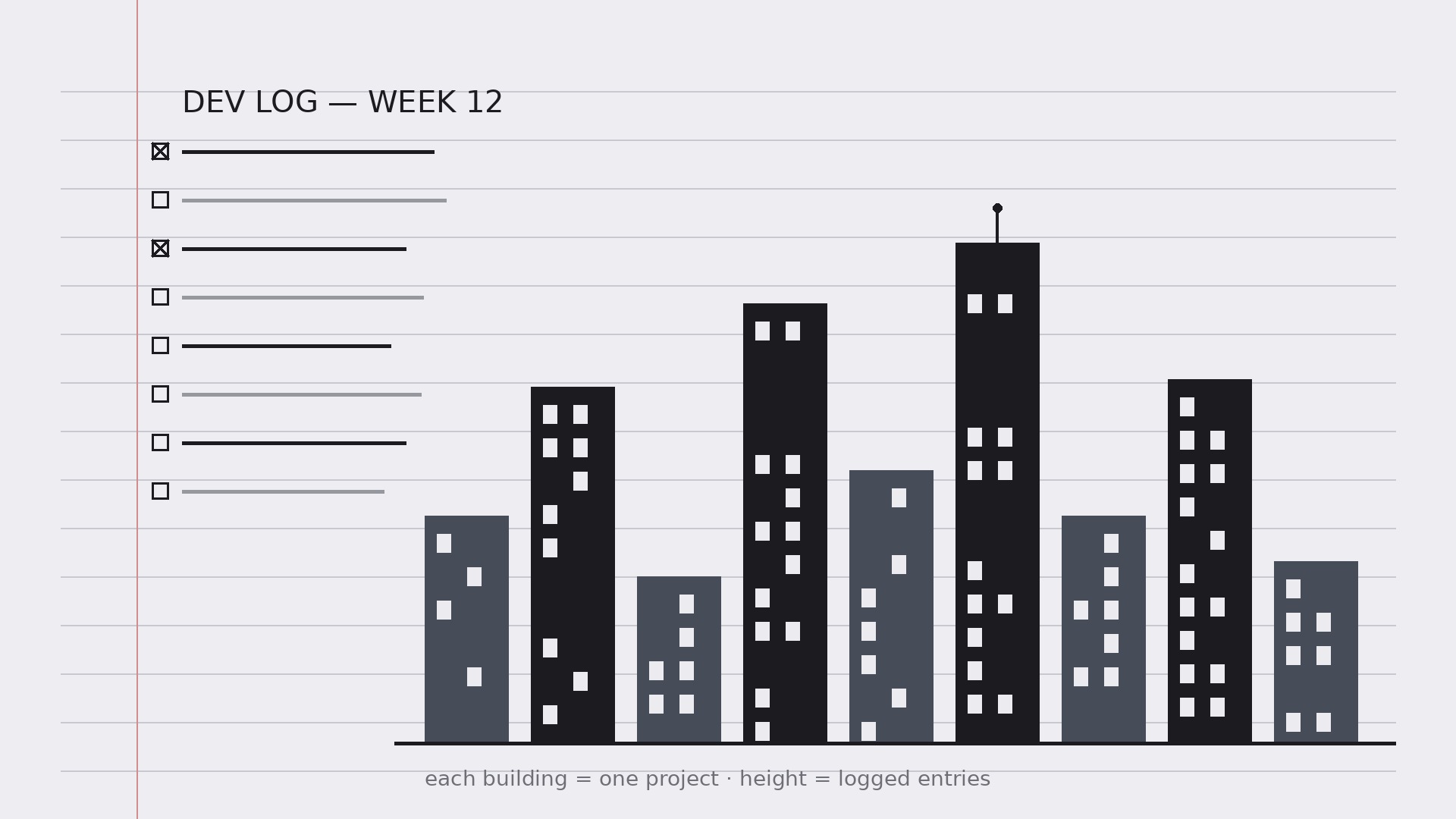
Transforme votre IA en coach de journal de développeur — elle met en place un journal de développement quotidien où chaque projet devient un immeuble dans une skyline personnelle, pour que les progrès soient visibles d'un coup d'œil et que le journal soit vraiment tenu.
Installez-la en 3 étapes
Sans inscription. Sans outils en ligne de commande. Choisissez votre IA, copiez une ligne, collez-la.
Vous préférez le faire vous-même ? Achetez la compétence ($4.99), téléchargez le ZIP depuis votre confirmation d'achat, décompressez-le dans le répertoire indiqué ci-dessus, redémarrez votre session IA — même résultat. Vous l'avez déjà achetée ? Votre assistant IA peut la télécharger pour vous.
Contenu du pack
Un fichier SKILL.md (le guide pratique) + un modèle de départ. Aperçu :
Skyline Developer Journal
When to use
- A developer's notes are scattered across sticky notes, chat messages, and half-finished docs, and nothing shows what actually got done
- A side project keeps stalling because progress is invisible week to week
- A team lead wants a lightweight personal log — not another reporting tool — that still surfaces patterns
- A learner wants to track what they built and what they learned, day by day, in one place
- A portfolio needs honest raw material: dated entries that later become case studies and release notes
Workflow
- Set up the journal (input: projects → output: journal structure)
One journal, one entry per working day, one fixed format. Each entry has five fields: date, project, what I did (facts, not adjectives), what I learned, and next step. Then set up the skyline: every active project gets a building, and the building's height grows with completed entries about that project. A project with no entries stays a flat lot — which is exactly the point: the skyline shows where your time really went, not where you meant it to go. - Log entries the same way every time (input: daily work → output: entries)
Write the entry at the end of the working day, in under ten minutes, in the fixed format. "What I did" is a list of concrete actions ("Shipped the login form; fixed the token refresh bug") — not moods ("worked on auth stuff"). "What I learned" is one sentence about something you now know that you didn't this morning, even if it is small ("Refresh tokens must be rotated on use"). "Next step" is the single thing you will do first tomorrow. Same format every day is what makes the journal searchable later; a journal that reinvents its format weekly is a diary, not a log. - Grow the skyline (input: entries → output: skyline view)
Once a week, update the skyline: each building's height reflects that project's logged entries, and each building gets a one-line status ("In progress — auth done, billing next") plus a color or marker for its state (active, paused, shipped, shelved). Keep the skyline honest — a paused project is a paused building, not a demolished one; a shelved project stays on the skyline with a "shelved" marker so you can see what you chose to stop. The skyline is a mirror, not a motivational poster. - Review weekly (input: week of entries → output: weekly review)
At the end of each week, read the week's entries together and write a short review: what shipped, what got stuck, what you learned, and what changes next week. The review is where patterns appear — the same bug class twice, the project that keeps eating Fridays, the learning that unlocked two other tasks. If a week has no entries, the review says so plainly; a missing week is information, not a failure to hide. - Keep it going (input: review → output: habit)
The journal survives on a low bar: an entry can be three lines, a missed day is just a missed day, and the format never grows new required fields. Tie it to an existing habit — end of the workday, last thing before closing the laptop — and keep the skyline somewhere you see it daily. After a month, the skyline itself becomes the motivation: nobody wants to look at a flat lot where their main project should be.
Aperçu du modèle
Skyline Developer Journal — Template
One journal, one entry per working day, one fixed format. Three lines minimum.
Setup
Active projects (one building each):
- {Project A} — status: {active / paused / shipped / shelved}
- {Project B} — status: {…}
- {Project C} — status: {…}
Skyline rule: building height grows with logged entries for that project. A project with no entries stays a flat lot — that's the point.
Daily entry
Date: {YYYY-MM-DD} | Project: {name}
What I did (concrete actions, not adjectives):
- {e.g. Shipped the login form; fixed the token refresh bug}
- {…}
Le pack de compétence lui-même (SKILL.md + modèle) est rédigé en anglais.
Vous aimerez aussi
 Autres
Continuity Asset Set
Un kit unique pour que chaque livrable donne l'impression de faire partie du même ensemble.
 Autres
Device-Canvas Product Launch
Un grand canevas d’appareil porte toute votre histoire de lancement.
 Autres
Frame-Token Editorial Launch
Un seul jeu de tokens, tous vos assets, zéro dérive.