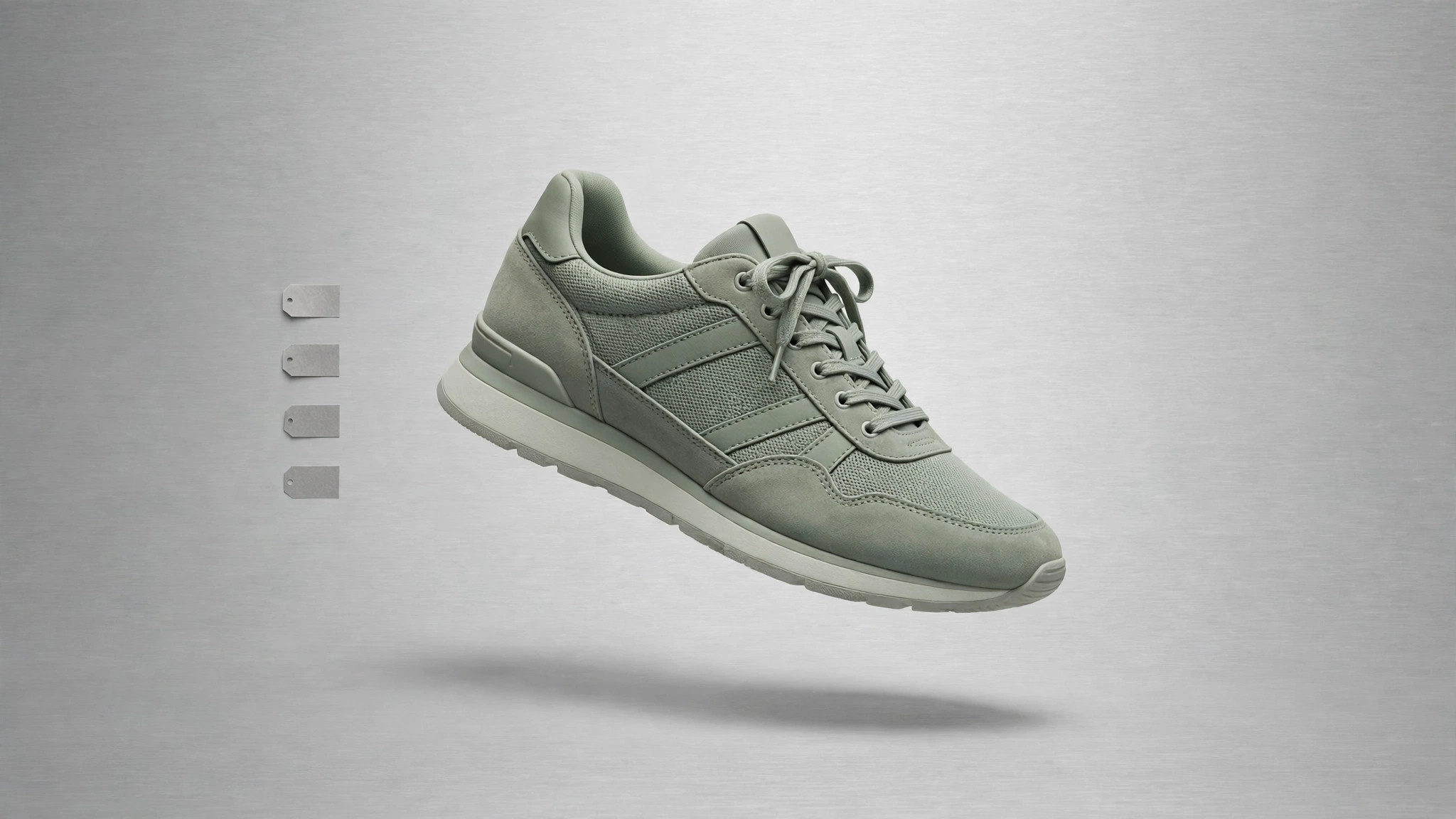
Sage Sneaker Store
Chaque taille, prix et état de stock répondu d'un coup d'œil.
Transforme votre IA en créateur de pages boutique sneakers — elle transforme votre catalogue, vos tailles et vos photos en une page boutique rapide avec un filtrage clair, des états de stock honnêtes et un parcours d'achat qui ne cache jamais les frais de livraison.
Installez-la en 3 étapes
Sans inscription. Sans outils en ligne de commande. Choisissez votre IA, copiez une ligne, collez-la.
Vous préférez le faire vous-même ? Achetez la compétence ($4.99), téléchargez le ZIP depuis votre confirmation d'achat, décompressez-le dans le répertoire indiqué ci-dessus, redémarrez votre session IA — même résultat. Vous l'avez déjà achetée ? Votre assistant IA peut la télécharger pour vous.
Contenu du pack
Un fichier SKILL.md (le guide pratique) + un modèle de départ. Aperçu :
Sage Sneaker Store
When to use
- You sell sneakers and need a store page that lists your catalog instead of a generic "DM to order" post
- Shoppers keep asking the same questions: "Do you have size 10?", "How much is shipping?", "Is this still in stock?"
- Your current store page buries the filter, shows sold-out sizes as available, or reveals shipping costs only at checkout
- You are launching a small sneaker drop and need one page that handles browsing, sizing, and buying
- You want the store's look to feel calm and grounded — sage green tones, clean type, photos doing the work
Workflow
- Shape the catalog (input: products, sizes, prices, photos → output: structured product list)
List every shoe once with its name, colorway, available sizes, price, and at least two photos (a side profile and a three-quarter view). One product = one row; sizes are variants inside the row, never separate products. Flag any shoe with only a few pairs left and any shoe that is fully sold out — stock truth comes from this list, and everything downstream reads from it. If a photo is missing or blurry, mark the product as not-ready rather than publishing it with a placeholder and hoping nobody notices. - Design the page (input: structured product list → output: page layout and copy)
Lay out the page in this order: a short hero with the store name and one strong shoe photo, a filter row (size, color, price range, brand or style), the product grid, and a footer with shipping, returns, and contact details. Each grid card shows the shoe photo, name, colorway, price, and available sizes at a glance — no click required to learn the essentials. Write the copy in plain language: real materials, real fit notes ("runs half a size small"), no hype words that promise what the shoe cannot deliver. - Handle stock honestly (input: product list with stock flags → output: stock rules on the page)
Sold-out sizes appear greyed out and unclickable, never selectable; sold-out products stay visible with a clear "Sold out" label rather than vanishing, so a returning shopper is not confused. Low stock gets a plain "Only a few pairs left" note only when it is actually true — never as a permanent decoration. When the last pair sells, the page updates the same day. Fake urgency is the fastest way to lose a sneaker buyer who knows the market. - Build the checkout path (input: layout and stock rules → output: working purchase flow)
Map the full path before building: product → size → cart → shipping and payment → confirmation. Show the shipping cost on the product page or in the cart before payment, never as a surprise on the final screen. State the returns window and who pays return shipping in one sentence, in the footer and on the product page. Test the whole flow on a phone with a real product: add to cart, change size, remove it, check out. If any step confuses you, it will confuse every shopper. - Launch checks (input: working purchase flow → output: verified live page)
Run five checks before launch: the page loads fast on a phone connection, every product photo loads and matches its product, every filter returns the right shoes, sold-out sizes cannot be added to a cart, and the shipping and returns text matches what you will actually do. Fix failures before launch, not after the first order. After launch, re-check the stock states weekly — a store page that lies about stock lies about everything.
Aperçu du modèle
Sage Sneaker Store — Store Page Template
One store page = one filled-in copy of this template. Start from the catalog.
Store
Store name: {name} Tagline (one line): {tagline} Contact: {email / phone / social} Returns window: {e.g. 30 days} · Return shipping paid by: {store / buyer}
Catalog (one row per shoe)
Fit notes (one honest line per shoe): {e.g. "Runs half a size small"}
Page layout
Hero: {store name + one strong shoe photo + one line} Filter row: [ ] size · [ ] color · [ ] price range · [ ] brand / style Grid card shows: photo · name · colorway · price · available sizes — no click needed Footer: shipping · returns · contact
Le pack de compétence lui-même (SKILL.md + modèle) est rédigé en anglais.


