Royal Blue Pet Store
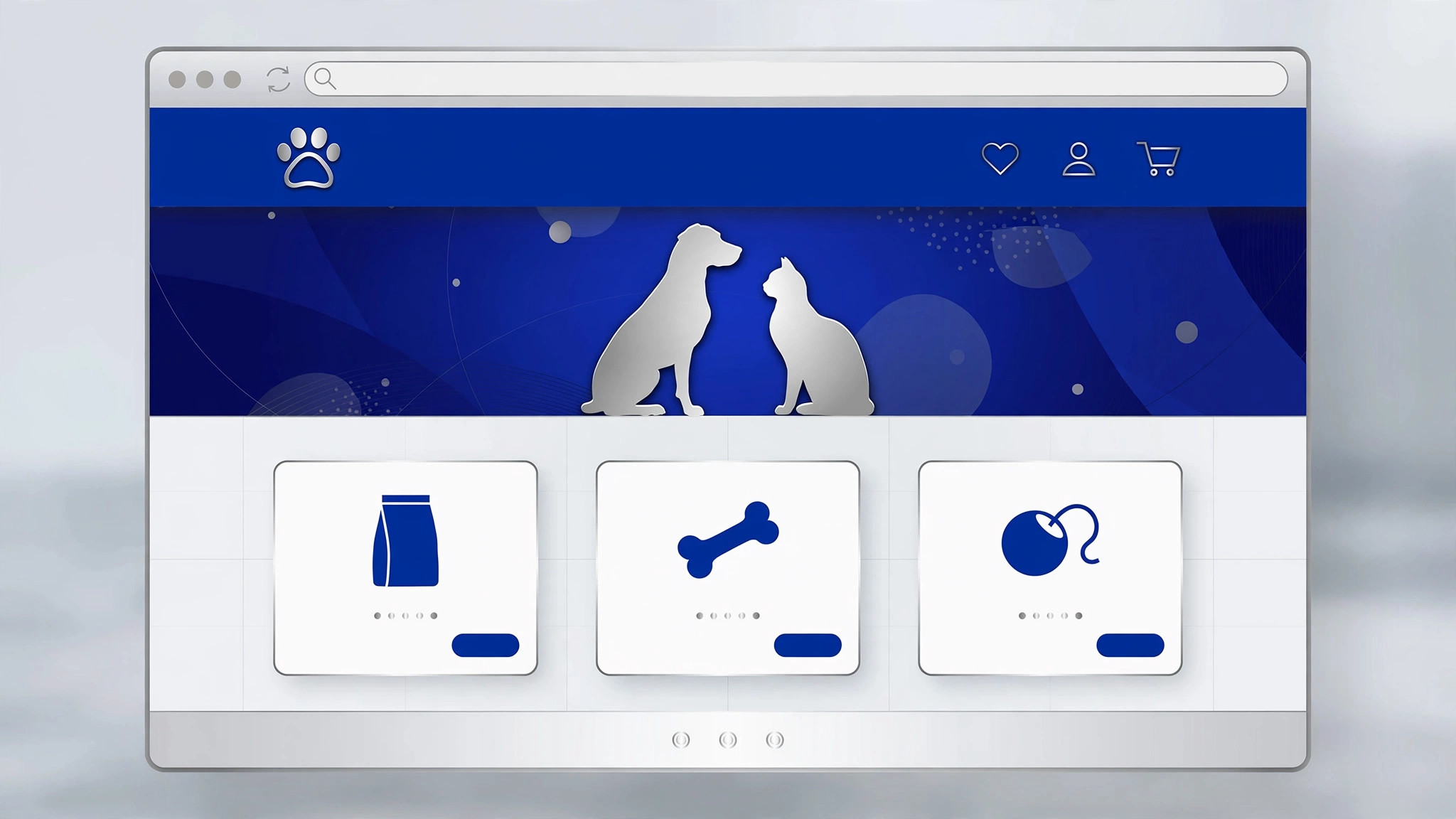
Une page boutique chaleureuse et digne de confiance pour une animalerie — dans une palette bleu roi.
Transforme votre IA en créateur de pages animalerie — elle conçoit une page boutique chaleureuse et digne de confiance pour une animalerie dans une palette bleu roi, avec produits, services et les détails que les propriétaires d'animaux vérifient vraiment avant d'acheter.
Installez-la en 3 étapes
Sans inscription. Sans outils en ligne de commande. Choisissez votre IA, copiez une ligne, collez-la.
Vous préférez le faire vous-même ? Achetez la compétence ($4.99), téléchargez le ZIP depuis votre confirmation d'achat, décompressez-le dans le répertoire indiqué ci-dessus, redémarrez votre session IA — même résultat. Vous l'avez déjà achetée ? Votre assistant IA peut la télécharger pour vous.
Contenu du pack
Un fichier SKILL.md (le guide pratique) + un modèle de départ. Aperçu :
Royal Blue Pet Store
When to use
- You run a pet shop — online, physical, or both — and need a store page that turns browsers into buyers
- You're launching a pet brand (food, toys, grooming, accessories) and need a page that shows the range clearly
- Your existing store page is a bare product grid and customers keep emailing questions the page should answer
- You're a designer or developer building a store page for a pet-shop client with a royal-blue brand
- You're opening a new location and need a page that covers shopping, grooming, and visiting info in one place
Workflow
- Define the store's offer (input: store details → output: store brief)
Write down what the store actually sells and does: product categories (food, toys, grooming, health, accessories), services (grooming, boarding, vet referrals, delivery), and what makes this shop different (local sourcing, specialist diets, same-day delivery, expert staff). Note the practical facts pet owners ask first: delivery areas and times, returns on unopened food, and whether staff can advise on diets or allergies. This brief decides the page's sections — a shop that grooms needs a booking block; a shop that doesn't shouldn't fake one. - Structure the page top-to-bottom (input: store brief → output: page outline)
Order sections by a shopper's journey: hero (store name + one-line promise + shop-now button), best-sellers or featured products, shop-by-pet (dog / cat / small pets / birds / fish), services, why-shop-here (delivery, returns, advice), customer favorites or reviews, visit-us info, and footer. Every product block shows the four facts owners check: price, size/weight, life stage or breed fit, and whether it's in stock. Keep the royal-blue palette disciplined: deep royal blue for headers and buttons, white or very light blue for backgrounds, one warm accent (amber or coral) for prices and calls to action. - Write product and service copy (input: page outline → output: page draft)
Write product copy for the owner, not the manufacturer: what the product is, which pets it's for, feeding or use guidance in plain words, and ingredients or materials where they matter. Service copy names the price (or "from" price), duration, and how to book. Avoid cutesy filler — "fur baby" in every heading makes the page harder to scan and harder to trust. Include the honest limits: which items can't be returned (opened food, worn collars), delivery cut-off times, and what to do if a pet reacts to a product. - Design for shoppers and their pets (input: page draft → output: designed page)
Lay out the page so a shopper can find food for a senior dog in under a minute: filters by pet type, life stage, and dietary need; clear product photos on light backgrounds; prices and stock status always visible. Add trust elements where they matter: staff picks with a name and a reason ("Marta, groomer — this brush for long coats"), a short note on sourcing, and real photos of the shop or the team if it's a physical store. Make sure the page works on a phone — most pet-supply browsing happens on one, often while standing in a store aisle comparing prices. - Check, launch, and maintain (input: designed page → output: live store page)
Verify every price, stock status, and link; test the checkout or booking flow end to end; and confirm the page states delivery, returns, and contact info correctly. Have a pet owner who doesn't work at the shop read it — they'll spot the jargon ("hydrolyzed protein") that needs a plain-words gloss. After launch, keep a simple maintenance rhythm: prices and stock updated when they change, seasonal products rotated, and the grooming schedule current. A store page showing last winter's holiday toys in June tells visitors the shop is asleep.
Aperçu du modèle
Royal Blue Pet Store — Template
One store = one page. Write for the pet owner deciding in under a minute.
Store brief
Store name: {name} | Online / physical / both: {…} One-line promise: {e.g. "Healthy food, honest advice, delivered today."} Product categories: {food / toys / grooming / health / accessories} Services: {grooming / boarding / vet referrals / delivery / none} What makes this shop different: {…} Delivery: {areas, times, cut-off} | Returns: {unopened food etc.} | Advice: {can staff advise on diets/allergies?}
Page outline (top → bottom)
- Hero: {store name + promise + [Shop now →]}
Le pack de compétence lui-même (SKILL.md + modèle) est rédigé en anglais.


