Quote Sliders
Plusieurs voix, un seul cadre coulissant
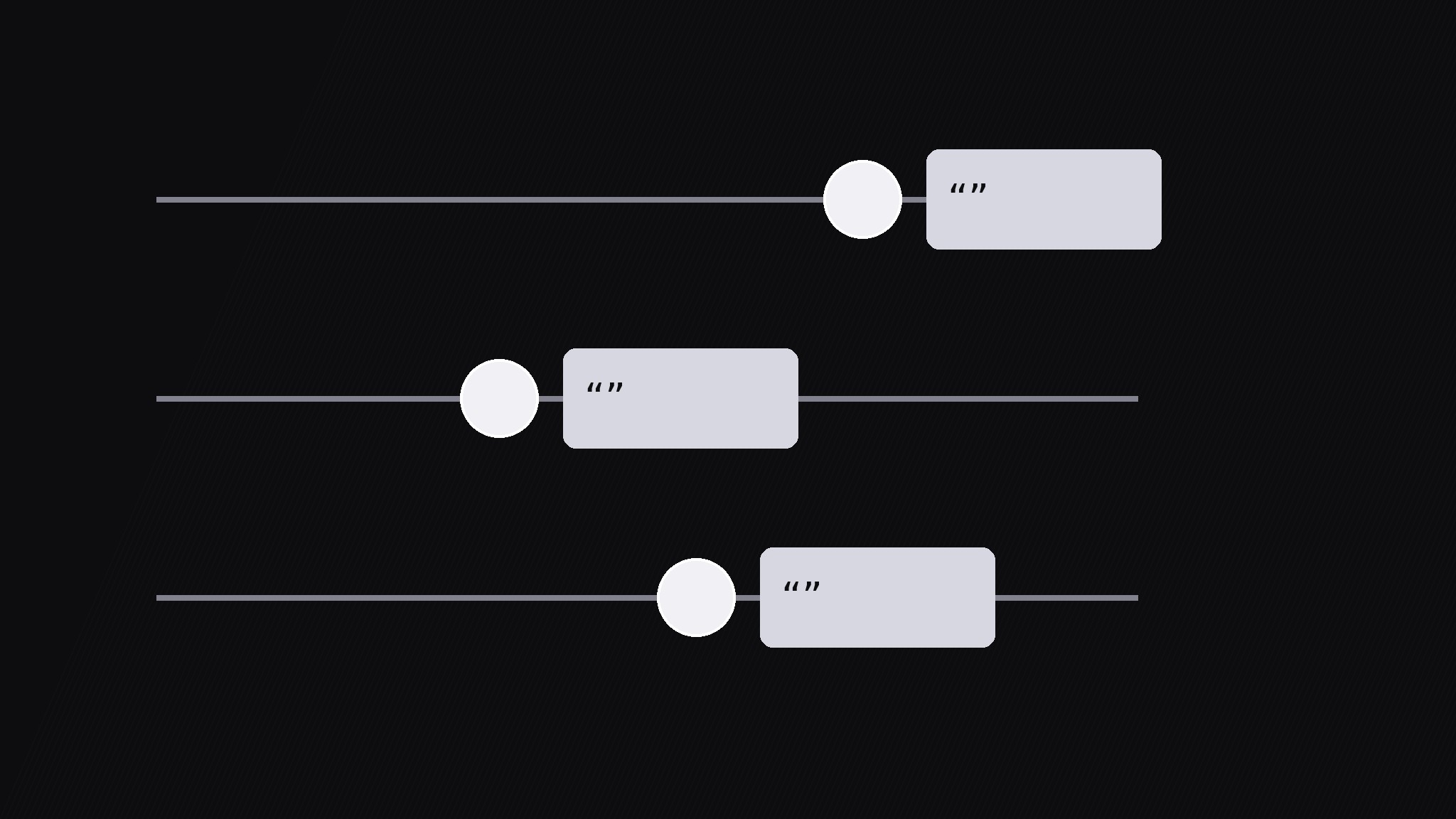
Transforme votre IA en réalisateur d’animations graphiques pour le motif des curseurs de citations — il aligne plusieurs courtes citations sur des curseurs horizontaux et fait glisser chaque poignée jusqu’à sa citation, pour que plusieurs voix se comparent dans un seul cadre en mouvement.
Installez-la en 3 étapes
Sans inscription. Sans outils en ligne de commande. Choisissez votre IA, copiez une ligne, collez-la.
Vous préférez le faire vous-même ? Achetez la compétence ($4.99), téléchargez le ZIP depuis votre confirmation d'achat, décompressez-le dans le répertoire indiqué ci-dessus, redémarrez votre session IA — même résultat. Vous l'avez déjà achetée ? Votre assistant IA peut la télécharger pour vous.
Contenu du pack
Un fichier SKILL.md (le guide pratique) + un modèle de départ. Aperçu :
Quote Sliders
When to use
- A testimonial or review roundup where 3–5 voices should be compared, not just stacked
- A documentary segment where several people answer the same question and the contrast is the story
- A debate or panel recap where each speaker gets one sharp line in a shared frame
- A research or feedback video where quotes sit on a scale (from skeptical to enthusiastic, from cheap to premium)
- A social-proof section where sliding between voices feels more alive than a static quote wall
Workflow
- Collect the quotes (input: source material → output: 3–5 quotes)
Pick 3–5 quotes, each max 15 words, each from a different named voice, each saying something distinct. Cut every quote to its sharpest sentence — if two quotes make the same point, keep the stronger one and drop the other. Record the source for each: full name or handle, role, and where it was said. Never paraphrase into quotes: if the words were not said that way, use a paraphrase label or pick different words. One slider per voice, no voice twice. - Build the slider rig (input: quotes → output: slider rows)
Build one horizontal slider row per quote: a thin track across the frame, a round handle on the track, and a quote card attached to the handle. Stack the rows with even spacing (3 rows for a calm frame, up to 5 for a dense one). Give each row a distinct muted tone — dark grays and silvers, one slightly lighter per row — so rows stay separable without rainbow colors. Keep the quote card small enough that all rows fit without scrolling: quote ≤15 words at ≥44px, attribution one line under it. - Slide sequence (input: rig → output: animated reveals)
Animate one row at a time: the handle travels along its track from the left rest position to its stop over 500ms with an ease-in-out curve, and the quote card fades in at the stop over 200ms. The stop position can carry meaning — further right for stronger agreement, further left for skepticism — but only if you state the scale on screen first. Between rows, hold 0.4s. Never slide two handles at once; the eye can only follow one moving handle, and simultaneous slides read as decoration. - Compare beat (input: all quotes revealed → output: comparison hold)
Once all handles rest, hold the full frame for 2.5s with all quotes visible. Then guide the comparison: draw a thin vertical line connecting the handles, or briefly brighten the two most contrasting rows while the others dim to 60%. State the contrast in one line of narration or caption ("Three loved the speed; two hated the setup"). If the scale positions mean something, this is the moment to read them — point at the spread, not at one quote. - Settle (input: compared frame → output: resting frame)
End with all handles at rest, all quotes readable, and a source line under each quote (name, role). Hold the settled frame for 2s before cutting on. If the video returns to the quotes later, come back to this exact settled frame — same handle positions, same rows — so viewers recognize it. Export the settled frame as a still for the thumbnail, recap card, or social post.
Aperçu du modèle
Quote Sliders — Build Template
One slider per voice. Verbatim quotes only.
Quotes (3–5, each ≤15 words, distinct voices, distinct points)
Verbatim check: every quoted word exact as said: [ ] | Shortened with ellipsis (...)? [ ] yes / [ ] no Distinct-point check: no two quotes make the same point: [ ]
Scale (only if handle position means something)
- Scale meaning: {e.g. left = skeptical → right = enthusiastic} — stated on screen: [ ]
- If position means nothing: all handles stop at the same x-position: [ ]
Slider rig
- Rows: {3–5}, even spacing | Track: thin line | Handle: round
- Quote card attached to handle: quote ≥44px + one-line attribution
Le pack de compétence lui-même (SKILL.md + modèle) est rédigé en anglais.


