Quadrant Focus
Quatre quadrants à l’écran, un seul sous les projecteurs
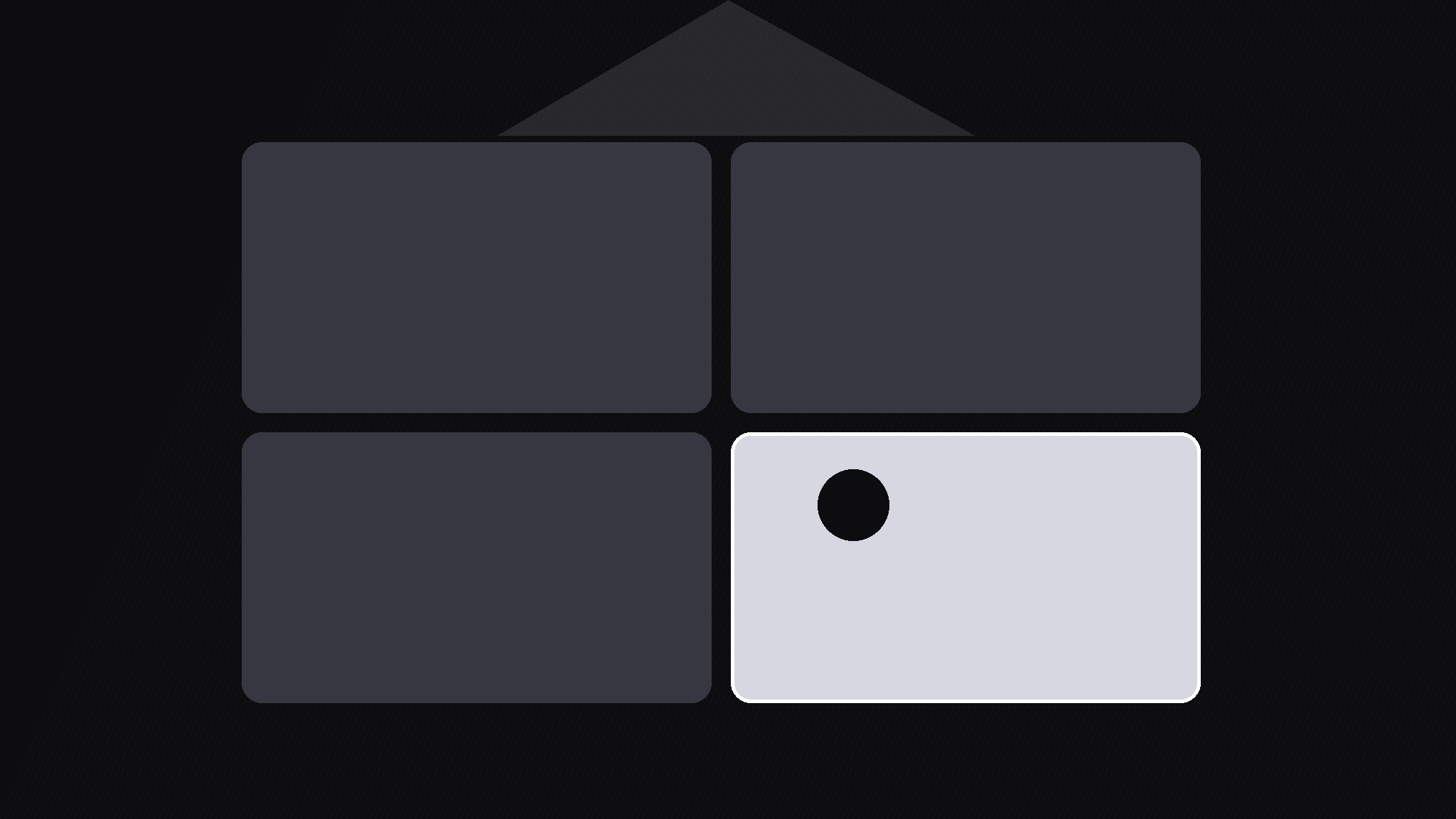
Transforme votre IA en réalisateur d’animations graphiques pour le motif du focus par quadrant — il affiche une grille 2×2, puis met un quadrant en lumière pendant que les trois autres s’estompent, pour que le regard du public aille exactement là où va la narration.
Installez-la en 3 étapes
Sans inscription. Sans outils en ligne de commande. Choisissez votre IA, copiez une ligne, collez-la.
Vous préférez le faire vous-même ? Achetez la compétence ($4.99), téléchargez le ZIP depuis votre confirmation d'achat, décompressez-le dans le répertoire indiqué ci-dessus, redémarrez votre session IA — même résultat. Vous l'avez déjà achetée ? Votre assistant IA peut la télécharger pour vous.
Contenu du pack
Un fichier SKILL.md (le guide pratique) + un modèle de départ. Aperçu :
Quadrant Focus
When to use
- A 2×2 framework (urgent/important, cost/impact, or any two axes) where the narration discusses one quadrant at a time
- A comparison slide with four options where you want to talk through each option without the others competing
- A lesson that introduces a full matrix first for orientation, then walks it quadrant by quadrant
- A pitch where the "you are here" quadrant must pop while the alternatives stay visible for context
- A recap where each quadrant gets a final moment in the spotlight before the full grid returns
Workflow
- Build the grid (input: four quadrant contents → output: full 2×2 frame)
Draw the 2×2 grid with equal quadrants, a 16px gap between them, and a short label in each quadrant (max 3 words). Show the whole grid first, unlit, for at least 1s so viewers learn the layout. Keep each quadrant's content to one icon or short phrase plus its label — detail belongs in the spotlight phase, not the overview. The grid axes, if any, get short labels at the edges, not paragraphs. - Choose the spotlight order (input: script → output: focus sequence)
Decide the order quadrants will be lit, and match it to the narration: usually the order the speaker discusses them, not top-left-to-bottom-right by default. Write the sequence down (e.g. 3 → 1 → 4 → 2) and give each focus a hold length of 2–4s. If a quadrant is never discussed, it still appears in the overview but never gets the spotlight — that is fine and honest. - Move the spotlight (input: focus sequence → output: spotlight move)
For each focus: the three unlit quadrants dim to 25% opacity and 95% scale, while the lit quadrant brightens to 100%, scales to 104%, and gains a soft border or glow. The move takes 400ms with an ease-in-out curve. Move only the light — do not also slide, rotate, or re-layout the grid during the move, or viewers lose their mental map of which quadrant is which. - Hold and narrate (input: lit quadrant → output: explained quadrant)
Hold the spotlight steady for 2–4s while the narration covers that quadrant. If the quadrant needs a detail, fade it in inside the lit quadrant only — one extra line or one small figure, appearing 200ms after the spotlight settles. Never add detail to a dimmed quadrant; viewers cannot read it and it fights the spotlight. When the narration moves on, the detail fades out before the spotlight moves. - Release and return (input: finished sequence → output: full grid)
After the last quadrant, release the spotlight over 400ms back to the even, unlit grid and hold the full grid for 1.5s. This closing beat lets viewers re-see the whole picture with all four quadrants now understood. If the video continues to a conclusion, keep the full grid up behind it; if the grid was a one-off, cut on the held full grid.
Aperçu du modèle
Quadrant Focus — Build Template
One grid, one spotlight that travels quadrant by quadrant.
The grid
Axis labels (if any): horizontal: {label} | vertical: {label} Full grid hold before first focus: ≥1s | Gap: 16px
Focus sequence (order follows the narration)
Quadrants never discussed (appear in overview only): Q{ }
Spotlight settings (same for every move)
- Lit quadrant: 100% opacity, 104% scale, soft border or glow
- Unlit quadrants: 25% opacity, 95% scale
- Move duration: 400ms, ease-in-out | Grid never re-layouts during a move
- Detail fades out before the spotlight moves on: [ ]
Close
- Release to even grid over 400ms, hold full grid 1.5s
Le pack de compétence lui-même (SKILL.md + modèle) est rédigé en anglais.


