Prompted Result Inspection
Ne montrez pas seulement la réponse — zoomez et vérifiez-la
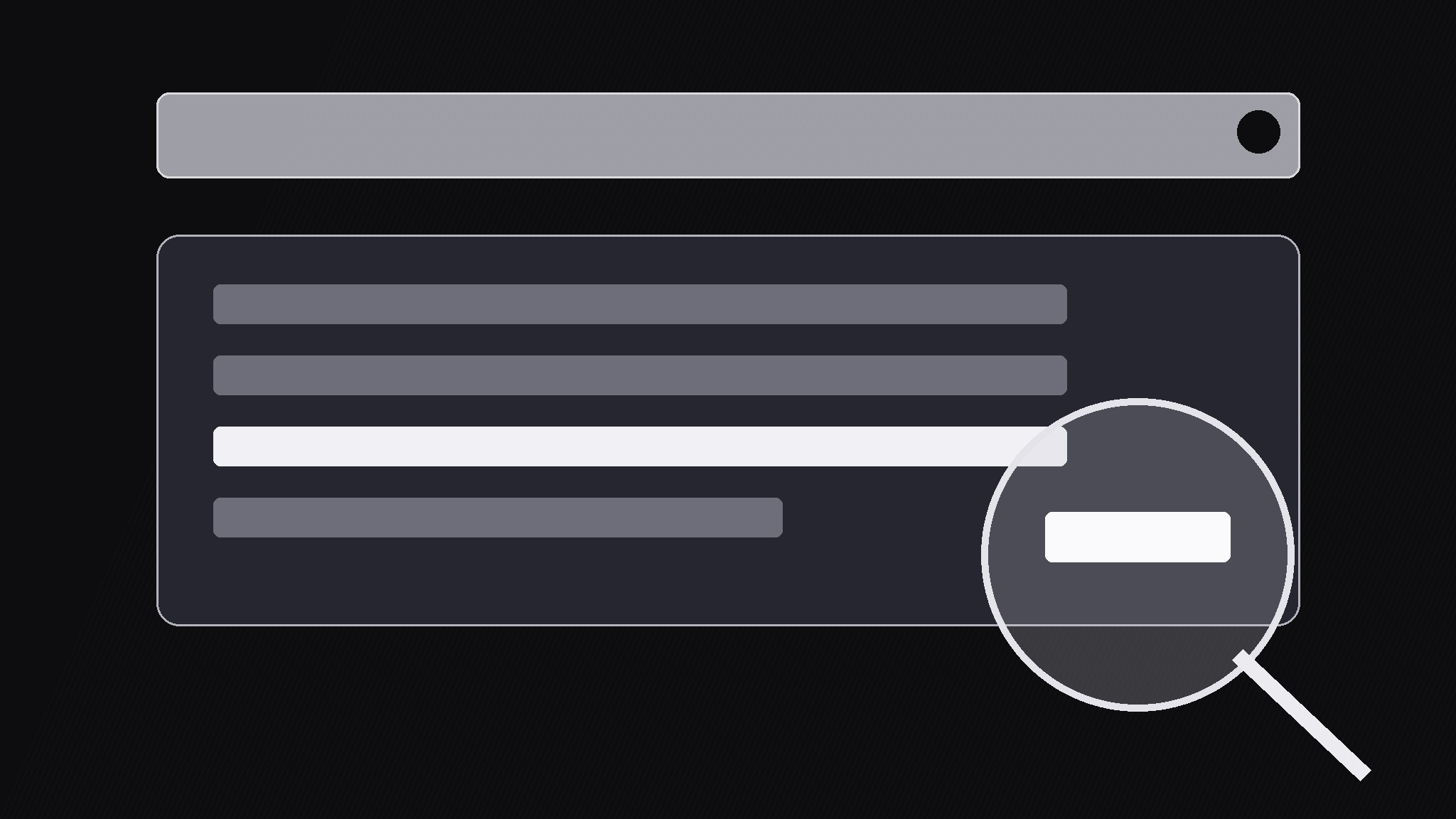
Transforme votre IA en réalisateur d’animations graphiques pour le motif de l’inspection du résultat d’un prompt — il saisit un prompt, génère un résultat, puis zoome sur un détail de ce résultat pour le vérifier, pour que les spectateurs apprennent à contrôler les productions de l’IA au lieu de leur faire confiance d’un coup d’œil.
Installez-la en 3 étapes
Sans inscription. Sans outils en ligne de commande. Choisissez votre IA, copiez une ligne, collez-la.
Vous préférez le faire vous-même ? Achetez la compétence ($4.99), téléchargez le ZIP depuis votre confirmation d'achat, décompressez-le dans le répertoire indiqué ci-dessus, redémarrez votre session IA — même résultat. Vous l'avez déjà achetée ? Votre assistant IA peut la télécharger pour vous.
Contenu du pack
Un fichier SKILL.md (le guide pratique) + un modèle de départ. Aperçu :
Prompted Result Inspection
When to use
- An AI tutorial where the point is not the answer but whether the answer can be trusted
- A demo that shows a prompt producing output, then catches a wrong number, wrong name, or made-up citation inside it
- A review or comparison video where one AI's output needs a close-up check against the source
- A classroom-style explainer teaching viewers a verify-before-you-use habit
- A product walkthrough where the generated draft is the starting point and human correction is the payoff
Workflow
- Stage the prompt (input: prompt text → output: typed prompt shot)
Show the prompt being typed into a clean input box at 2–3 characters per frame, with a blinking cursor, over 2–4s. Keep the prompt to one or two sentences — if it is longer, show the first line and fade the rest in as a block. The prompt stays on screen as a header when the result appears, so viewers always know what was asked. Never show a prompt you have not actually run. - Generate the result (input: real output → output: streaming result)
Reveal the result the way the tool actually produced it: streaming line by line if it streamed, or as a typed block if it arrived whole. Use the real output verbatim — do not tidy up its mistakes, because the mistakes are the point of the video. Keep the result at a readable size and hold the full result on screen for at least 1.5s before any inspection starts, so viewers get the same first impression a real user would. - Pick the inspection target (input: full result → output: chosen detail)
Choose exactly one detail to inspect: one number, one claim, one citation, one name. Mark it with a soft highlight box that draws itself around the detail over 250ms. State the check out loud or in a caption: "It says 42% — let's check that." One target per inspection pass; if two details are suspect, run two passes. A video that inspects everything inspects nothing. - Zoom and annotate (input: chosen detail → output: magnified check)
Zoom into the detail with a 2.2–2.5x magnifier circle or a scale-up of the surrounding lines over 450ms with an ease-in-out curve. Inside or beside the zoom, show the verification: the source document, the calculator, the original page — the thing the claim is checked against. Draw the comparison as a simple side-by-side: claim on the left, source on the right, with a match or mismatch stamp. Keep the zoom steady for at least 2s so viewers can read both sides. - Deliver the verdict (input: comparison → output: verdict beat)
End the pass with an unmistakable verdict card: CONFIRMED in a calm tone, or WRONG with the correction written out. If wrong, show the corrected version in place — strike the error, insert the fix, and hold the fixed result for 1.5s. If the check is inconclusive, say so plainly ("couldn't verify") rather than dressing up uncertainty as a pass. Then zoom back out to the full result over 350ms and move on.
Aperçu du modèle
Prompted Result Inspection — Build Template
One pass = one prompt, one result, one inspected detail.
The prompt (as actually run)
> {prompt text, 1–2 sentences}
Tool used: {name} | Run date: {date} | Raw output saved: [ ]
The result (verbatim — do not tidy mistakes)
> {paste the real output here}
Full result hold before inspection: ≥1.5s
Inspection target (exactly one per pass)
- Detail to check: "{exact quote from the result}"
- Type: {number / claim / citation / name}
- Check stated on screen: "{e.g. It says 42% — let's check that.}"
- Highlight box: draws around the detail, 250ms
Verification (claim vs source, side by side)
Le pack de compétence lui-même (SKILL.md + modèle) est rédigé en anglais.


