Presenter Foreground Card Row
La présentation reste humaine, la structure reste visible
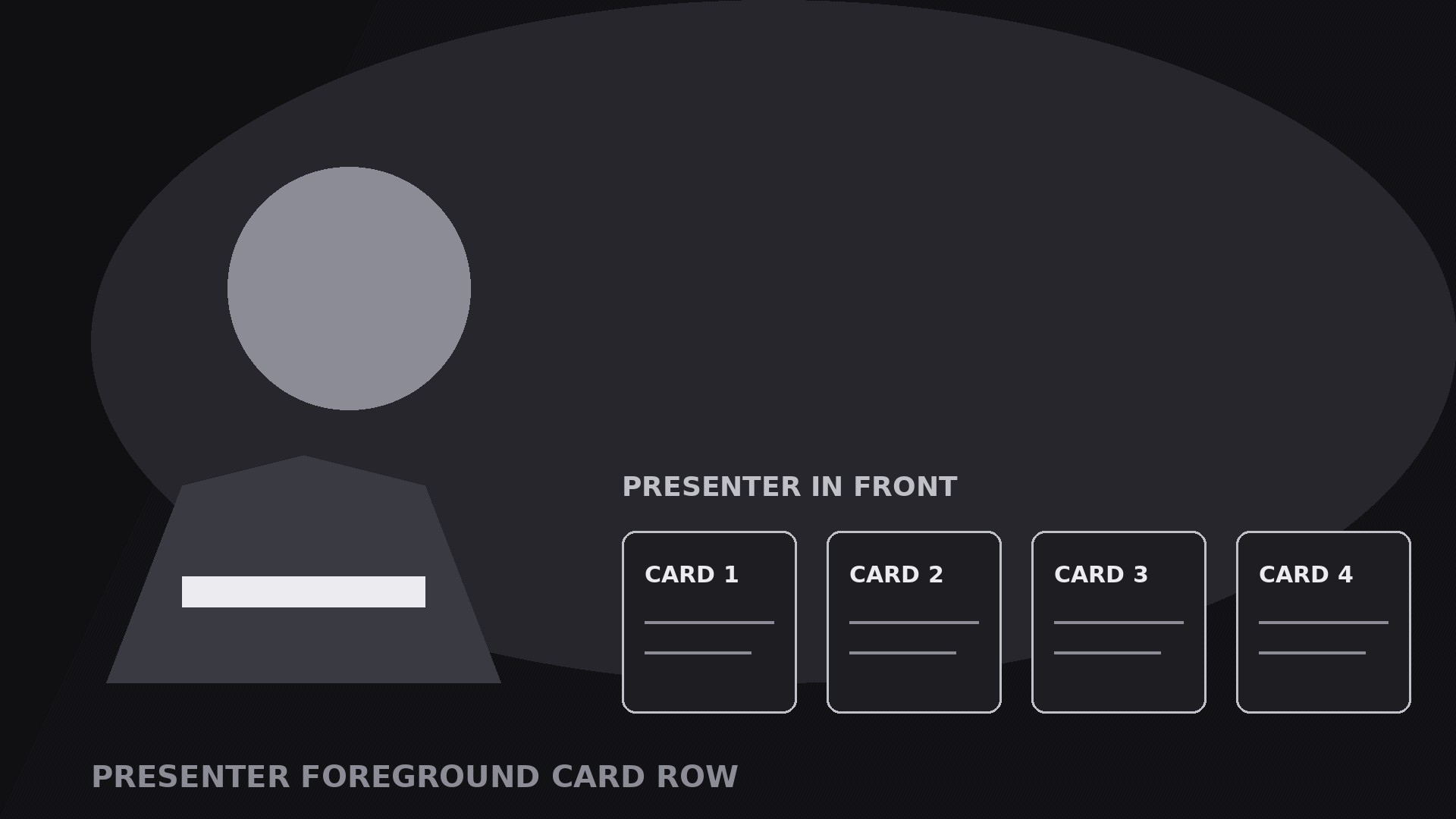
Transforme votre IA en réalisateur d’animations graphiques pour le motif du présentateur au premier plan avec rangée de cartes — le présentateur reste grand au premier plan pendant qu’une rangée de cartes glisse le long du bas de l’écran, pour que la présentation reste humaine et que la structure reste visible.
Installez-la en 3 étapes
Sans inscription. Sans outils en ligne de commande. Choisissez votre IA, copiez une ligne, collez-la.
Vous préférez le faire vous-même ? Achetez la compétence ($4.99), téléchargez le ZIP depuis votre confirmation d'achat, décompressez-le dans le répertoire indiqué ci-dessus, redémarrez votre session IA — même résultat. Vous l'avez déjà achetée ? Votre assistant IA peut la télécharger pour vous.
Contenu du pack
Un fichier SKILL.md (le guide pratique) + un modèle de départ. Aperçu :
Presenter Foreground Card Row
When to use
- A talking-head explainer where the viewer needs to track structure: the presenter's face carries the talk, the card row carries the outline
- A list video — steps, tips, options, chapters — where each card is one item and the row shows where you are in the list
- A tutorial where each card names the current step, so a viewer who joins mid-video can catch up at a glance
- A pitch or lesson where the presenter reacts to the cards: pointing at one, dismissing one, promoting one to full screen
- A live-style or webinar video where the cards act as lower-third chapters: present throughout, never hiding the presenter
Workflow
- Frame the presenter (input: your talk → output: foreground composition)
Frame the presenter large in the foreground, from the chest or waist up, positioned to one side or centre — wherever they naturally sit — with the bottom third of frame left clear for the card row. The presenter is the hero: they get the best light, the sharpest focus, the most frame. The background stays simple and slightly darker than the presenter so the foreground reads. If the presenter moves, keep the card row's zone clear: no gestures that sweep through the cards, no props held at card height. Lock this composition before building any cards, because every card animation is choreographed around a presenter who stays put. - Define the cards (input: talk outline → output: 3–6 card briefs)
Turn the talk's structure into three to six cards — one card per step, tip, option, or chapter. Each card gets: a number or short label (1–2 words), one icon or thumbnail, and one line of at most 6 words naming the item ("Step 2 — Check the seal"). The cards must cover the whole talk with no gaps: a viewer reading the row left to right should get the full outline. If the talk has more than six items, group them — six cards is the ceiling, or each card shrinks past readability. Write the card copy before animating anything, and keep it in the presenter's words: the cards are the presenter's outline, not a separate script. - Build the card row (input: card briefs → output: row layout)
Lay the cards in a single row along the bottom of frame, evenly spaced, all the same size, with the active card's slot visually reserved from the start. Reserve the slots — do not let cards shuffle or resize as the talk progresses, or the row feels unstable. The row should occupy the bottom 20–25% of frame height and never cover the presenter's face or hands. Give the row a consistent treatment: same card background, same border, same type. The inactive cards sit slightly dimmed (60–70% opacity); the active card is full brightness with a highlight border or a small lift (4–6 px up). That contrast is the whole navigation system — the viewer always knows where they are. - Choreograph the entrance and the handoff (input: layout → output: timed motion plan)
Standard timing: the presenter is already on screen (or fades in over 0.4 s). The card row enters once, at the start of the list: cards slide up from below the frame edge, staggered 0.08–0.12 s apart, each 0.35–0.45 s with an ease-out curve, landing in their reserved slots. Then the row stays for the whole section — it does not enter and exit per card. As the talk moves from item to item, the active state hands off: the outgoing card dims and settles down over 0.25 s while the incoming card brightens, lifts, and gains its highlight border over 0.25 s. The handoff should land on the presenter's transition word ("Next…", "Second…", "Now…") — the card and the voice change together. Never animate all cards at once mid-talk; only the two cards in the handoff move. - Stage presenter-card interaction (input: motion plan → output: interaction beats)
Give the presenter one or two deliberate interactions with the row: a glance down at the active card, a hand gesture toward it, or a tap that promotes the active card. The promotion beat is the strongest move in this pattern: on the presenter's cue, the active card scales up to fill the centre of frame (0.4 s, ease-out) while the presenter steps back or dims slightly, the card holds for 2–4 s while its detail is shown, then it shrinks back to its slot (0.35 s) and the presenter returns to full brightness. Use promotion at most twice per video — it is a spotlight, and a spotlight that never turns off is just a light. Keep every other interaction small: the presenter talks, the cards listen. - Exit the row (input: finished section → output: exit plan)
When the list ends, exit by sliding the whole row back down below the frame edge (0.4 s, ease-in, all cards together) as the presenter delivers the wrap-up — or by promoting the final card (a summary or call-to-action card) to full frame and ending on it. Render a draft and check: the row never covers the face or hands, the active card is obvious at a glance, handoffs land on transition words, and the cards are legible on a phone screen. If the presenter's gestures keep colliding with the row, reframe the presenter higher rather than shrinking the cards.
Aperçu du modèle
Presenter Foreground Card Row — Starter Template
One presenter up front, one card row along the bottom. Frame the presenter first, then the cards.
The presenter
Framing: {chest-up / waist-up}, positioned {left / centre / right}
Card zone: bottom 20–25% of frame kept clear — no gestures or props at card height [ ]
Background: {simple, slightly darker than presenter}
The cards (3–6, one per talk item)
Cut check: more than 6 items → group them. A row with one card is a lower third, not a card row.
Card copy rule: in the presenter's words — the cards are the presenter's outline, not a separate script.
Row treatment
Le pack de compétence lui-même (SKILL.md + modèle) est rédigé en anglais.


