Notes App OG Image
Une carte de partage qui ressemble à ce que le produit fait ressentir.
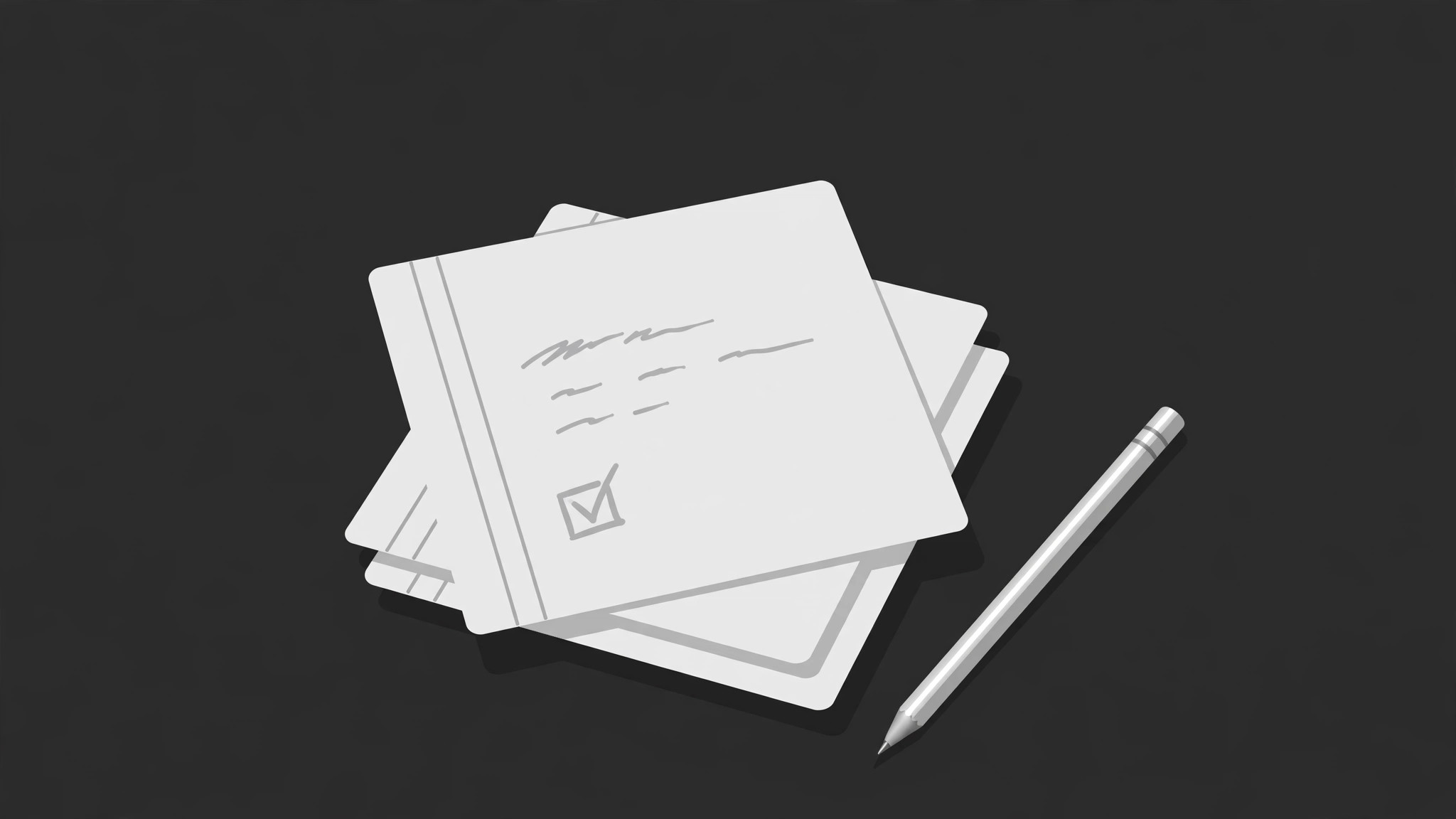
Transformez votre IA en conceptrice d'aperçus sociaux pour applications de notes — elle crée une image OG 1200×630 avec une composition effet papier, un motif d'écriture manuscrite ou de note, et un titre lisible en miniature. Pour les équipes d'applications de notes dont les liens partagés méritent une carte à l'image du produit.
Installez-la en 3 étapes
Sans inscription. Sans outils en ligne de commande. Choisissez votre IA, copiez une ligne, collez-la.
Vous préférez le faire vous-même ? Achetez la compétence ($4.99), téléchargez le ZIP depuis votre confirmation d'achat, décompressez-le dans le répertoire indiqué ci-dessus, redémarrez votre session IA — même résultat. Vous l'avez déjà achetée ? Votre assistant IA peut la télécharger pour vous.
Contenu du pack
Un fichier SKILL.md (le guide pratique) + un modèle de départ. Aperçu :
Notes App OG Image
When to use
- Your note app's homepage, feature pages, or blog posts share as blank grey boxes
- You are announcing a launch, a major version, or a template gallery and the link preview carries none of it
- Your app's brand is warm, paper-like, and human, but your share cards look like every other SaaS banner
- Each feature page deserves its own card — one generic card for the whole site is not doing the job
- A launch thread, newsletter, or press mention links to you and you want the card to explain the app in one glance
Workflow
- Collect the identity (input: app page → output: identity brief)
Pull what the card must carry: the app name, the one-line promise (what kind of notes, for whom), the one feeling the product is known for (calm, fast, paper-like, structured), and the mark or wordmark. Note what the app genuinely does today — no features on the roadmap, no claims the current version cannot back up. One card = one page = one promise. - Pick the note motif (input: identity brief → output: motif choice + content)
Choose one motif that feels like the product: a short handwritten-style note (a real note, in your own words — a shopping list, a meeting note, an idea), a typed note with a checklist or a highlighted line, or a stacked-notes composition showing one note open and others behind it. The note's content must be ordinary and believable — a real-looking note, not marketing copy wearing a handwriting font. Keep it to 3–5 short lines; a wall of tiny text is unreadable at thumbnail size. - Lay out the card (input: motif + identity brief → output: 1200×630 layout)
Build on a 1200×630 canvas in a warm paper system: off-white or cream background, ink-dark type, one soft accent for the single most important word or the checkbox. Name top-left in large type, promise under it in one line, note motif on the right or lower half on a slightly darker paper panel with a soft shadow. Keep the title to six words or fewer and the promise to one line — the card is a glance, not a page. - Run the thumbnail test (input: layout → output: pass/fail + fixes)
Shrink the card to 240×126 and to 120×63 and read it cold. Pass means: the name is readable, the promise is readable, the note motif still reads as a note, and nothing overlaps. Fail means: shorten the promise, enlarge the type, or drop an element. Check it on a dark chat background and a light one — a cream card on a white chat window needs a border or shadow edge to hold its shape. - Export and wire up (input: passing layout → output: shipped OG image + meta tags)
Export as a JPG or PNG at exactly 1200×630 with a stable filename per page. Addog:imageandtwitter:imagemeta tags with the absolute URL, plus matchingog:titleandog:descriptionthat say the same promise the card shows. Test the real share: paste the URL into one chat app and one social post draft and confirm the card renders before calling it done.
Aperçu du modèle
Notes App OG Image — Card Template
One card = one page = one promise. Fill this in before designing.
Page: {app / feature / post URL}
App name: {name — 6 words or fewer on the card} One-line promise: {what kind of notes, for whom — one line, true of the current version} Feeling the product is known for: {calm / fast / paper-like / structured / ...} Mark / wordmark: {attach or describe — plain wordmark is fine}
Note motif (pick ONE)
- [ ] Handwritten-style note (3–5 short lines, ordinary believable content)
- [ ] Typed note (checklist or highlighted line)
- [ ] Stacked notes (one open, others behind)
Le pack de compétence lui-même (SKILL.md + modèle) est rédigé en anglais.
Vous aimerez aussi
 Images
Social Cover
Des couvertures de publication avec 3 recettes de composition — prêtes à l'emploi
 Images
Infographic
Transformez un paragraphe en une image — sans jamais inventer de données
 Images
Product Poster
Affiches e-commerce : arguments de vente, ancrage prix et appel à l'action en une fois