Mint Marker Deck
Une toile menthe avec des accents au marqueur — des slides qui ressemblent à un bon tableau blanc.
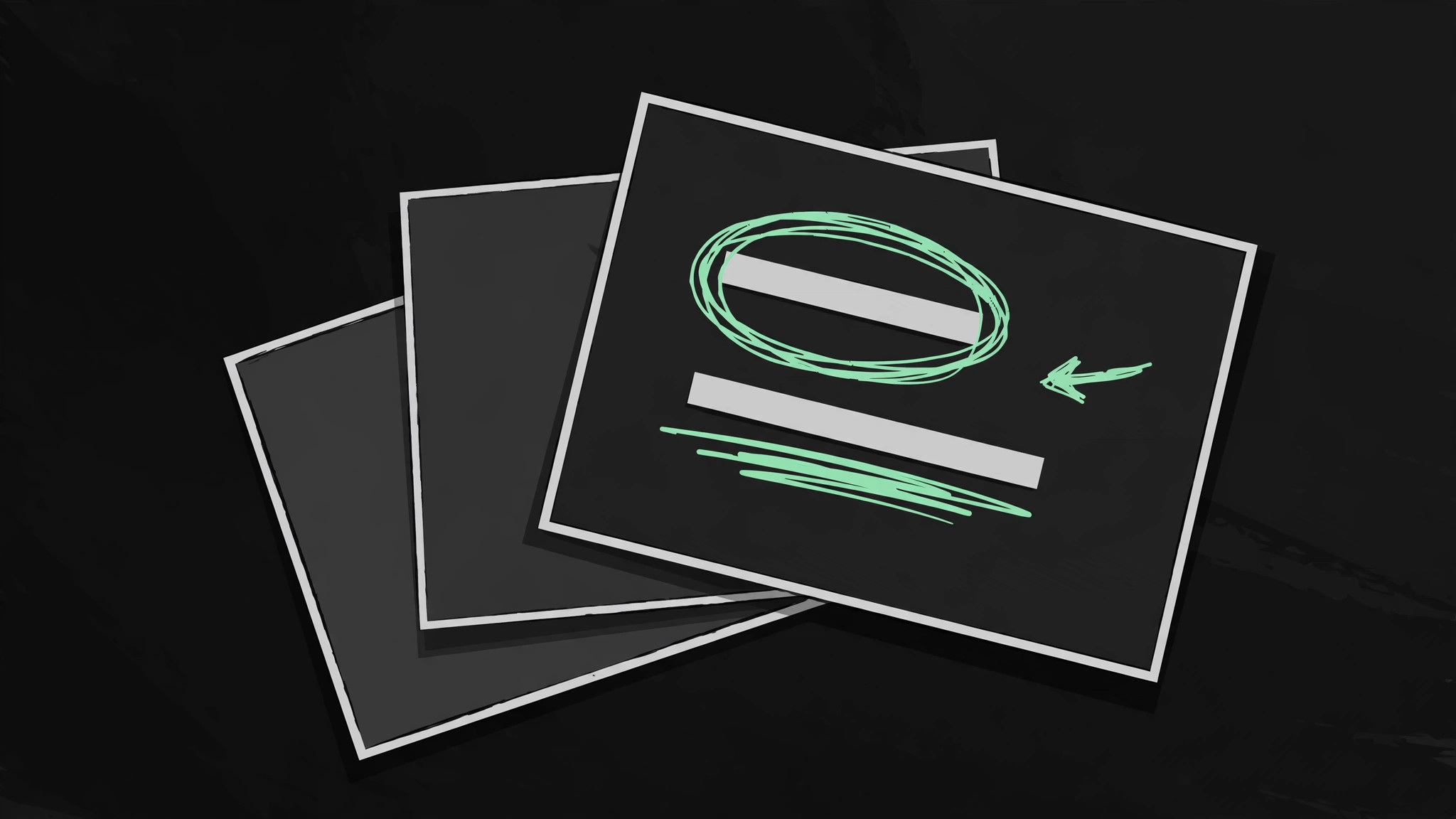
Transformez votre IA en conceptrice de decks de présentation — elle crée un deck dans une palette menthe fraîche avec des accents de marqueur dessinés à la main : mots-clés entourés, chiffres soulignés et flèches qui pointent ce qui compte.
Installez-la en 3 étapes
Sans inscription. Sans outils en ligne de commande. Choisissez votre IA, copiez une ligne, collez-la.
Vous préférez le faire vous-même ? Achetez la compétence ($4.99), téléchargez le ZIP depuis votre confirmation d'achat, décompressez-le dans le répertoire indiqué ci-dessus, redémarrez votre session IA — même résultat. Vous l'avez déjà achetée ? Votre assistant IA peut la télécharger pour vous.
Contenu du pack
Un fichier SKILL.md (le guide pratique) + un modèle de départ. Aperçu :
Mint Marker Deck
When to use
- You need a pitch, update, or lesson deck that feels human and approachable instead of corporate and templated
- A standard slide deck reads as flat and forgettable, and you want a visual voice — marker annotations over a clean mint canvas
- You are presenting to a small room (team, classroom, investor meeting) where a hand-drawn feel builds warmth and attention
- A workshop or training deck needs slides that look like a good whiteboard: clear structure, emphasis you can see, nothing fussy
- You have solid content but no designer, and need a deck with one consistent look you can build in an afternoon
Workflow
- Outline the story before opening slides (input: your message → output: a slide outline)
Write the deck as a list of one-line slide ideas before designing anything: one idea per slide, in the order you will say them. A 10-minute talk is roughly 8–12 slides; a 30-minute pitch, 12–18. Every slide earns its place by carrying one idea the audience must remember — if two slides say the same thing, merge them; if a slide says nothing new, cut it. The outline is the deck; the slides are just its visual form. - Set the mint canvas (input: outline → output: the deck's visual system)
Define the look once and reuse it on every slide: a soft mint background (light, easy on the eyes), near-black ink for text, one deeper mint or teal for emphasis, and a hand-drawn marker style for annotations — slightly rough circles, underlines, arrows, and checkmarks in a contrasting marker color. Pick two typefaces at most: one bold, friendly sans for headlines and one plain sans for body. Every slide uses the same margins, the same title position, and the same footer — consistency is what makes a hand-drawn style look deliberate instead of messy. - Build slides as one idea + one annotation (input: outline + visual system → output: slide drafts)
Each slide carries one idea and at most one marker annotation: a circled key word, an underlined number, an arrow from cause to effect, a checkmark beside the conclusion. The annotation is the slide's emphasis — it tells the audience where to look, the way a teacher's marker does on a whiteboard. If a slide needs two circles, an arrow, and a starburst, the slide is carrying two ideas: split it. Body text stays short (a headline, up to three short lines or one small visual); the spoken talk carries the detail, not the slide. - Make the numbers hand-drawn too (input: slide drafts → output: finished data slides)
Charts and numbers get the same treatment: simple bars or lines on the mint canvas, with the one number that matters circled in marker and a one-line label saying what it means. Skip chart junk — no 3D bars, no gridline forests, no legends the audience must decode mid-talk. A chart the audience cannot read in five seconds is a chart that is talking over you. Every data slide ends with a spoken takeaway written in the presenter notes, not on the slide: "This is why we shift budget in Q3." - Rehearse against the deck (input: finished slides → output: a presentable deck)
Run through the deck out loud, once, with a timer. Any slide where you find yourself reading the slide to the audience is a slide with too much text — cut it to the headline and the annotation, and put the rest in your notes. Any slide where you pause and think "what was this one?" needs a clearer headline. Check the marker annotations last: each one should feel like the single most natural thing to circle on that slide. If an annotation feels arbitrary, remove it — restraint is what keeps the hand-drawn style charming.
Aperçu du modèle
Mint Marker Deck — Deck Template
A fresh mint canvas with hand-drawn marker emphasis. One idea per slide, one annotation per slide.
Talk
Topic: {what this deck is about} Audience: {who is in the room} Length: {minutes} → roughly {8–12 slides per 10 min}
Visual system (set once, reuse everywhere)
- Background: soft mint {hex}
- Ink: near-black {hex}
- Emphasis: deeper mint / teal {hex}
- Marker: {contrasting marker color + rough hand-drawn style}
- Headline typeface: {one bold, friendly sans}
- Body typeface: {one plain sans}
- Layout: same margins, title position, and footer on every slide
Slide outline (one line = one slide)
Le pack de compétence lui-même (SKILL.md + modèle) est rédigé en anglais.
Vous aimerez aussi
 Présentations
Pitch Deck
10 diapositives, une seule histoire — les investisseurs restent jusqu'à la dernière page
 Présentations
Work Report
Hebdomadaire, mensuel, bilans — la conclusion d'abord, compris en 3 minutes
 Présentations
Academic Argument Deck
Une présentation qui argumente — et qui répond aux objections.