Minimal Gadget OG Image
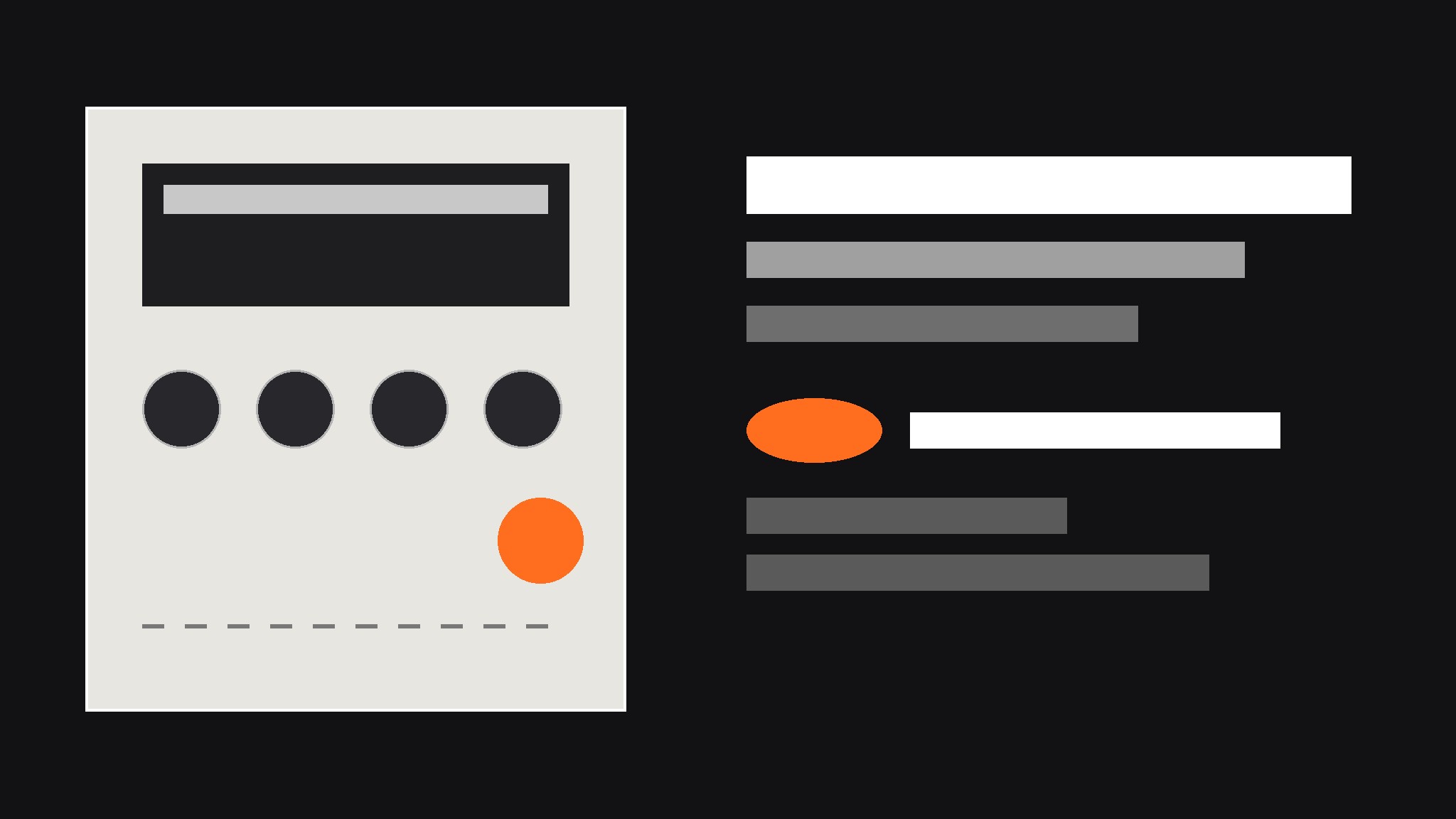
Un aperçu de gadget de poche qui reste lisible en miniature.
Transforme votre IA en designer d'aperçus sociaux — crée une image OG 1200×630 pour le lancement d'un petit gadget de poche, avec un rendu du produit aux boutons bien marqués, des annotations de spécifications en langage clair et une typographie qui reste lisible en miniature.
Installez-la en 3 étapes
Sans inscription. Sans outils en ligne de commande. Choisissez votre IA, copiez une ligne, collez-la.
Vous préférez le faire vous-même ? Achetez la compétence ($4.99), téléchargez le ZIP depuis votre confirmation d'achat, décompressez-le dans le répertoire indiqué ci-dessus, redémarrez votre session IA — même résultat. Vous l'avez déjà achetée ? Votre assistant IA peut la télécharger pour vous.
Contenu du pack
Un fichier SKILL.md (le guide pratique) + un modèle de départ. Aperçu :
Minimal Gadget OG Image
When to use
- You are launching a small hardware gadget — a pocket synth, a pocket radio, a mini sampler, a handheld game — and the link preview is the first thing people see
- A product page keeps getting shared with a blank gray box or a randomly cropped photo of the device
- Your gadget has physical controls worth showing off (chunky buttons, a tiny screen, a big knob) but the product photo alone does not explain what it does
- A launch announcement needs one image that works on social feeds, chat apps, and search results alike
- You have a great product render but the headline text gets cropped or the device looks lost at thumbnail size
Workflow
- Collect the raw ingredients (input: product name, one-line promise, 2–3 specs, one product render or photo → output: ingredient sheet)
Gather exactly four things before any design starts: the product name as it should appear, a one-line promise in plain words ("a pocket synth you can play with one thumb"), two or three specs worth bragging about (battery life, weight, one standout feature), and one straight-on render or photo of the device on a plain background. Write them down in one place and check the spelling of every name — a typo baked into an image cannot be clicked or corrected later. If the render is low resolution or the device is shot at a dramatic angle that hides the controls, pick a different image now; no layout trick fixes a source image that hides the product. - Pick the composition (input: ingredient sheet → output: layout choice)
Choose one of three layouts and commit to it: device large on one side with a solid color block for text on the other, device centered on a flat background with the headline above and specs below, or device at a slight angle over a large flat color field with one bold spec as the headline. Side-by-side suits long product names; centered suits square-ish devices; angled suits thin devices that need visual energy. The choice is driven by the device's shape and the length of the product name, not by taste — a long name next to a wide device will fight for space and lose. - Style the device like a product, not a photo (input: layout choice → output: styled device panel)
Keep the device render crisp and flat: even lighting, no fake reflections, no lens flare, no drop shadow thick enough to notice. If the device has buttons, a screen, or a knob, make sure at least one control is clearly visible — the controls are the personality of a pocket gadget. Use one accent color for the whole image (a warm orange, a signal red, a deep teal), pulled from the device itself or chosen to contrast with it, and use that accent for exactly one thing: the spec callouts or the small badge, never both. Restraint is what makes a gadget preview look designed instead of decorated. - Set the type (input: styled device panel → output: type-locked draft)
Set the product name largest, the one-line promise second, and the specs smallest — one size step per level, no more than three text sizes total. Keep all text inside the central safe area (roughly the middle 90% of the width and the middle 80% of the height) so platform crops never eat a letter. Write specs the way a person would say them ("30-hour battery", "fits in a jacket pocket") instead of datasheet shorthand. If the text is hard to read at a glance, move it onto the solid block or darken the block — never add a glow or a drop shadow and call it done. - Check the crops and export (input: type-locked draft → output: final JPG plus alt text)
Preview the draft at full size, at 240 pixels wide (roughly a chat-app thumbnail), and in a simulated square-ish crop, because different platforms trim the edges differently. Check three things at every size: the product name is still readable, the device is not cut in half, and no spec callout is clipped. If anything fails, adjust the layout — shrink the device, move the text block, or drop the weakest spec — and re-check. Export at 1200×630 as a JPG, and write one line of alt text naming the product and its one-line promise. A preview that only looks right at full size is a preview that fails everywhere it actually appears.
Aperçu du modèle
Minimal Gadget OG Image — Brief Template
One product = one preview image. Fill this in before any design starts.
Product
Product name: {name, exactly as it should appear} One-line promise: {what it does, in plain words — e.g. "a pocket synth you can play with one thumb"} Launch status: {ships {month} / available now / pre-order}
Specs (pick 2–3, plain language)
Source image
Device render / photo: {file or link — straight-on, plain background, controls visible} Device shape: {square-ish / wide / tall-thin} → Layout: {side-by-side / centered / angled}
Design
Background: {flat color, e.g. warm gray #E8E6E1}
Le pack de compétence lui-même (SKILL.md + modèle) est rédigé en anglais.
Vous aimerez aussi
 Images
Social Cover
Des couvertures de publication avec 3 recettes de composition — prêtes à l'emploi
 Images
Infographic
Transformez un paragraphe en une image — sans jamais inventer de données
 Images
Product Poster
Affiches e-commerce : arguments de vente, ancrage prix et appel à l'action en une fois