Map Platform OG Image
Un itinéraire, une épingle, un clic.
Transformez votre IA en conceptrice d'aperçus sociaux pour produits de cartographie et de localisation — elle crée une image OG 1200×630 nette avec un visuel de carte reconnaissable, un titre court et une palette lisible clairement en miniature.
Installez-la en 3 étapes
Sans inscription. Sans outils en ligne de commande. Choisissez votre IA, copiez une ligne, collez-la.
Vous préférez le faire vous-même ? Achetez la compétence ($4.99), téléchargez le ZIP depuis votre confirmation d'achat, décompressez-le dans le répertoire indiqué ci-dessus, redémarrez votre session IA — même résultat. Vous l'avez déjà achetée ? Votre assistant IA peut la télécharger pour vous.
Contenu du pack
Un fichier SKILL.md (le guide pratique) + un modèle de départ. Aperçu :
Map Platform OG Image
When to use
- You are launching or promoting a mapping, routing, geocoding, or location-data product and the link preview shows a generic logo or a blank page
- A docs page, pricing page, or changelog about maps gets shared on social feeds and the preview gives no hint that the product is about maps
- Your map product's homepage needs a preview image that communicates "maps" in one glance without dumping a full screenshot of a dense city map
- You are announcing a feature — routing, offline maps, 3D buildings, live traffic — and want a preview image built around that one feature
- An existing OG image is a cluttered full-city screenshot where streets and labels blur into gray noise at thumbnail size
Workflow
- Lock the one message (input: page purpose + audience → output: single headline of ≤6 words)
Decide the single thing a stranger should take from the preview: what the map product does and for whom. "Maps your fleet, live." beats "A powerful cloud-native mapping and location intelligence platform for modern teams." Six words or fewer. If the headline needs a comma and a clause, it is two messages — pick the stronger one. - Pick the map visual (input: headline → output: one map concept)
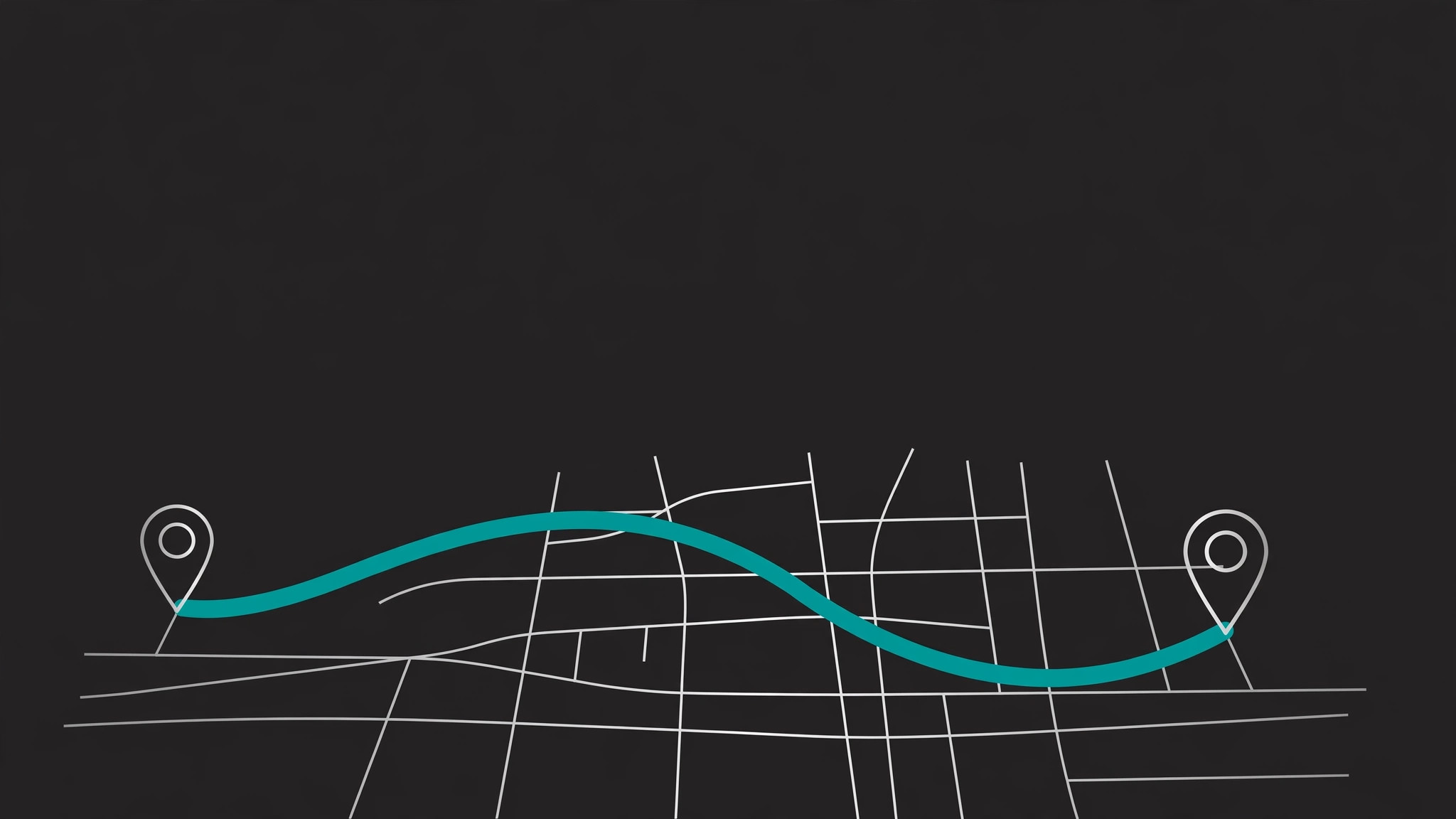
Choose exactly one map visual: a simplified route line with two pins on a muted base map, a single zoomed-in neighborhood block with one highlighted area, or a stylized globe/pin mark. Simplify aggressively — a real map at 1200×630 is mostly noise, so strip labels, fade secondary roads, and keep only the streets that serve the composition. One route, one pin pair, or one highlighted zone — never all three. - Set the layout grid (input: headline + map visual → output: 1200×630 composition plan)
Lay out on a 1200×630 canvas with a safe zone: keep headline, logo, and the key map detail inside the central ~1000×500 area. The reliable default is a split composition — headline and wordmark on a solid panel on one side, the map visual filling the other side — because text over a busy map is unreadable. If the headline sits on the map, it sits on a solid, high-contrast patch, never on street detail. - Apply the palette and type (input: composition plan + brand colors → output: finished visual spec)
Use at most three colors: background, ink, and one accent (the route line or pin color). Keep the base map muted — light gray or desaturated tones — so the accent route or pin is the first thing the eye finds. One bold typeface for the headline at a size legible at 240 pixels wide. No drop shadows on text over maps, no photographic satellite imagery behind type. - Export and verify (input: finished visual → output: 1200×630 JPG/PNG + preview check)
Export at exactly 1200×630, under ~300 KB if JPG. Check it three ways: shrunk to thumbnail size in a mock feed, pasted into a link-preview debugger, and viewed on a phone. If the route line blurs into the background or any word is unreadable at thumbnail size, simplify the map further — fewer streets, thicker route, bigger type — rather than adding detail.
Aperçu du modèle
Map Platform OG Image — Brief Template
Fill this in before designing. One message, one map visual — simplify until a stranger can describe the image in one sentence.
Page
Page URL / title: {url} — {page title} Audience: {who will see this preview} Page's one job: {what should the visitor do after clicking}
Message
Headline (≤6 words): {headline} Why this headline: {what a stranger learns from it} Page title alignment: {same as / aligned with / deliberately different from} page title — reason: {…}
Map visual (pick ONE)
[ ] Simplified route line with two pins on a muted base map [ ] Single zoomed-in neighborhood block with one highlighted area
Le pack de compétence lui-même (SKILL.md + modèle) est rédigé en anglais.
Vous aimerez aussi
 Images
Social Cover
Des couvertures de publication avec 3 recettes de composition — prêtes à l'emploi
 Images
Infographic
Transformez un paragraphe en une image — sans jamais inventer de données
 Images
Product Poster
Affiches e-commerce : arguments de vente, ancrage prix et appel à l'action en une fois