Feature Matrix Reveal
Le tableau comparatif, révélé une ligne à la fois.
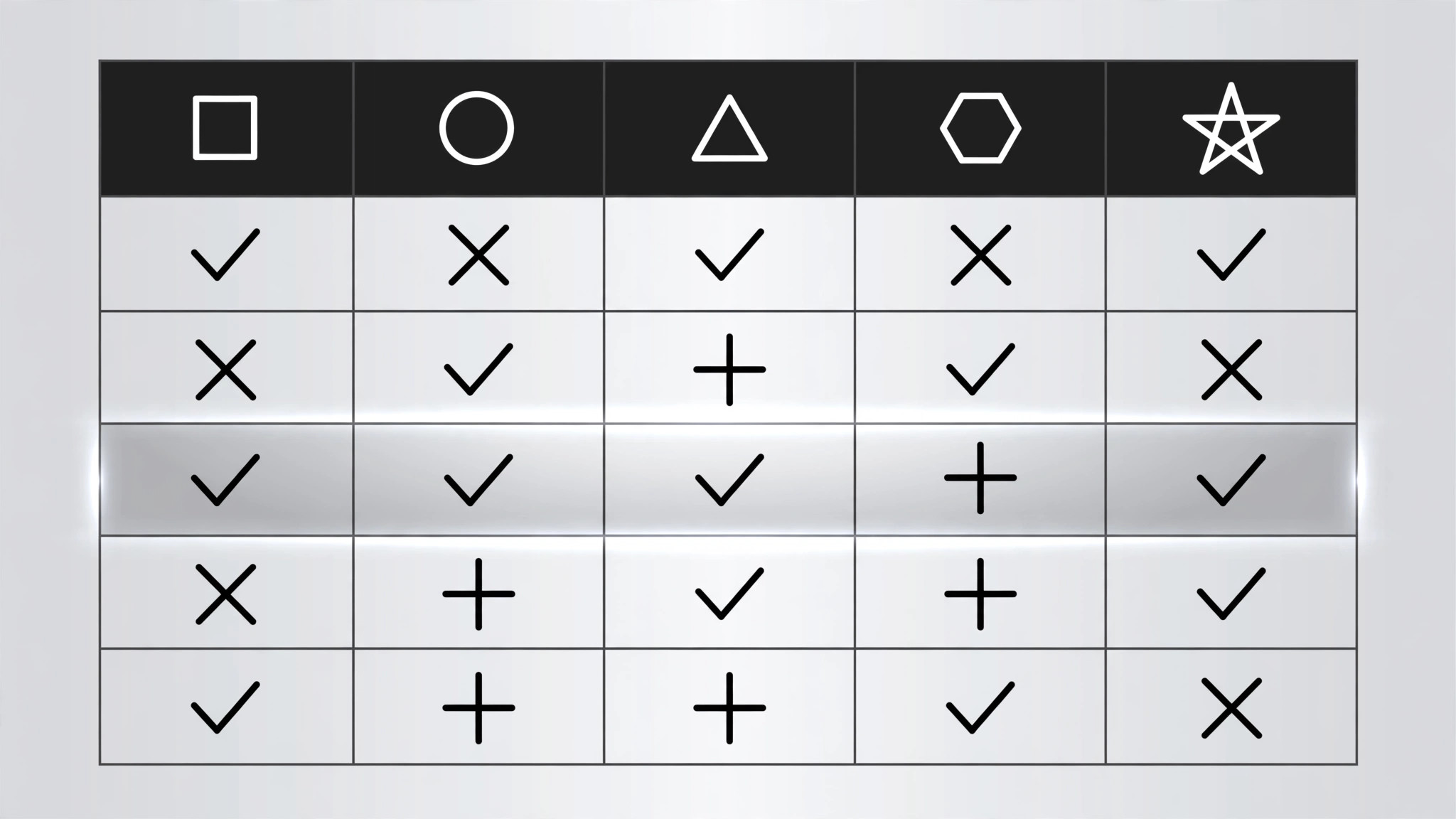
Une matrice fonctionnalités par options révèle d'abord son squelette, puis une ligne complète à la fois avec des coches qui apparaissent de gauche à droite, pour finir sur une bande de conclusion nommant le gagnant pour un cas d'usage précis. Conçu pour les vidéos comparatives, les explicatifs de prix et les guides d'achat.
Installez-la en 3 étapes
Sans inscription. Sans outils en ligne de commande. Choisissez votre IA, copiez une ligne, collez-la.
Vous préférez le faire vous-même ? Achetez la compétence ($4.99), téléchargez le ZIP depuis votre confirmation d'achat, décompressez-le dans le répertoire indiqué ci-dessus, redémarrez votre session IA — même résultat. Vous l'avez déjà achetée ? Votre assistant IA peut la télécharger pour vous.
Contenu du pack
Un fichier SKILL.md (le guide pratique) + un modèle de départ. Aperçu :
Feature Matrix Reveal
When to use
- A comparison video lines up 2–4 products, plans, or tools against the same set of features
- A pricing explainer must show what each tier includes without flashing a wall of checkmarks
- A buyer's guide compares options feature by feature and lands on a recommendation
- A product launch video shows how the new option stacks up against the old one and the rival
- A tutorial explains which plan a viewer needs by walking the feature rows that matter to them
- You have a table that is genuinely useful, and a static screenshot of it would get skipped
Workflow
- Build the matrix (input: your comparison → output: matrix data)
Columns: 2–4 options (products, plans, tiers). Rows: 5–8 features, each one a real decision factor — not filler ("Colour: yes"). Every cell holds exactly one of three values: a check (✓), a cross (✗), or a short value ("10 GB", "$29", "Unlimited"). No paragraphs in cells, no footnotes inside the grid. Order the rows by decision weight: the row that most often decides the purchase goes first. Name the columns with the option names, not "Option A" — the viewer must be able to read the verdict off the headers. - Lay out the grid (input: matrix data → output: layout)
Header row in bold with a tinted background; feature labels in the left column, left-aligned, in a smaller but readable size (≥16px at 1080p). Columns equal width; rows equal height. Cell contents centred. Use one accent colour for checks (green or the brand accent) and one muted colour for crosses (grey or soft red — never bright red, which reads as an error). Zebra-striping or hairline dividers separate rows; pick one, not both. The grid must fit the frame with ≥40px margins — if it does not fit, cut a row, not the font size. - Reveal the skeleton first (input: layout → output: frame keyframes)
The grid frame enters before any data: header row fades + slides down 8px over 250ms, then the feature labels fade in left-to-right staggered 40ms apart over ~300ms. The cells stay empty — the viewer sees the shape of the comparison before any verdict appears. This skeleton beat takes ≈550ms total. Never reveal a checkmark before its row label exists; a floating ✓ with no label is noise. - Reveal row by row (input: frame keyframes → output: row choreography)
Reveal one full row at a time, top to bottom, 500–700ms apart. Within a row, the cells pop left to right, 80ms apart: each cell's content scales 0.6 → 1.0 over 180ms with ease-out back, plus a 150ms fade. Checks get a tiny extra beat — a 200ms ring or scale pulse on the check itself — so the eye registers "included" rather than just "something appeared". The row's feature label brightens to full opacity as its cells land (labels start at 60% so the active row visibly steps forward). Between rows, hold 150ms of stillness: the stagger must read as deliberate pacing, not lag. - Land the takeaway row (input: row choreography → output: verdict beat)
After the last feature row, reveal a final takeaway strip below the grid: one line naming the winner for a named use case ("Best for solo creators: Option B — every row you need, nothing you don't"). The strip slides up 10px + fades in over 300ms, starting 300ms after the last row settles, in a tinted band distinct from the grid. If there is no single winner, the strip states the split honestly ("Pick A for storage, B for collaboration"). Hold the full grid + takeaway for ≥1.5s so the viewer can scan the whole comparison. - Check the matrix reads as a comparison (input: finished motion → output: verified animation)
Freeze the final frame and ask: can a viewer find any single cell's meaning in under a second? If two columns look identical, either the rows are wrong or the options are not really different — fix the data, not the animation. Check on a phone screen: if the grid needs squinting, split it into two grids of 2 columns each rather than shrinking the type. Never let a cell wrap to two lines; a wrapped cell breaks the row rhythm.
Aperçu du modèle
Feature Matrix Reveal — Starter Template
Fill in every {placeholder}. Cells hold ✓ / ✗ / short value only — no paragraphs in cells.
Matrix data
- Options (columns, 2–4): {option_1} | {option_2} | {option_3} | {option_4}
- Rows (5–8, ordered by decision weight, most decisive first):
- Row where the favourite loses (include it): {feature_n — option_X loses here}
Layout
- Header: {bold}, tinted background {hex} · Feature labels left-aligned, ≥{16px}
- Columns: {equal width} · Rows: {equal height} · Cell contents: {centred}
- Check colour: {accent_hex} · Cross colour: {muted_grey_or_soft_red_hex}
- Row separators: {zebra_striping | hairline_dividers} — pick one
Le pack de compétence lui-même (SKILL.md + modèle) est rédigé en anglais.


