Drawing App OG Image
Un aperçu de lien qui dit « dessin » en un coup d'œil.
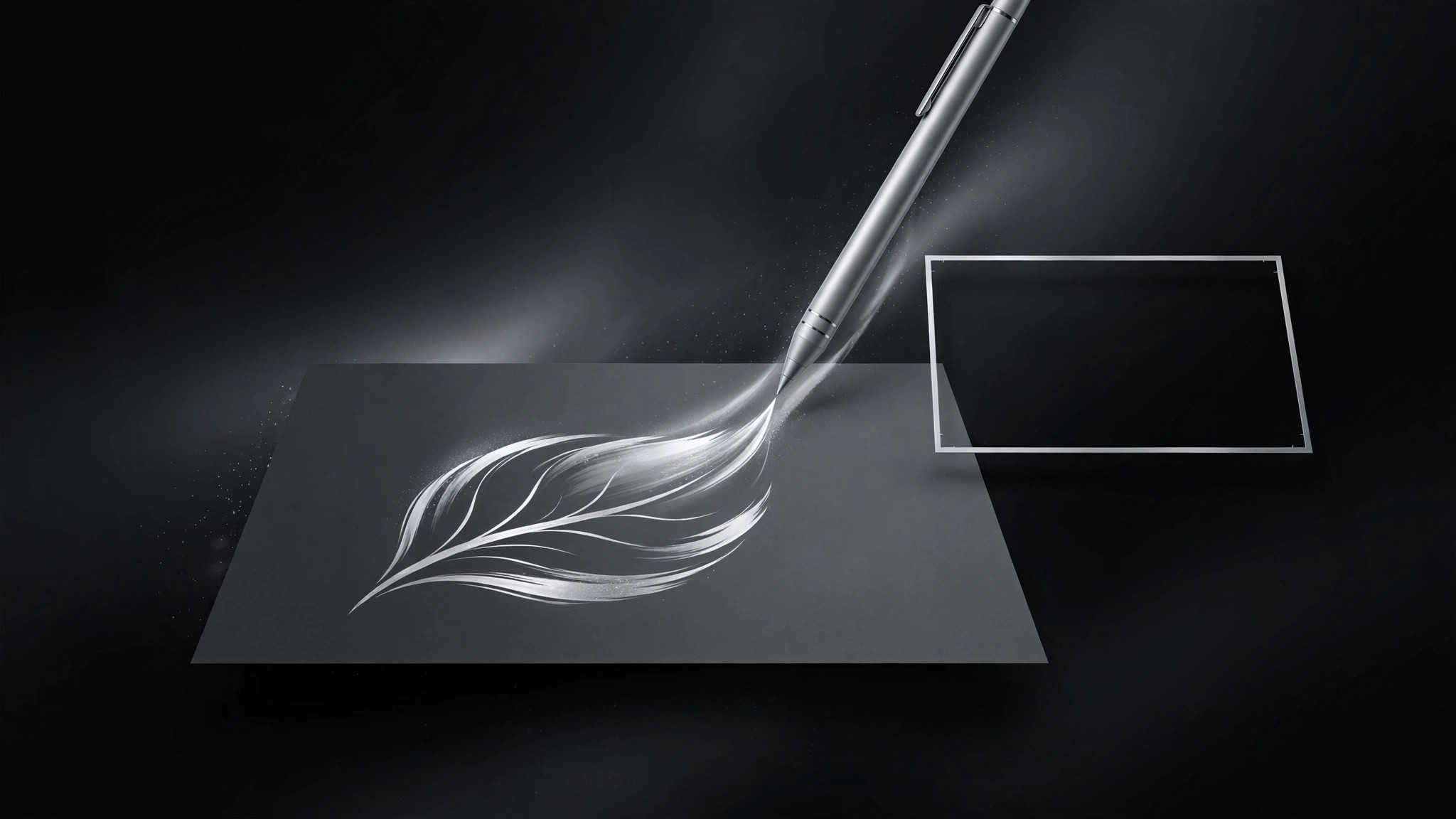
Transforme votre IA en designer d'aperçus sociaux pour les applications de dessin et d'illustration — elle crée une image OG 1200×630 nette avec un motif stylet et toile, un seul message et une typographie qui reste lisible en miniature.
Installez-la en 3 étapes
Sans inscription. Sans outils en ligne de commande. Choisissez votre IA, copiez une ligne, collez-la.
Vous préférez le faire vous-même ? Achetez la compétence ($4.99), téléchargez le ZIP depuis votre confirmation d'achat, décompressez-le dans le répertoire indiqué ci-dessus, redémarrez votre session IA — même résultat. Vous l'avez déjà achetée ? Votre assistant IA peut la télécharger pour vous.
Contenu du pack
Un fichier SKILL.md (le guide pratique) + un modèle de départ. Aperçu :
Drawing App OG Image
When to use
- You're sharing a drawing, sketching, or illustration app's homepage, feature page, or launch post and the link preview is blank or generic
- Your app's preview needs to say "drawing" in one glance — stylus, canvas, brushstroke — without a paragraph
- You want one OG image per page (homepage, features, pricing, blog) that stays on-brand and readable at thumbnail size
- Your current preview crops badly in messaging apps, or its headline is unreadable at small sizes
- You're launching on a platform where the link card is the first impression (social feeds, chat apps, forums)
Workflow
- Pick the one message (input: the page → output: one message + one visual)
Read the page and reduce it to one message of six words or fewer: what the app does, for whom, or what's new. Pair it with one visual: a stylus over a canvas, a single brushstroke forming a shape, a hand-drawn mark becoming a finished illustration. One message, one visual — an OG image that tries to say three things says nothing at thumbnail size. If the page is a feature announcement, the message is the feature; if it's the homepage, the message is the app's core promise. - Lay out the three zones (input: message + visual → output: 1200×630 layout)
Build the standard three-zone layout at exactly 1200×630: headline zone (the message, large, high contrast), visual zone (the stylus/canvas motif, one hero element), brand zone (app name or logo mark, small, in a corner). Keep the headline to two lines maximum, set in a weight that survives being shrunk to a chat thumbnail. Keep all critical content inside the central safe area — roughly 60px of margin on every side — because messaging apps and social platforms crop edges unpredictably. Never put the only copy at the very edge. - Draw the motif (input: layout → output: canvas motif)
Draw the drawing-app motif with restraint: a stylus angled over a canvas or a single confident brushstroke that resolves into a recognizable shape (a leaf, a face, a star). The stroke should look made by a hand — slight variation in width, a natural taper — not a perfect vector curve. Use the app's real brand colors; if the app has none yet, pick a paper-white or ink-black ground with one accent color for the stroke. No screenshots of the full app UI inside the OG image — at thumbnail size a UI screenshot becomes grey noise. One motif, drawn large, beats a collage. - Set the type (input: layout + motif → output: finished type)
Headline in the app's brand typeface if one exists, otherwise a strong neutral sans or a typeface with a hand-drawn feel that still reads at 100px wide. Test the real test: shrink the image to the size of a chat link preview and read it. If the headline isn't readable, shorten the words before enlarging the type — fewer words beat bigger words. The brand zone carries the app name or logo mark only; never repeat the headline there. Check contrast: dark type on light ground, or light type on dark ground, with no text sitting on top of a busy part of the motif. - Export and verify (input: finished image → output: verified OG image)
Export at exactly 1200×630 as a JPG under 300KB, and a PNG only if the design has flat color areas that JPG banding would ruin. Name the file after the page it serves (og-home, og-features). Verify with a real share: post the link in a private chat or a preview debugger and look at the actual card — headline readable, motif intact, nothing cropped. Check both light and dark chat themes if the preview sits on a colored background. Keep a one-line record of which image serves which page, so a redesign doesn't leave stale previews behind.
Aperçu du modèle
Drawing App OG Image — Build Template
One message, one motif, readable at thumbnail size. One image per page.
Page + message
- Page this image serves: {URL / page name — e.g. homepage, features, pricing}
- One message (≤6 words): "{message}"
- File name: og-{page}.jpg
Three zones (1200×630)
Safe area: ~60px margin on all sides — nothing critical at the edges.
Motif
- Motif: {stylus angled over canvas / single brushstroke becoming a {leaf / face / star}}
- Stroke feel: hand-drawn — slight width variation, natural taper, not a perfect vector curve
- Ground: {paper-white / ink-black}
- Accent: {real brand color, or one accent color}
Le pack de compétence lui-même (SKILL.md + modèle) est rédigé en anglais.
Vous aimerez aussi
 Images
Social Cover
Des couvertures de publication avec 3 recettes de composition — prêtes à l'emploi
 Images
Infographic
Transformez un paragraphe en une image — sans jamais inventer de données
 Images
Product Poster
Affiches e-commerce : arguments de vente, ancrage prix et appel à l'action en une fois